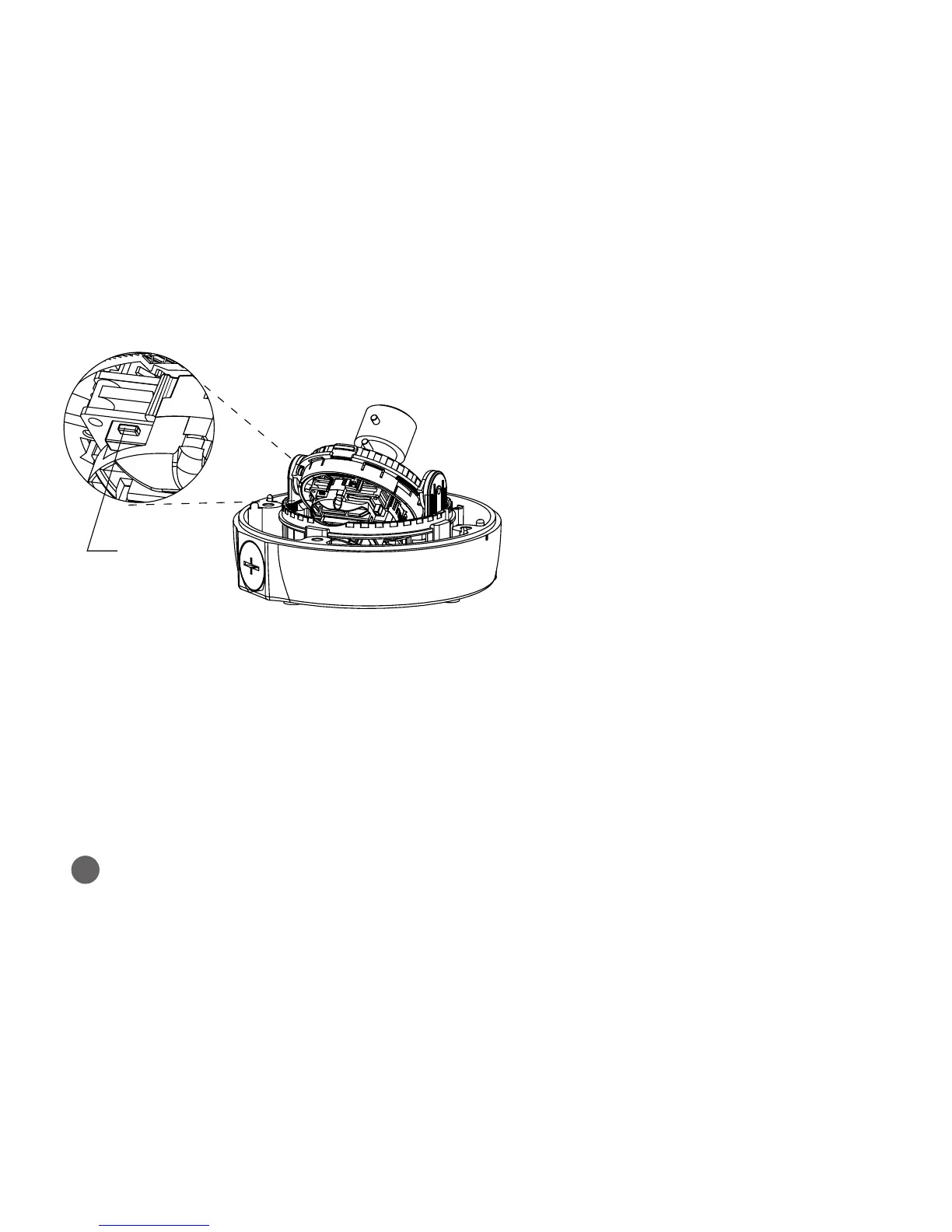
1. Switch o the Network Camera by disconnecting
the power adapter.
2. Press and hold the Reset button with a straightened
paperclip while reconnecting the power.
3. Keep the Reset button pressed during about
2 seconds or more than.
4. Release the Reset button.
5. The network camera resets to factory defaults and
restarts after completing the factory reset.
3
More information
For more information, please see the Network Camera User’s Manual, which is available on the
CD included in this package.
When performing a Factory Reset, you will lose any settings you have saved.
(Default IP 192.168.30.220)
Caution:
[IPCAM727A]
Reset Button



 To Next Page