2
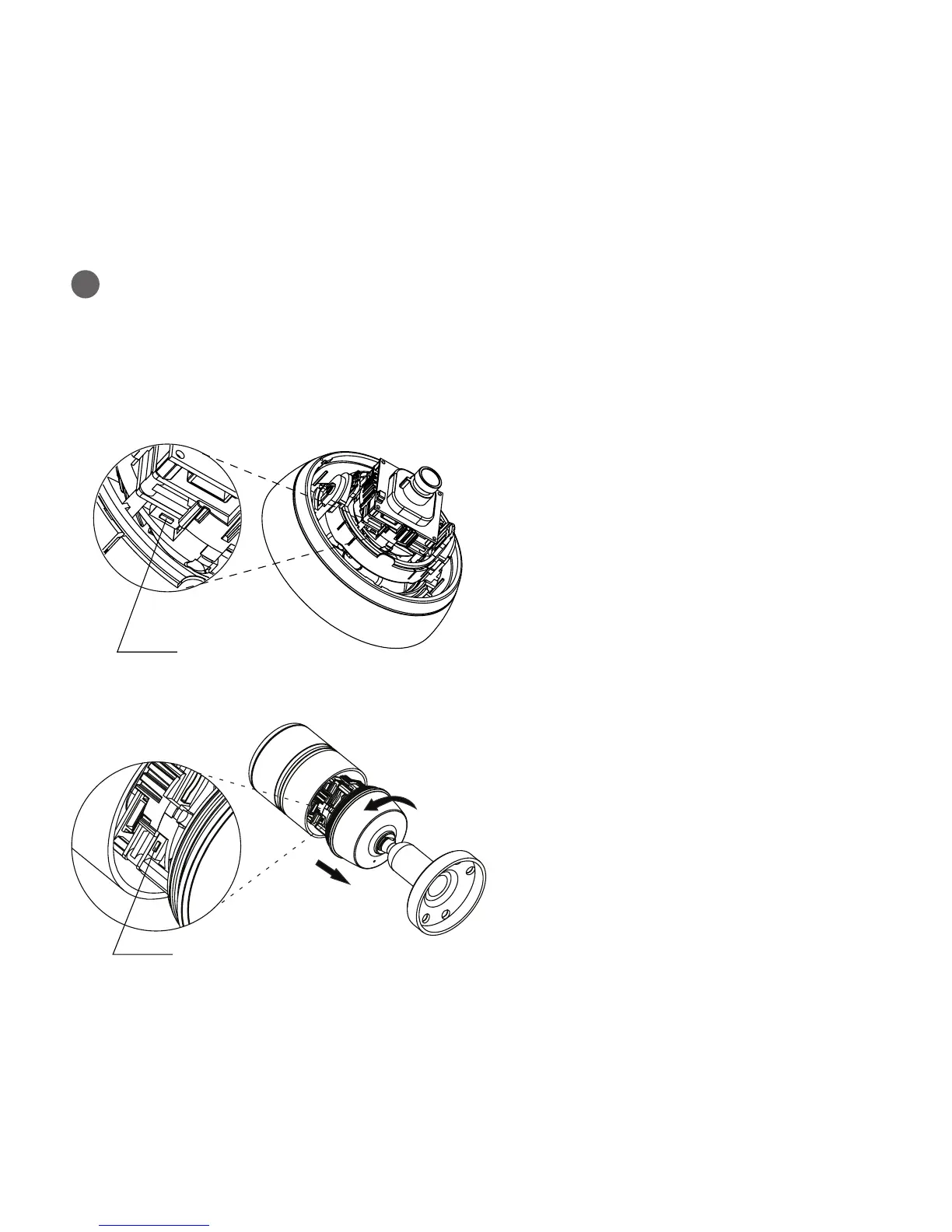
Resetting to the factory default settings
To reset the Network Camera to the original factory settings, go to the Setup>System>
Maintenance web page (described in User’s Manual, “System > Maintenance”) or use the
Reset button on the network camera, as described below
1. Switch o the Network Camera by disconnecting
the power adapter.
2. Press and hold the Reset button while reconnecting
the power.
3. Keep the Reset button pressed during about
2 seconds or more than.
4. Release the Reset button.
5. The network camera resets to factory defaults and
restarts after completing the factory reset.
1. Switch o the Network Camera by disconnecting
the power adapter.
2. Remove the front cap of the camera.
3. Press and hold the Reset button while reconnecting
the power.
4. Keep the Reset button pressed during about
2 seconds or more than.
5. Release the Reset button.
6. The network camera resets to factory defaults and
restarts after completing the factory reset.
[IPCAM720A]
[IPCAM700A]
Reset Button
Reset Button



 To Next Page