10
Record Setup
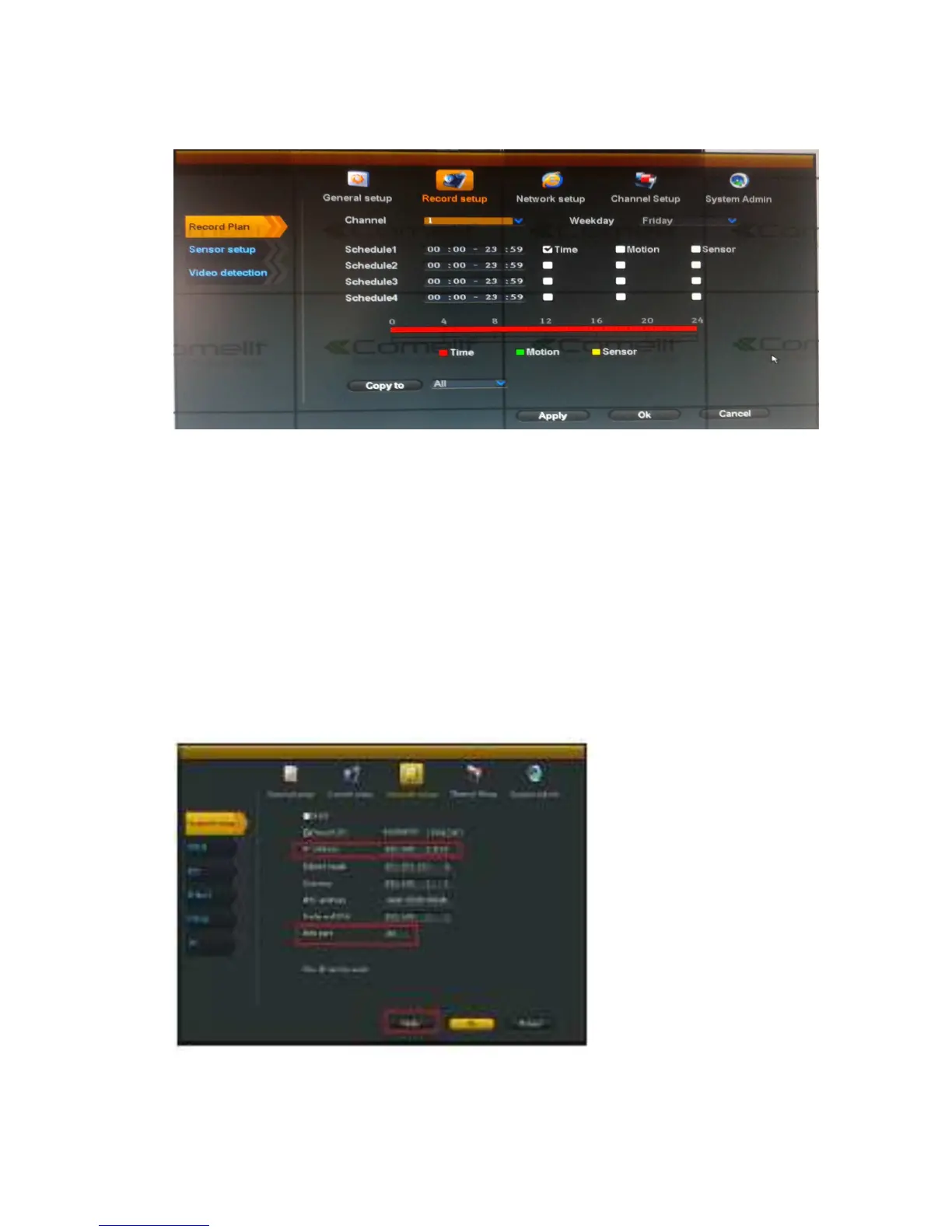
Select “Record setup”.
Channel
:
chose the channels as needed by clicking the inverted triangle
Weekday: chose the day as needed, "ALL" means all days in a week.
Schedule
:
every time slot can set different recording modes in all 4 time slot. "Time " recording with
red color, "Motion" recording with green color, "Sensor" recording with yellow color; “☑" means
enabled, “□” means disabled. The bottom parts has times status display, whole schedule from time
0~24 hours
Copy to
:
select the target channel on the right of "copy to "button, click "copy to" and ''Ok" to set
the current channel setup informations to other target video channel. By clicking the button "Cancel",
the setup informations are non-saved.
Network setup
Select “network setup”.



 To Next Page