12
Auto Switch:
user can setup the time of auto switching for preview image, it switch in single screen
or 4 channels screen.
Enable
:
“☑”start using, “□” non-start using
After the page setup is completed, click '"OK " to save the changes ; click "cancel ", non-save.
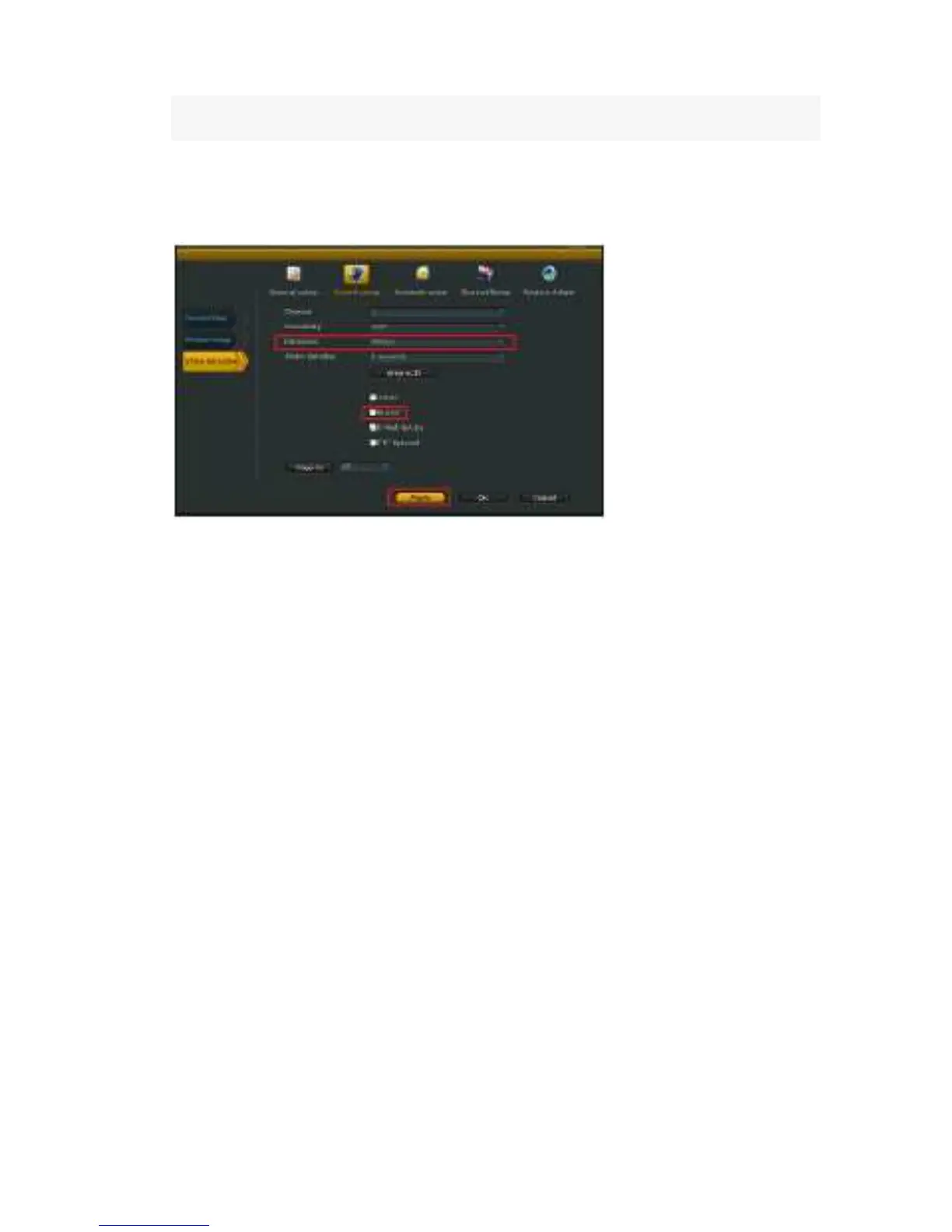
Video detection
Select”video detection”.
Channel:
the option to set the alarm channel selection box
Sensitivity
:
chose the trigger video detection sensitivity
Detection
:
select detection type --motion, video loss ,“keep out" alarm,
Alarm duration: after chose the trigger video detection, choose the time alarm.
Area edit : setup motion detection area; move by dragging the left of mouse.
Record channel : system defaulted channel after trigger video detection,
Alarm
:
“☑”means start ,“□”means non start 。
Buzzer
:
“☑”means start ,“□”means non start。
E-Mail notice: “☑” means sent E-Mail enabled, “□” means sent E-Mail disabled.
Copy to
:
select the target channel on the right of "copy to "button ,click "copy to" and ''Ok " then
system will set the current channel setup informations to other target video channel.
Click button "cancel", the setup informations is non-saved.



 To Next Page