13
PTZ Setup
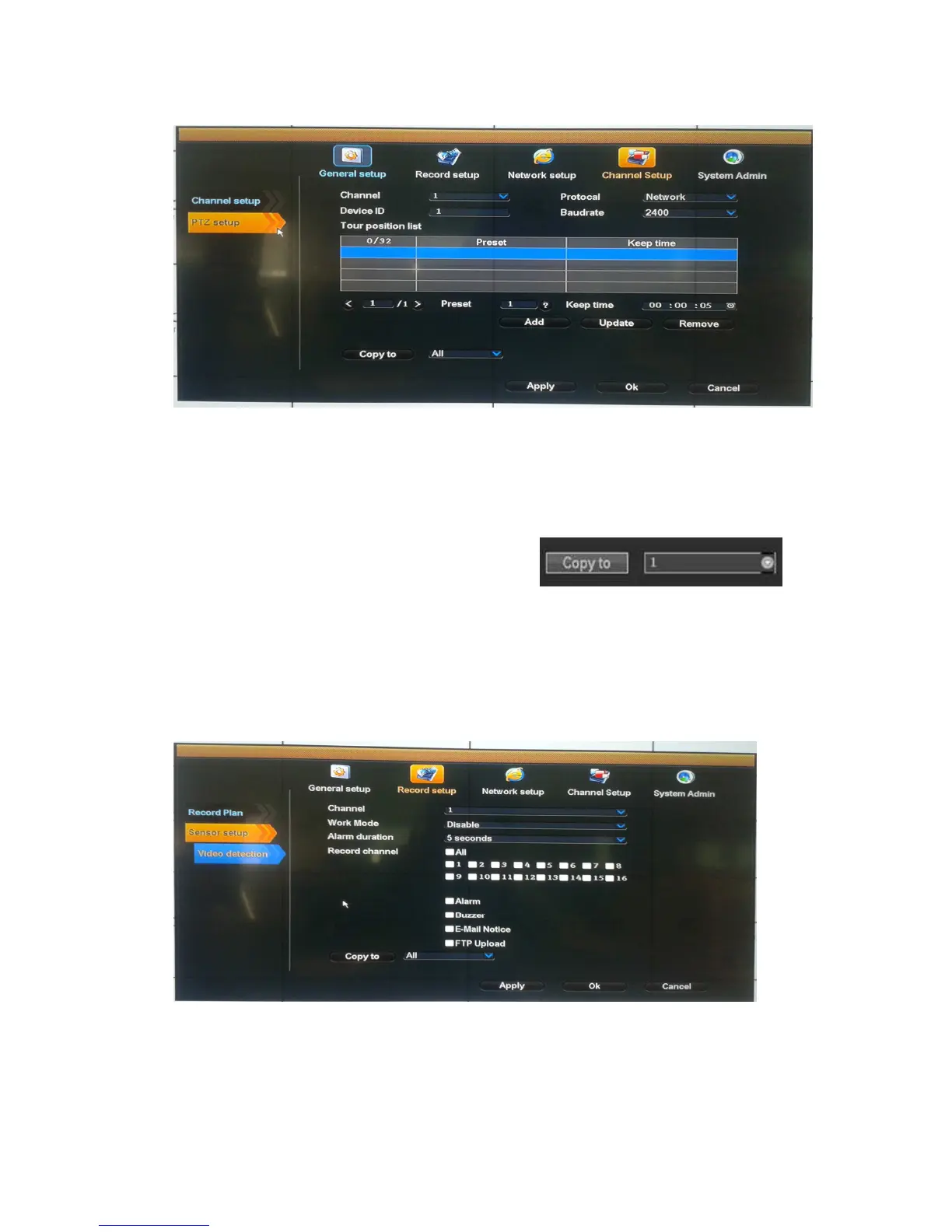
Select ”PTZ setup”
Channel: choose the right channel, click the select box to choose
Protocol: the selected protocol must be the same with the one of PTZ
Device ID: Choose the matched one of the PTZ.
Baudrate: choose the matched one of the PTZ
Copy to: choose the object route in the right select box , click
the button of “copy to”, then the informations of setting will be showed, which also can be applied in
other object routes. Or use can choose copy to “all” to make all channel in same setting.
After the setting, click the button of sure to exit with saving the setting , or click the botton of cancel
to exit without saving.
Sensor setup
Select "Sensor setup".
Channel: choose the right channel, click the select box to choose
Work mode: setting to start alarm or not
Alarm duration: set up alarm duration time
Record channel: when alarm is triggered,channel needed to be recorded



 To Next Page