14
Alarm: “☑” enable alarm, “□” close alarm
Buzzer: “☑”start buzzer, “□” close buzzer
Copy to: choose the target channel in the right select box, click" copy to" ,the setting information will
be applied to other channel.
After the setting, click "OK" to exit with saving the , or click "cancel" to exit without saving.
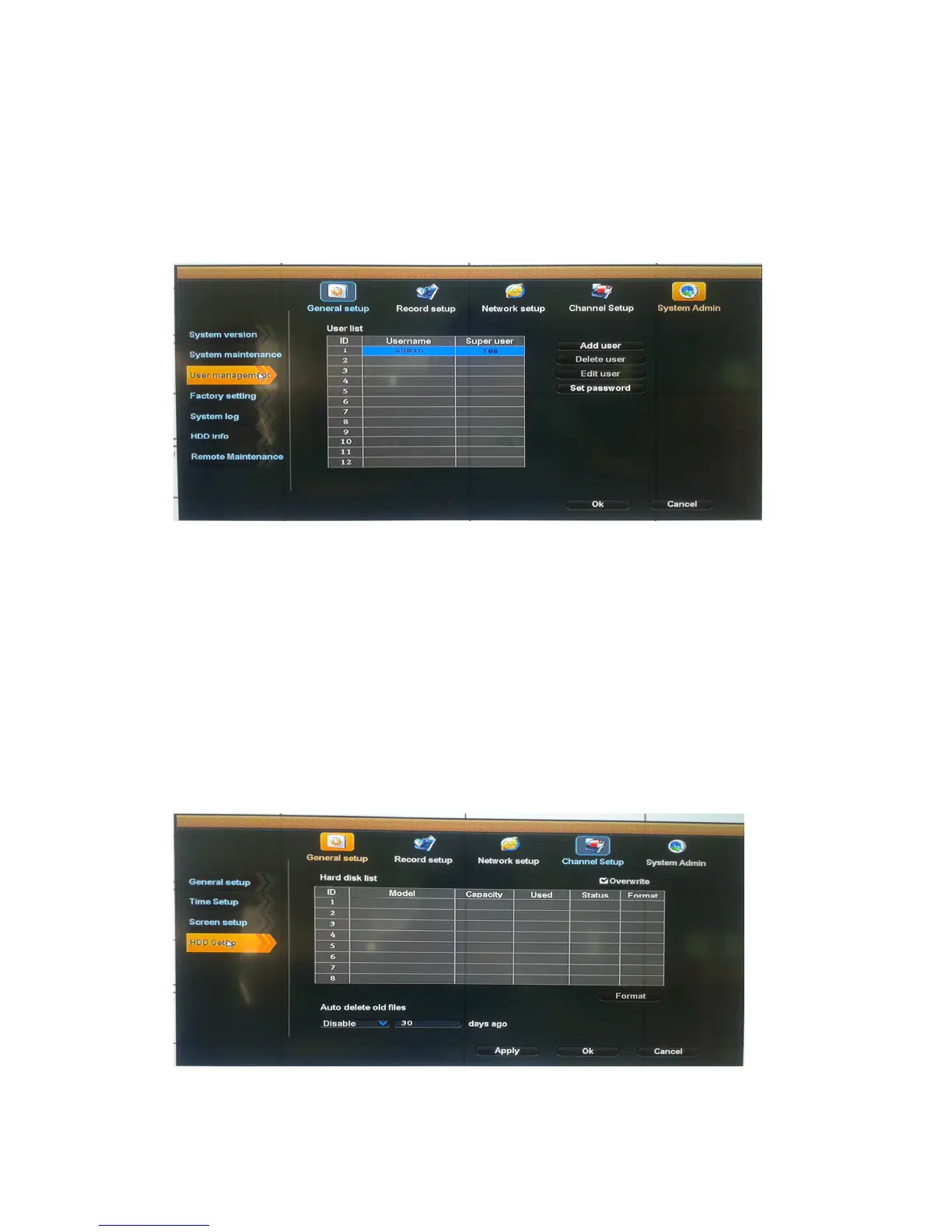
User management
Select "User management".
Add user: input a new user name in the edit box and set up the operational authority. Choosing in
the right check box, “☑” users can use it, “□” users can not use it. Click the "password setup" to set
the new password or it can be the default password.
Delete user: delete the secelted user (except Admin, other user has no the right to set up or delete
other users)
Edit user: modify the selected user (Admin, other users has no right to set up other user
permissions)
Set password: set password of logging in user
After the setting, click "OK" to save and exit, or click "cancel" to exit without saving
HDD setup
Select "HDD setup".
Overwrite: “☑” earliest recording files will be covered when the disk is full, “□"shows not cover.



 To Next Page