System Installation Guide
8
69-2688—07 I/O-CHTSTAT03
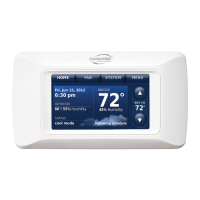
Setup thermostat
3
Initial Power Up
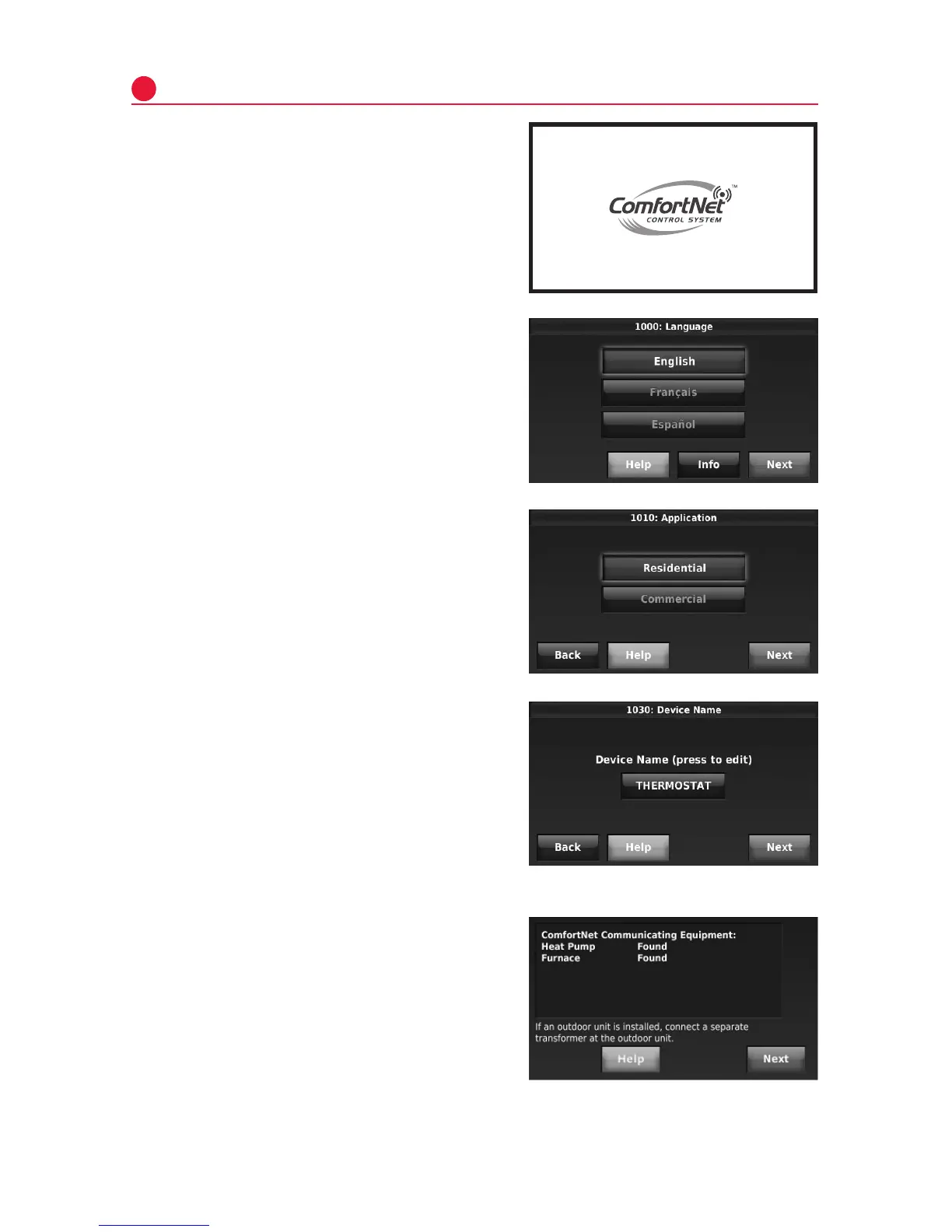
1 TurnonACpowertothesystem.
2 SelectLanguage.PressNext.
3 SelectApplication(Residentialor
Commercial).PressNext.
Thethermostatwillautomaticallyiden-
tifytheComfortNetcommunicating
equipmentinstalledandthenyouwillbe
promptedtoaddRedLINKaccessories
(page9)andsetuptheInstallerOptions
(page12).
4 EnteraDeviceName.PressNext.


 To Next Page
 Loading...