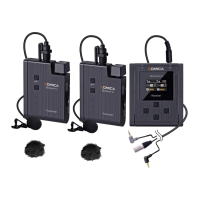
Wireless mode
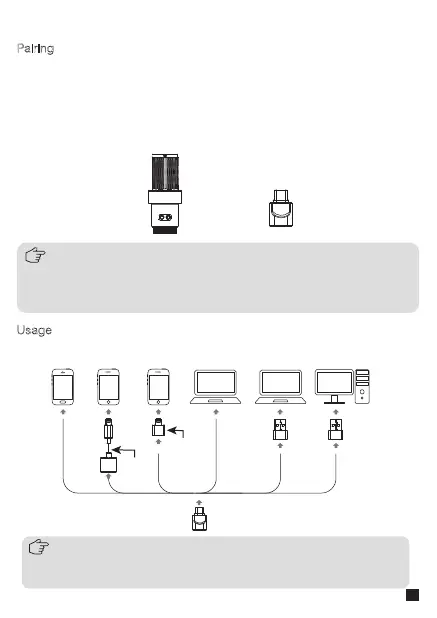
Pairing (the mic and receiver are paired by default at the factory. If you
need to re-pair in special circumstances, please refer to the following
pairing method)
Usage
Long press the two pairing keys of mic to enter pairing status, and
connect the receiver to a device to enter wireless state. At this time, the
microphone status indicator light is flashing blue. After successful
pairing, the microphone status indicator light keeps on blue
When connected with a device, please refer to the following connection methods:
1.Please purchase corresponding adapter cables/adapters support
OTG function by yourself when connected with devices
2.The wired and wireless mode can be used in sync
1.When the mic fails to pair with the receiver, please switch o the mic and
then refer to the above steps to pair again
2.Please be sure the OTG function of smartphone is turned on
first, otherwise the pairing would not be successful
Adapter
Cable
Adapter
11


 To Next Page