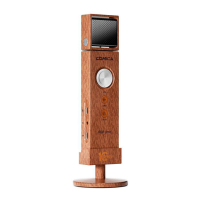
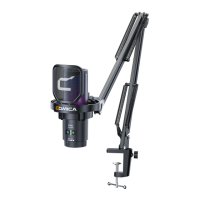
1. Muting Touch Key
Touch to adjust the microphone normal pick up or muting status
2. Muting Indicator Light
Red light keeps on when muting is on, no light will on when muting is o
3. Microphone Capsule
4. RGB Light Eect Area
5. Power Switch/Denoise/Pairing Key
Long press to turn the power on / o; short press to turn denoise on/o
6. RGB Light Power/Eect Switch/Pairing Key
Long press to turn light power on/ o;short press to switch breathing
light/dynamic gradient/ audio dynamics three kinds of light eects
7. Microphone Status Indicator Light
Long press the two pairing keys above to enter pairing status, at this
time the Microphone Status Indicator Light blinks blue light fast
Unpair
Pairing
Paired
Denoise
Low power
Charging when powered o
Fully charged when powered o
Blue light blinks slowly
Blue light blinks fast
Blue light keeps on
Green light keeps on
Red light blinks slowly
Red light keeps on
Blue light keeps on
5


 To Next Page