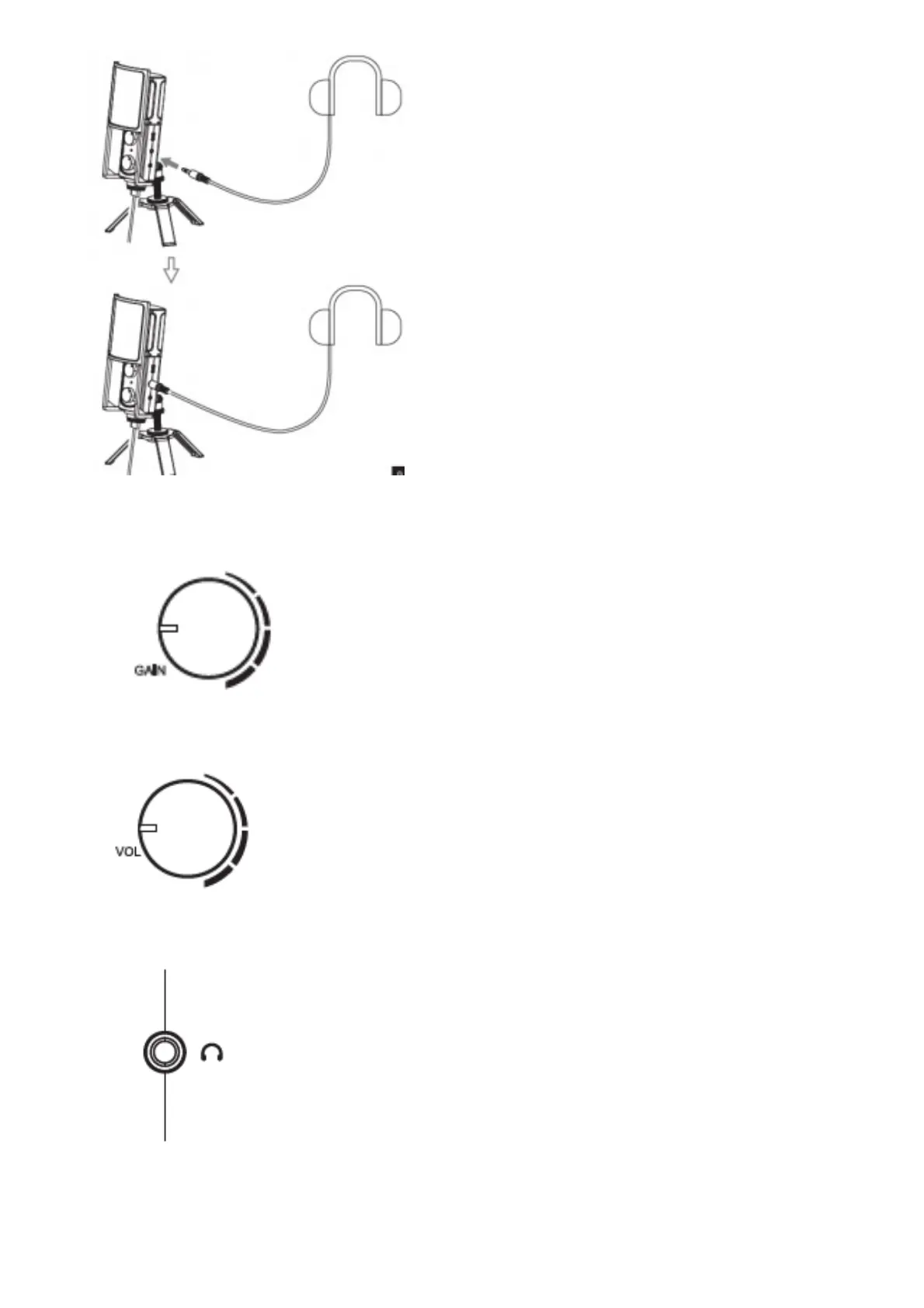
Function Introduction
1. Gain Control knob, rotate to adjust microphone gain
2. Monitor Adjustable Knob, rotate the monitor volume
3. 3.5mm Monitor Interface, insert earphone to monitor
4. Microphone Mute Button, short press can realize microphone mute and the indicator light is red



 To Next Page