Function and Usage
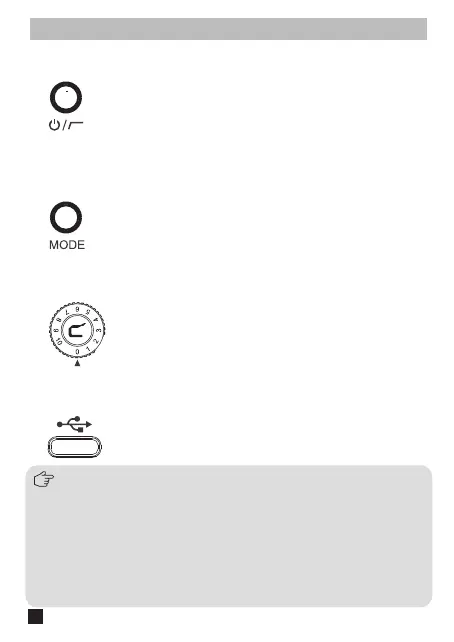
Long press to turn on the Traxshot, short press for LCF switch
1. Power/Low Cut Switch
Short press to switch mode. When working in dierent modes,
please set the Mic1 and Mic2 tube to corresponding angle
2. Mode Switch Button
The gain can be adjusted by rotating the dial
3. Gain Adjustment Dial
Plug in the USB-C cable for charging or upgrading
4.1. Long press the MODE button of Traxshot to enter upgrade
screen;
4.2. Connect the Traxshot to the computer via USB-C cable;
4.3. Copy the new version file of Traxshot to the corresponding disk;
4.4. Unplug the USB-C cable after the computer ejects the USB
flash disk;
4.5. Turn o Traxshot and Turn on Traxshot again to use new
firmware.
4. USB-C Charging&Upgrading Jack
The upgrade method is as follows:
4


 To Next Page