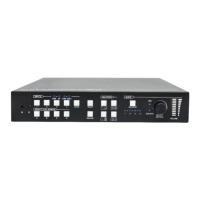
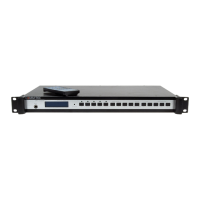
User Manual COMM-TEC UP-1080p
COMM-TEC GMBH www.comm-tec.de 12 of 21
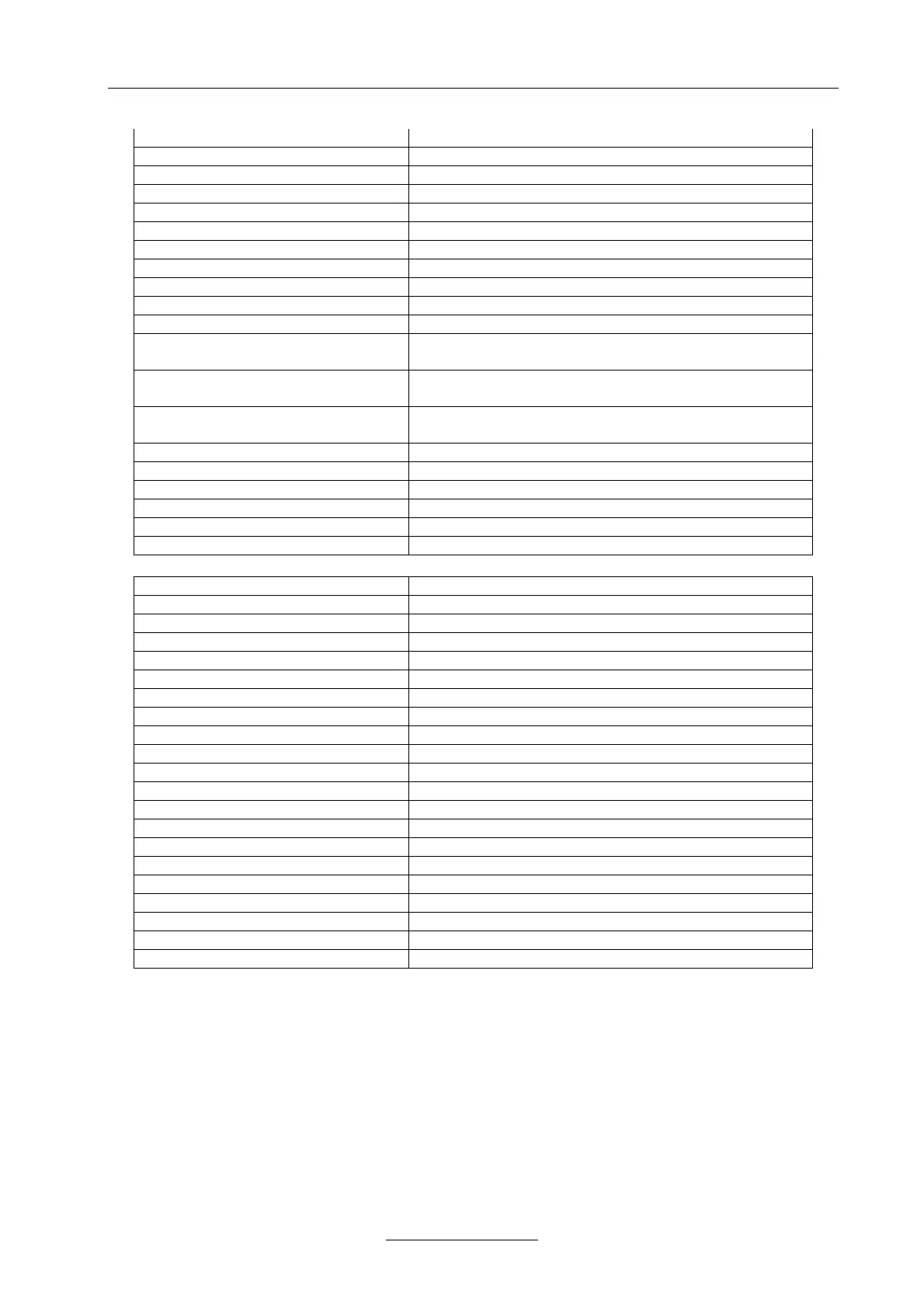
VGA Channel Command:
01$29! VGA Picture Mode: Standard
02$29! VGA Picture Mode: Dynamic
03$29! VGA Picture Mode: Soft
04$29! VGA Picture Mode: Personal
05$29! VGA Color Temp: Normal
06$29! VGA Color Temp: Warm
07$29! VGA Color Temp: Cold
08$29! VGA Color Temp: User
09$29! select VGA Auto Adjust
10$29! restore the VGA settings to the default value
xx$30! select the VGA Color temp user-R, 00--99%
(0<= xx <100)
xx$31! select the VGA Color temp user-G, 00--99%
(0<= xx <100)
xx$32! select the VGA Color temp user-B, 00--99%
(0<= xx <100)
xx$33! select the VGA H-Position, 00--99% (0<= xx <100)
xx$34! select the VGA V-Position, 00--99% (0<=xx <100)
xx$35! select the VGA Clock, 00--99% (0<= xx <100)
xx$36! select the VGA Phase, 00--99% (0<= xx <100)
xx$37! select the VGA brightness, 00--99% (0<=xx <100)
xx$38! select the VGA contrast, 00--99% (0<= xx <100)
HDMI Channel Command :
01$39! HDMI Picture Mode: Standard
02$39! HDMI Picture Mode: Dynamic
03$39! HDMI Picture Mode: Soft
04$39! HDMI Picture Mode: Personal
05$39! HDMI Color Temp: Normal
06$39! HDMI Color Temp: Warm
07$39! HDMI Color Temp: Cold
08$39! restore the HDMI settings to the default value
xx$40! select the HDMI brightness, 00--99% (0<= xx <100)
xx$41! select the HDMI contrast, 00--99% (0<= xx <100)
xx$42! select the HDMI saturation, 00--99% (0<= xx <100)
xx$43! select the HDMI sharpness, 00--20 (0<= xx <=20)
xx$44! select the HDMI hue, 00--99% (0<= xx <100)
LCD light time command:
xx$45! select LCD light time. (0<= xx <=60)
EDID command:
01$46! Read EDID from HDMI sink device.
Special Command:
01#01! read present state
02#01! read present Firmware Version
04#01! Reset to factory value


 To Next Page