EasyManua.ls Logo

Comm-Tec UP-51TS - User Manual

Default Icon
44 pages
Print Icon
To Next Page IconTo Next Page
Loading...
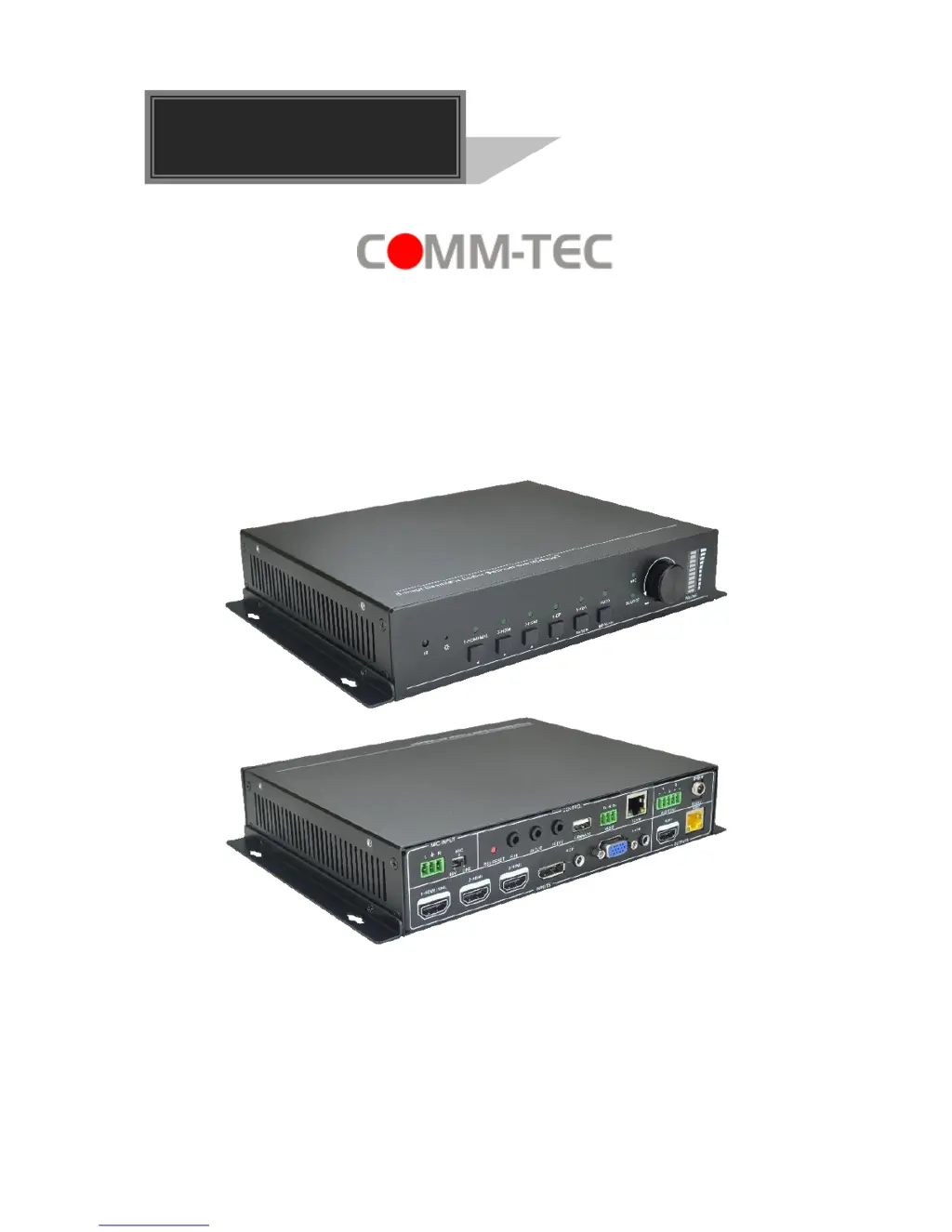
UP-51TS
Compact Scaler Switcher (with PoH)
All Rights Reserved
Version: 2016V1.3
User Manual

Questions and Answers

  • S
    Stephen LucasJul 31, 2025
    What to do if there is no output image when switching Comm-Tec Switch?
    • M
      Matthew MartinJul 31, 2025
      If you are experiencing a lack of output image when switching, it could be due to several reasons. First, check with an oscilloscope or multimeter to ensure there is a signal at the input/output end. Also, verify that all connections are secure. If these steps don't resolve the issue, the switcher itself may be broken and should be sent to an authorized dealer for repair.
  • A
    Ashley MorseAug 5, 2025
    What to do if the POWER indicator doesn’t work on Comm-Tec Switch?
    • J
      Janice BrownAug 5, 2025
      If the POWER indicator isn't working or the device isn't responding, the power cord connection may be faulty. Ensure the power cord is properly connected.
  • J
    jortegaAug 9, 2025
    Why does the Comm-Tec Switch output image have snowflake?
    • H
      hjacksonAug 9, 2025
      A snowflake-like image on the output could be due to a poor-quality connecting cable or a loose connection. Try using a high-quality cable and ensure all connections are secure.
  • A
    Anthony CarterAug 13, 2025
    How to fix EDID management issues on Comm-Tec Switch?
    • K
      Kristin ManningAug 13, 2025
      If EDID management isn't working correctly, the HDMI cable at the output end might be damaged. Try replacing it with a new, functional HDMI cable.
  • E
    emma77Aug 17, 2025
    What to do if static becomes stronger when connecting the video connectors on Comm-Tec Switch?
    • C
      Christian NavarroAug 17, 2025
      Increased static when connecting video connectors may indicate a grounding issue. Check the grounding to ensure it is properly connected.
  • A
    Anthony MillerAug 22, 2025
    How to fix inability to control Comm-Tec Switch via RS232 port?
    • E
      Erik RodriguezAug 22, 2025
      If you cannot control the device through the RS232 port, the RS232 communication parameters may be incorrect. Ensure you are using the correct RS232 communication parameters. If the issue persists, the RS232 port may be broken and should be checked by an authorized dealer.
  • M
    Mary ThompsonAug 27, 2025
    What to do if I cannot control Comm-Tec Switch using front panel buttons?
    • J
      Jim RobinsonAug 27, 2025
      If you can't control the device using the front panel buttons, but can through the RS232 port, the front panel buttons may be locked. Send command 50605% to unlock the front panel buttons.

Summary

Preface

Trademarks

Trademarks associated with the product and manual.

FCC Statement

Compliance statement regarding FCC regulations for digital devices.

SAFETY PRECAUTIONS

1. Introduction

1.2 Features

Lists the main features of the scaler switcher product.

2. Panel Description

2.1 Front Panel

Describes the layout and controls on the front of the device.

2.2 Rear Panel

Describes the layout and ports on the rear of the device.

3. System Connection

3.3 Connection Procedure

Step-by-step instructions for connecting the device.

4. System Operations

4.3 RS232 Control

Controlling the device via RS232 serial communication.

5. Specification

7. Troubleshooting & Maintenance

8. After-sales Service

Comm-Tec UP-51TS Specifications

General IconGeneral
BrandComm-Tec
ModelUP-51TS
CategorySwitch
LanguageEnglish

Related product manuals