Compact Scaler Switcher
Comm-Tec S.r.l. 30 www.comm-tec.it
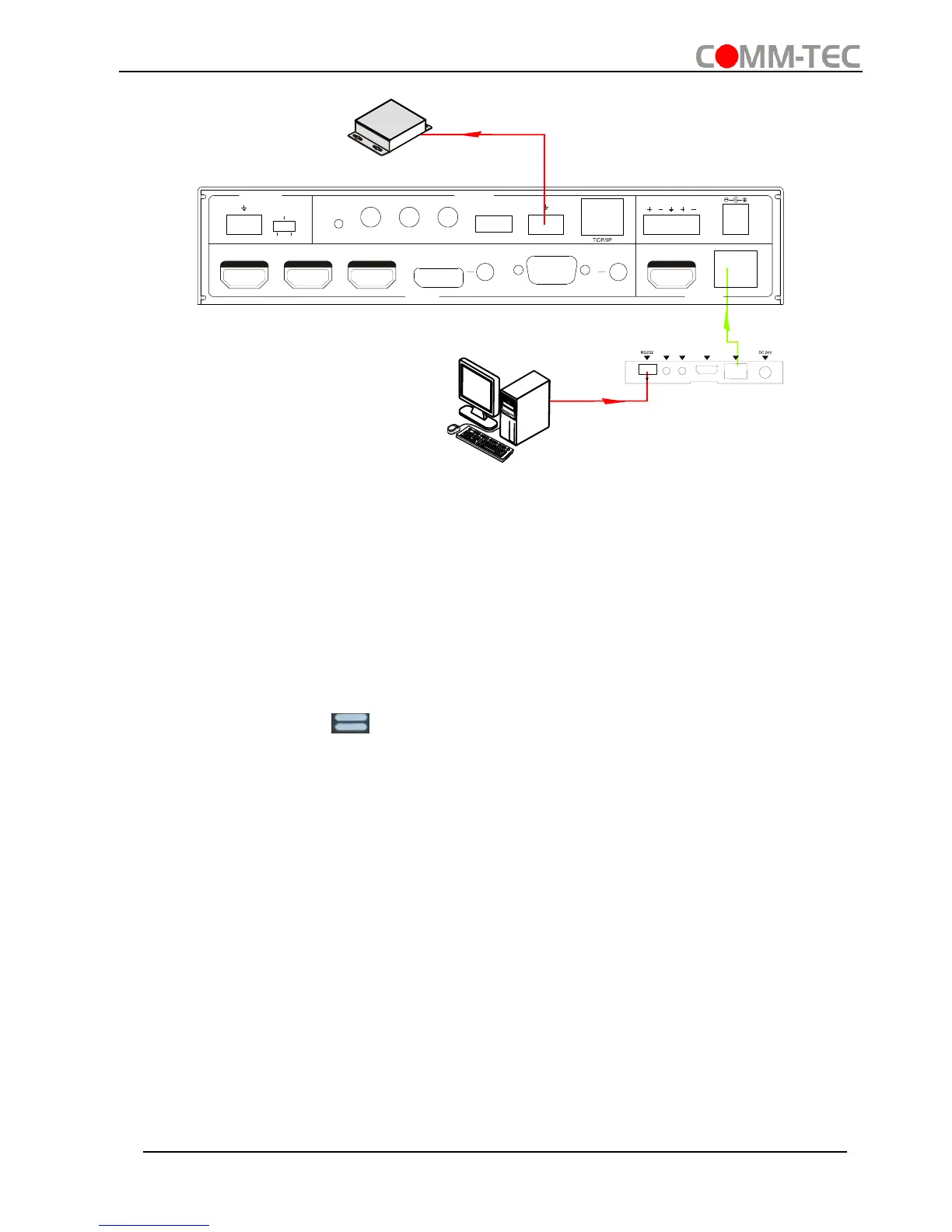
Control Compact Scaler Switcher or 3rd party device from Remote
4.4 OSD Menu Control
The Scaler Switcher provides a powerful OSD operation menu, contains 3 parts:
optional settings, image settings, and system setting etc.
There are three ways to enter OSD menu:
▪ Long-press the button MENU/2s on front panel 2 seconds or more.
▪ Press MENU button on IR remote.
▪ Send the command 50616% on RS232 Control Software.
Operation:
▪ Press direction buttons on front panel or IR remote to switch between menu options
and menu pages.
▪ Press ENTER on front panel or OK on the IR remote to confirm the selection.



 To Next Page