B.
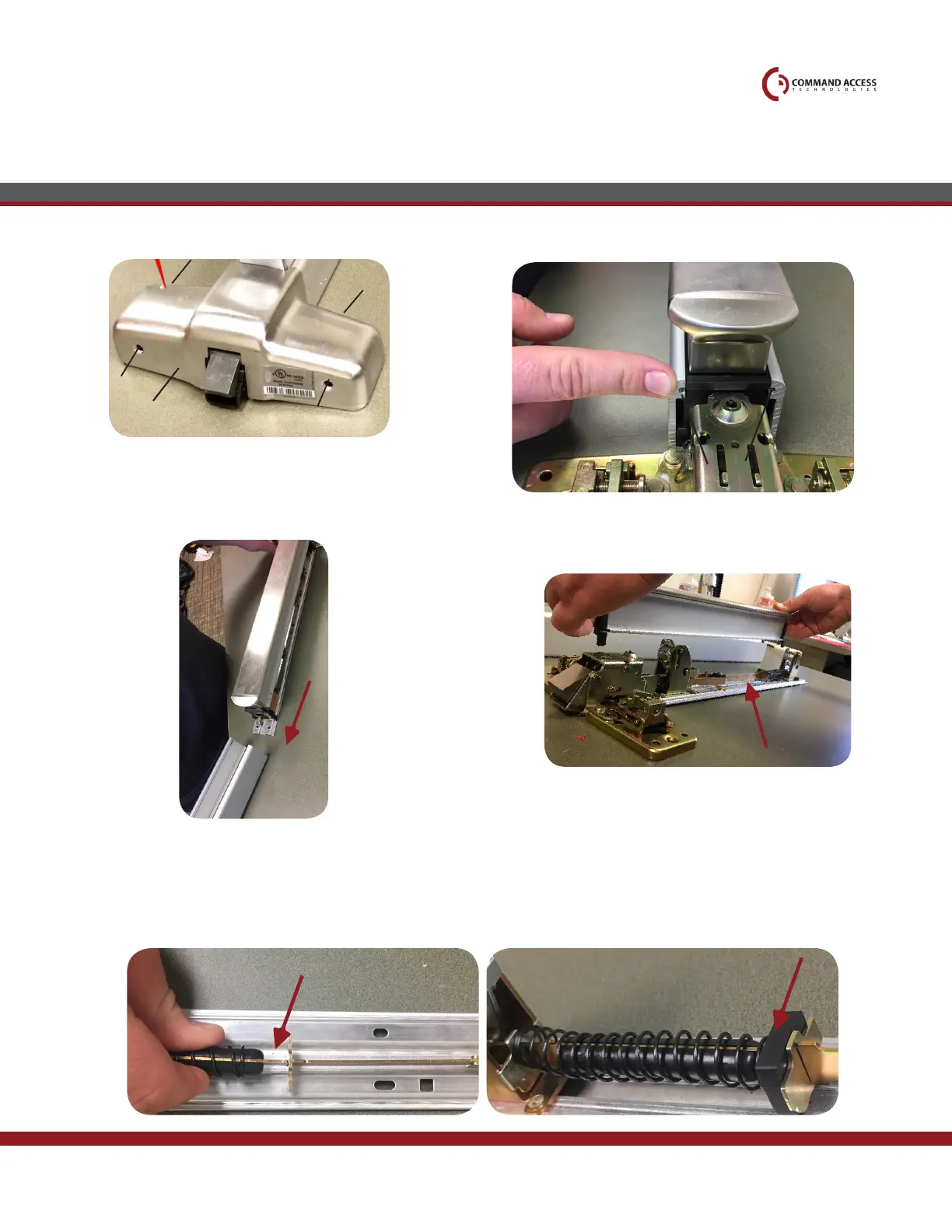
Slide off housing from baserail assembly. Remove push pad by pulling forward &
then upwards.
Pull back spring and insert spring compression bracket
in between metal plate
Once bracket is in place, continue to motor
attachment
Head cover
1
4
2
3
ScrewS
PuSH Pad
Remove (4) screws on head cover
1.
3.
4.
4. 5.
Remove mounting bracket & (2) screws with 5/16”
nutdriver.
2.
Installation Instructions
US customer support 1-888-622-2377 | www.commandaccess.com | CA customer support 1-855-823-3002



 To Next Page