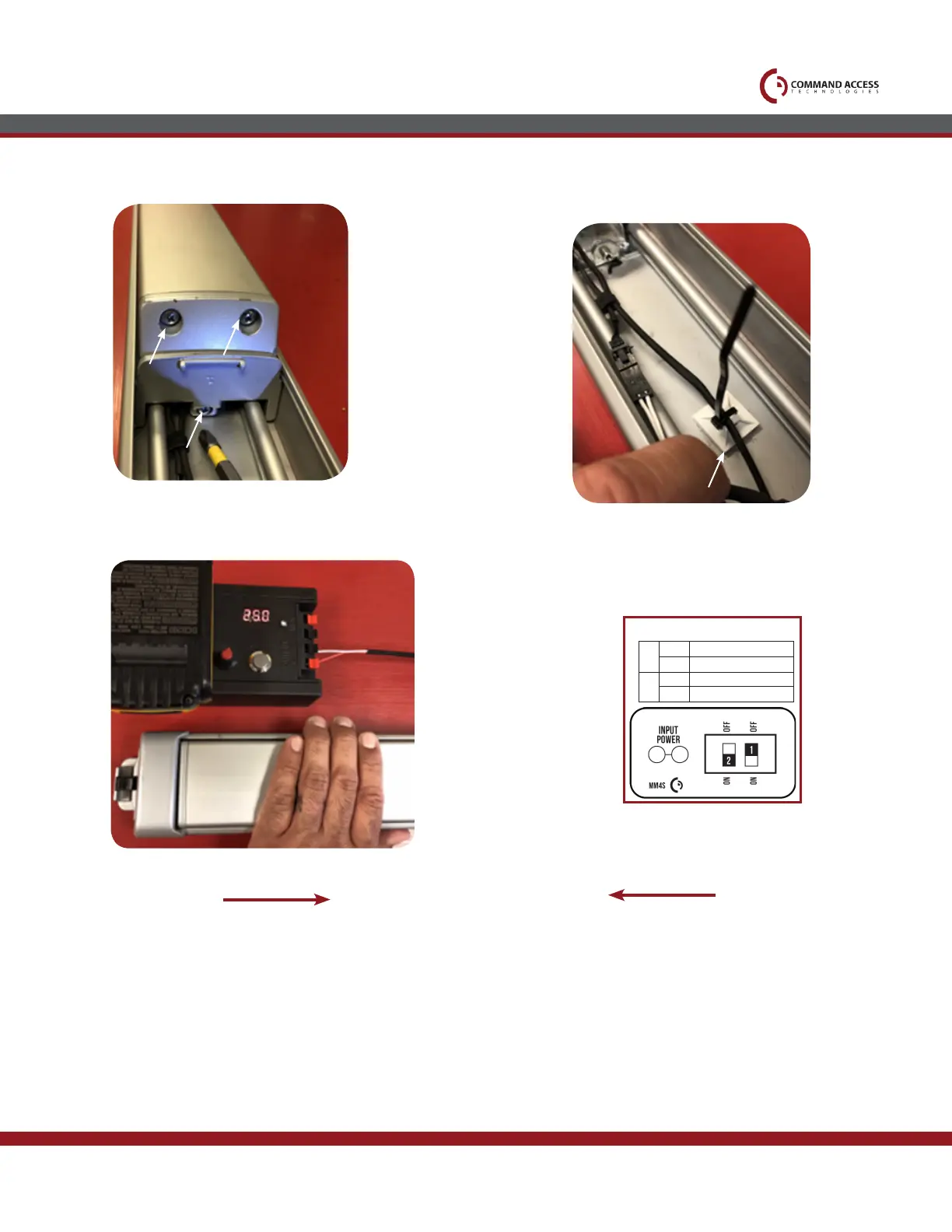
Re-install both back activiating brackets.
15.
17.
16.
If you have the REX, add sticky pad with zip tie
as a strain relief.
Next, hook up to power and set the Push-to-Set adjustment, remembering to turn the
Programming Switch to the off position when completed.
US customer support 1-888-622-2377 | www.commandaccess.com | CA customer support 1-855-823-3002
Select your preferred torque mode (ships in standard torque) Press the device push pad to the
desired setting. (Recommend to fully depress and release 5%, giving the device room for changing
door conditions.)
Step 2-
While depressing the push pad, apply power. (i.e. presenting the credential to the reader).
Step 3-
Continue to keep pad depressed, the device will beep 6 times. After the beeps have stopped, release
the pad and now the adjustment is complete. If not to your liking repeat the 3 steps.
Step 4-
Once you found the correct location, turn PTS switch to OFF position.
Setting PTS
**Important Info**
Make sure to set PTS before nishing installation
Step 1-
MM4 SWITCHES
2
STANDARD TORQUE
HIGH TORQUE
PTS PROGRAMMING OFF
PTS PROGRAMMING ON
1
OFF
OFF
ON
ON



 To Previous Page