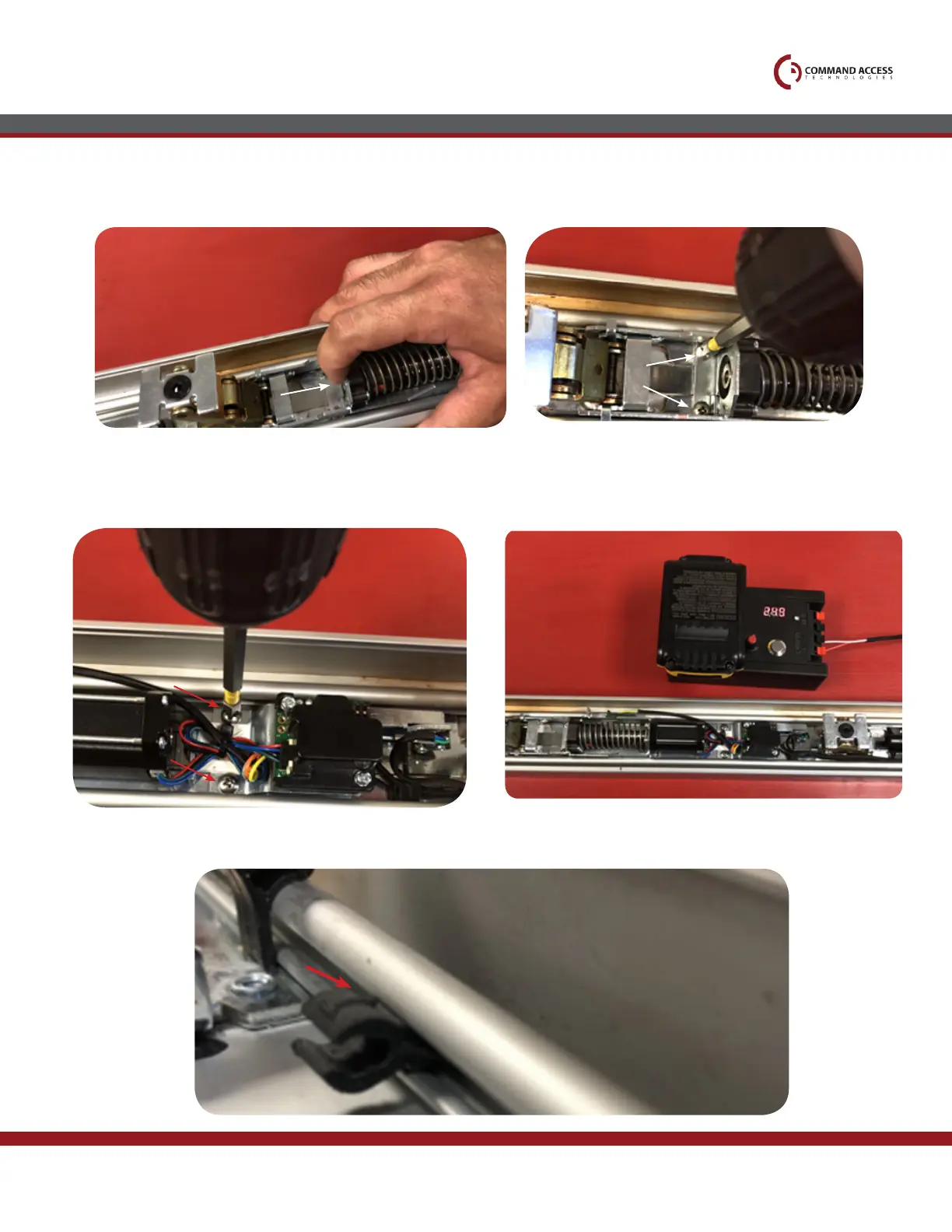
Line up back set of screw holes with
exisiting holes & install (2) scews provided;
Hook up to power to test motor
before re-assembling device.
Once the kit is on the roll pin pull back to look
them into place.
7.
9.
Line up front set of screw holes with
exisiting holes & install (2) screws provided.
8.
10.
Installation Instructions
11.
Attach Cable guides by pressing them into middle channel. Side maked T should face up.
US customer support 1-888-622-2377 | www.commandaccess.com | CA customer support 1-855-823-3002



 To Next Page