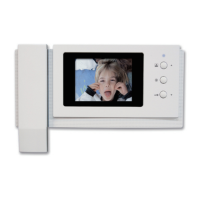
(1) Icon decription
: Move to left – Move from YEAR, MINUTE, HOUR, DAY and lastly MONTH.
(Move from right after YEAR)
: Move to right – Move from YEAR, MONTH, DAY, HOUR and lastly MINUTE.
(Move from left after YEAR)
: Select – Select to feature to change. When selecting, the feature will be blinking.
Decrease (Monitoring button) / Increase (Door open button)
( After adjustment, complete theset with button. )
: Previous – User can go back to ‘CONFIG’.
7-2-2. DISPLAY SETTING
User can see below image in LCD monitor by moving and selecting the right icon
‘DISPLAY’ in CONFIG.
(1) Icon description
: Move to left - Move from Brightness, Color, Contrast.
(Move from right after Brightness)
: Move to right - Move from Brightness, Contrast, Color.
(Move from left after Brightness)
10


 To Next Page