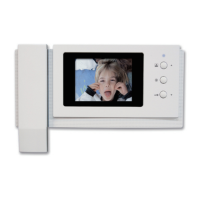
: Select - Select to feature to change. When selecting, the feature will be blinking.
Decrease the conguration value.
Increase the conguration value.
(After adjustment, complete it with button.)
: Previous – User can go back to ‘SETTING’
7-2-3. LANGUAGE SETTING
User can see below image in LCD monitor by moving and selecting the right icon
‘LANGUAGE’ in CONFIG.
(1) Icon description
: Move to left – Move from Chinese, Arabic, Perisian, Polish, Spanish, Russian,
English and lasty Korean.
: Move to right – Move from Korean, English, Russian, Spanish, Polish, Persian,
Arabic and lastly Chinese.
: Select - Select to feature to change. When changed, it will be saved
automtically.
: Previous – User can go back to ‘CONFIG’


 To Next Page