17
3) Display panel cleaning mode
- W
hen selecting ‘Cleaning mode’, the touch screen is deactivated for 30 seconds.
(You cannot stop this function until it is finished.)
4) Display
- Set the brightness of the menu screen.
ྜྷ Etc
1) Language
""
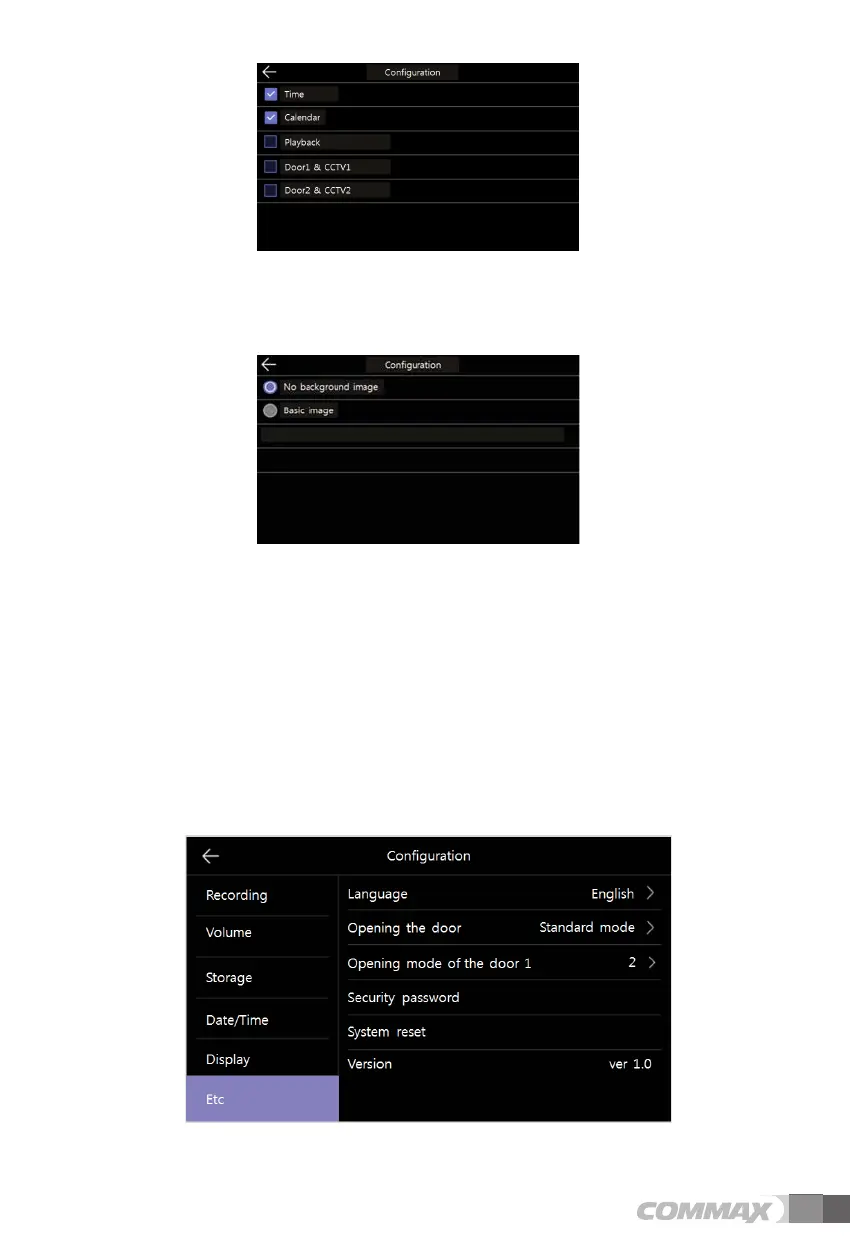
- Image of background :
Set the background image to use when applying the wallpaper frame function.
-No background image : The selected screen is displayed without background images.
-Basic image : The background is set randomly among the images stored in the
internal memory.



 To Next Page