- 13-
✽
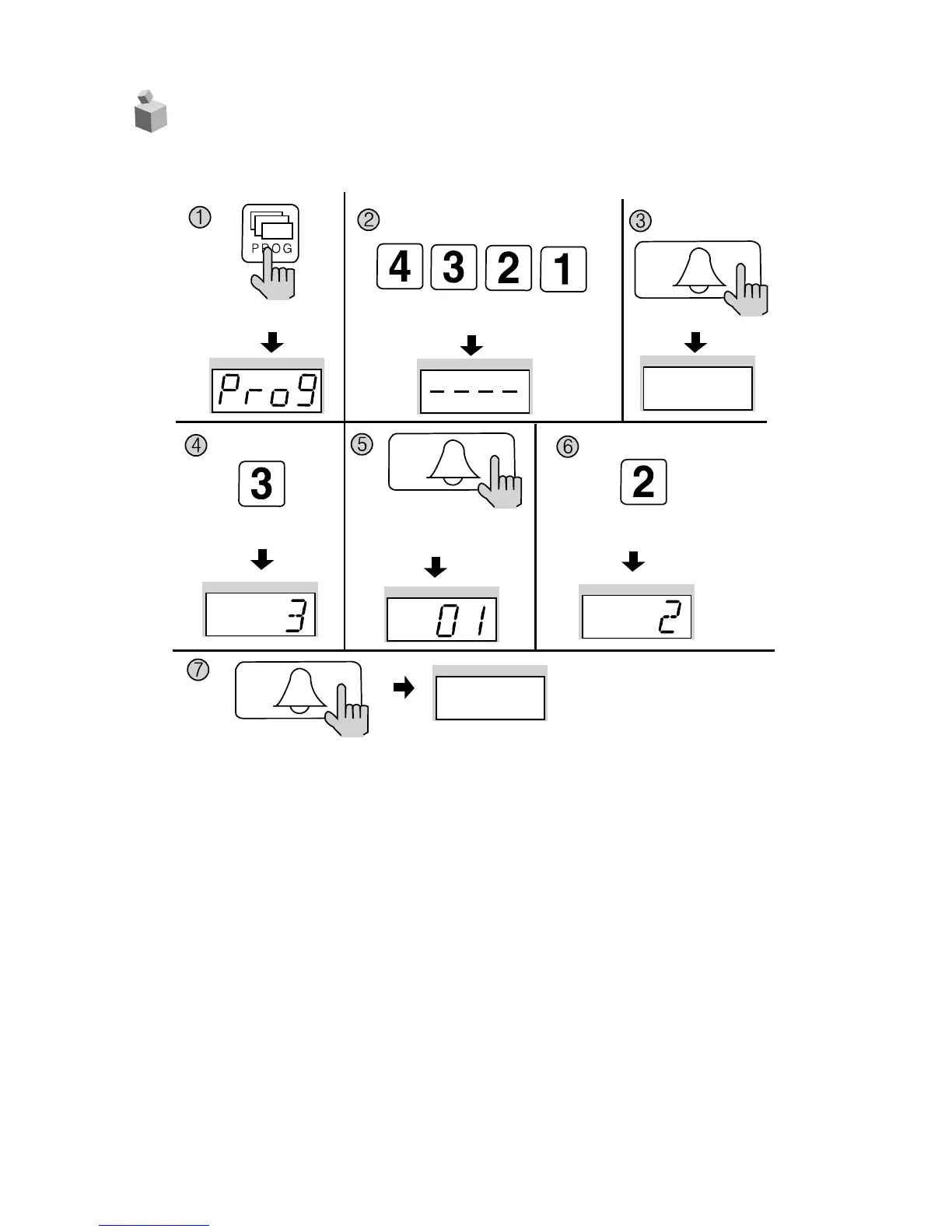
① Press the Program button (P). (‘Prog’will appear)
② Enter the Management PIN.
③ Press the Call button (E).
④ Press the Program Number (3) .
⑤ Press the Call button (E). (The Serial Number previously entered will be indicated)
⑥ Enter the new Serial Number.
⑦ Press the Call button
Serial Number has been updated.
P
ress the Program button (P).
Enter the Management PIN.
P
ress the
C
all button (E).
Press the
Program Number (3).
Press the
Call button (E).
The Serial Number previously
entered will be indicated
Press the Call button (E).
Serial Number has been
updated.
Enter the New Serial Number ex) No. 2
7.
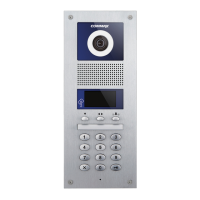
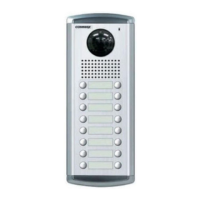
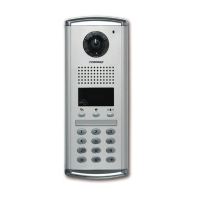
Configuring Serial Numbers in the Main Entrance Interphone
P - Management PIN - E - 3 - E - Serial Number - E


 To Next Page