- 6-
✽ Cancel Button ⑪ (X: Cancel)
This button is used to cancel the current operation.
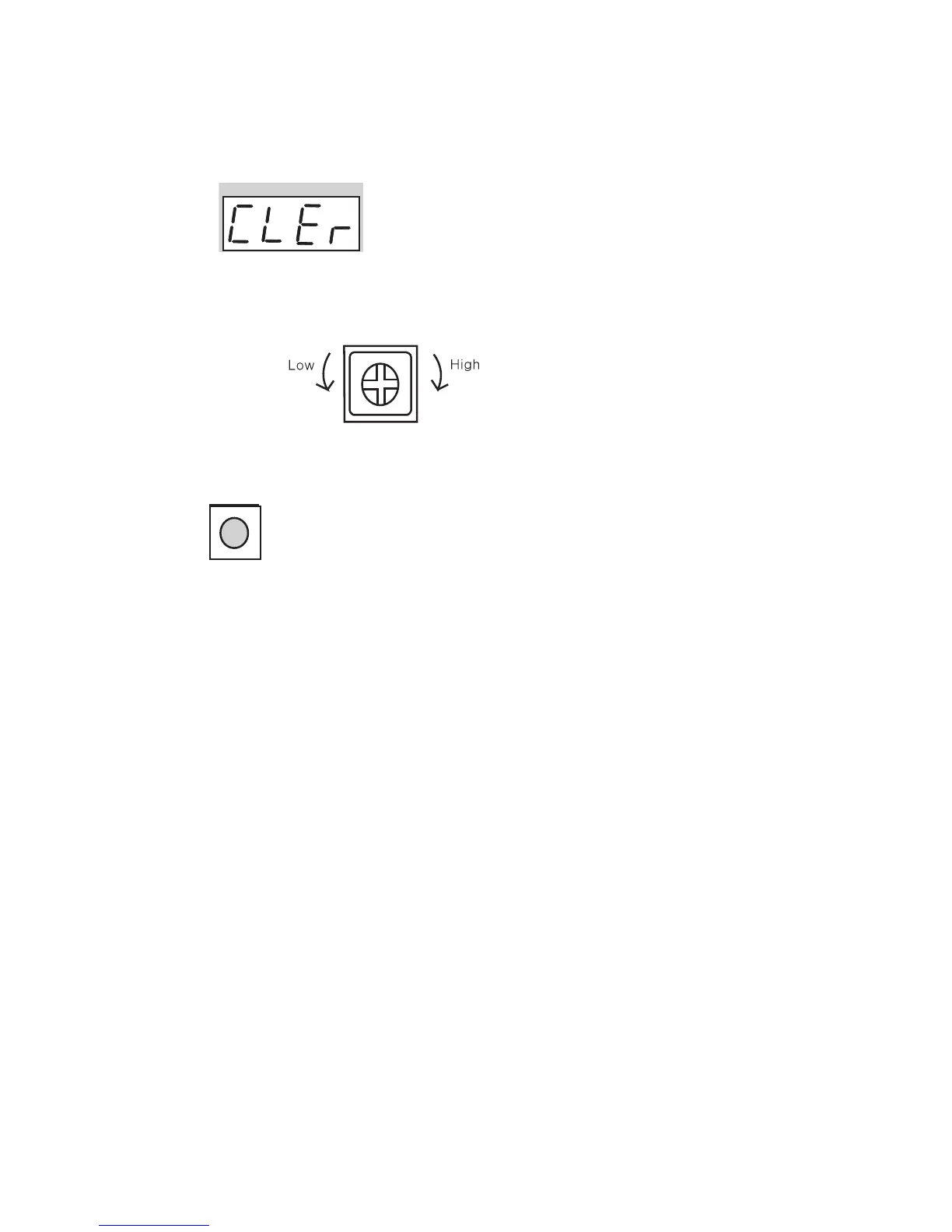
✽ Talk volume controller ⑬
Talk volume is adjustable by switching the controller to Low or High
✽ Reset Button ⑭
This button is used to reset the Building PIN or the Management PIN
✽ Change the message on FND
To change the message on FND, press the Program button (P) for 5 seconds.
1) Displaying system version
⇨ 0101-9901 SLI DRC-GAC Ver.01
2) Displaying general message
⇨ hELLo hAPPy dAy
If the Management PIN can not be remembered, press the Reset
button
To Lower the Volume To Raise the Volume


 To Next Page