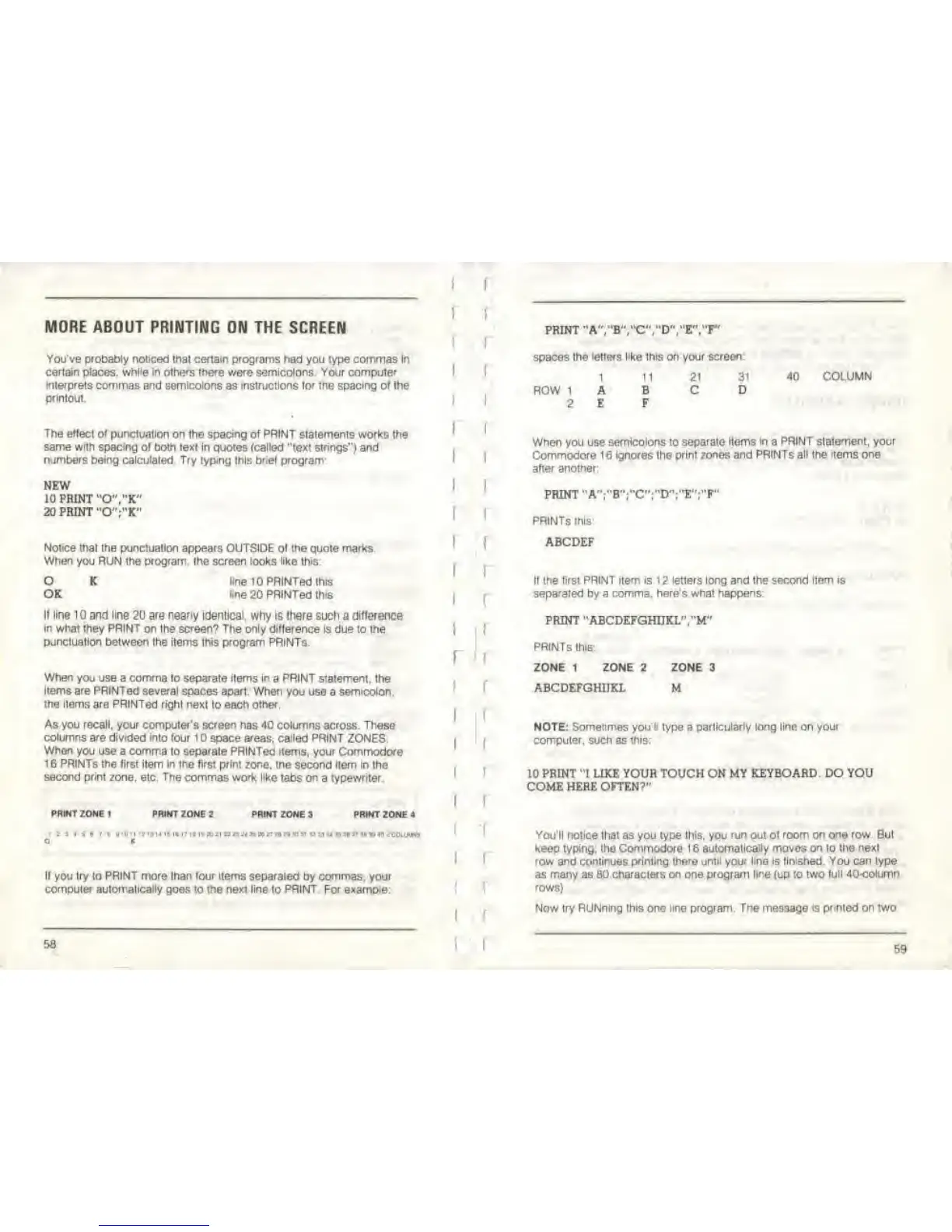
MORE ABOUT
PRINTING ON THE SCREEN
You've probably noticed
thai
certain programs had
you lype commas
In
certain places, white in others there were semicolons. Your computer
inlerprets
commas and semicolons as instructions lor the spacing of the
printout
The eflect of
punctuation on the spacing of PRINT statements works
the
same with spacing
ol both text in quotes
(called
"text strings") and
numbers being calculated Try typing this brief program
NEW
10 PRINT
"0"."K"
20 PRINT "O'V'K"
Notice that the punctuation appears
OUTSIDE ol the quote
marks.
When you RUN the program the screen looks like this:
O
OK
K One 10PRINTed this
Hoe 20
PRtNTed
th<s
If line 10 and line
20
are nearly Identical,
why
ts
there such a
difference
in
what they
PRINT
on the screen? The only difference
is due to the
punctuation between the items this program PRINTS.
When
you use a comma to separate items in a PRINT statement, the
items are PRINTed several
spaces
apart
When you use a semicolon,
the items are PRINTed right next
to
each other,
As you
recall,
your computer's
screen
has 40 columns across. These
columns are divided into four 1
space areas,
called
PRINT ZONES
When
you
use a
comma
to
separate
PRINTed
items,
your Commodore
1
6
PRINTS the first
item In ihe first print
zone, tne second item in the
second print zone.
etc.
The
commas work like tabs on
a
typewriter.
PRINT ZONE
<
PRINT ZONE 2
PRINT
ZONE
3
PRINT
ZONE *
<
r i . i •
i
« !'pii».nini(.wiiDi>M»JH'B»B»nanimi"»n«i<coiw™
O K
If
you
try to PRINT more than four items
separated by
commas,
your
computer automatically goes to the next line to PRINT For example:
I
I
I
58
I
I
f
print'
a"
rwro'rD"
;•&","?'
spaces
the
letters like
this on
your
screen:
1 11
21
3'
40
COLUMN
ROW 1 A
B
C
D
2 E
F
When you use
semicolons
to
separate items In a PRINT
statement, your
Commodore 16 ignores the print
zones and PRiNTs all
the
items one
after another;
PRINT
"A";"B";"C";"D";"E";"F"
PRINTS ims
ABCDEF
II
the first PRINT item is 1 2 letters long and the second itBm is
separated by a comma, here's what
happens:
PRINT "ABCDEFGHIIKL'V'M"
PRINTS this;
ZONE 1 ZONE 2 ZONE 3
ABCDEFGHJJKL M
NOTE: Sometimes youli type a
particularly long line
on
your
computer, such as
this:
10 PRINT "I LIKE YOUR TOUCH ON MY KEYBOARD. DO YOU
COME HERE OFTEN?"
You'll notice
lhat as you type
this,
you
run
out
ol room on one row. But
keep
typing; the
Commodore 1
6
automatically moves
on
io the
nexl
row
and continues printing
there until your line is linished. You can
type
as
many
as BO
characters on
one
program line
(up to
two full 40-column
rows}.
Now try RUNnlng this one line program.
The
message
is printed
on two
59



 To Next Page