tows. If your
lino is longer than one row. your
Commodore 1 6 lets
It
spill
over to the next row Your computer considers
the
line
ended
when you press Ihe
HETUWf key, nol when
you lype lo
the end of
the
row You'll
get used to tins
as you use your Commodore 1
6
USING VARIABLES
The example 36*(1
2+(A/3)) shows one of
the
most powerful
fealures
of a computer. When
you
have
a
letter
instead of
a
number in
a
mathematical
problem, you're using
a
VARIABLE.
A variable
represents
a
value:
10A-3
20PRINT"TOTAL:";A'4
If you RUN this program, the screen result is.
TOTAL:
12
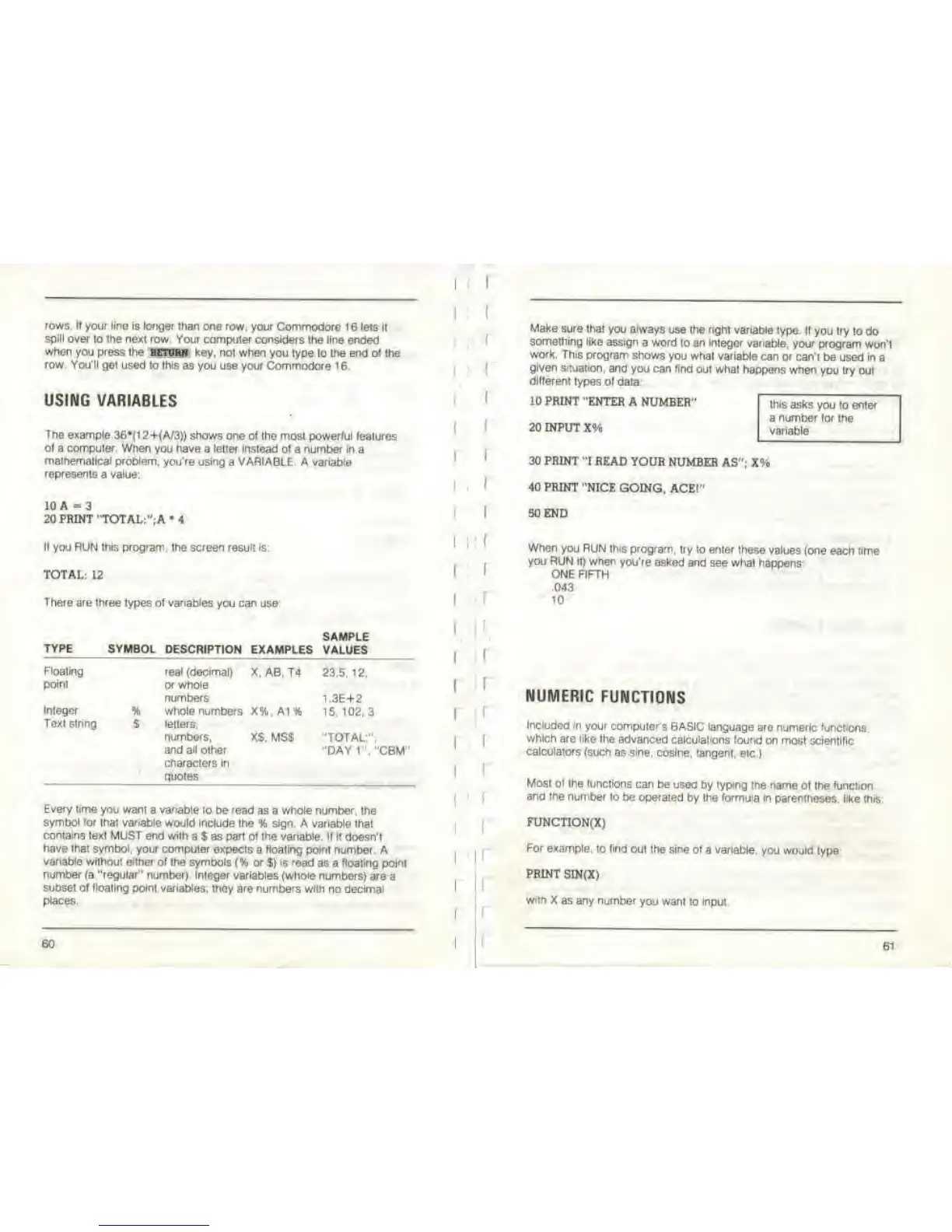
There are three
types
of variables
you
can
use
SAMPLE
TYPE
SYMBOL DESCRIPTION
EXAMPLES VALUES
Floating real
(decimal)
X, AB, T4 23.5. 12.
point or whole
numbers
1.3E+2
Integer
% Whole numbers X%, A1%
15.102.3
Text siring
S letters,
numbers. XS.
MSS "TOTAL:",
and all other
"DAY
1"."CBM"
characters in
quotes
Every time
you wanl
a
variable
to be
read
as a whole number, the
symbol tor
that
variable
would Include
the % sign A variable that
contains text
MUST end with a $ as part of the variable tf
it doesn't
have that symbol, your computer
expects a floating point
number. A
variable
wilhout either of the symbols
f
% or
%)
is read
as
a
floating point
number
(a "regular" number). Integer variables (whole numbers)
are
a
subset of floating point variables:
they are numbers with
no
decimal
places
60
I
'
(
f
Make sure
that you always
use the nght variable
type. If
you
try
to do
something like
assign a word
to an integer variable, your
program won't
work.
This program
shows
you what
variable
can or can't
be used in
a
given situation, and
you can
find
oui
what happens when
you try out
different
types ol
data:
10 PRINT
"ENTER A NUMBER*
20 INPUT
X%
this asks
you to enter
a
number for
the
variable
30 PRINT "I READ
YOUR NUMBER
AS"; X%
40 PRINT
"NICE GOING.
ACE!"
50 END
When you RUN this program,
try
to
enter
these values
(one each time
you RUN it) when
you're asked and
see
whal happens
ONE
FIFTH
.043
10
NUMERIC
FUNCTIONS
Included in
your
computers BASIC language
are numeric functions,
which
are like the
advanced calculations found
on most scientific
calculators
(such as sine,
cosine, tangent, etc
)
Most ol Ihe functions can
be used
by
tvp<ng the
name ol Ihe function
and the number
to be operated
by the
formula
in parentheses,
like this
FUNCTION(X)
For
example, to find
oul the
sine
of
a
variable,
you would type
PRINT SIN(X)
with X
as any number
you wanl to Input.
61



 To Next Page