refers
lo the precision
and
control
you have in drawing; with nigh
resolution graphics,
you can
use
commands
thai let you draw and
erase
dots,
lines, circles,
and other shapes.
There is one limit
to
high-resolution
(hi-res tor short) graphtcs.
Your
computer can only
use
two colours in each
8*8 character position,
That Is.
each 8x8 space on the screen
(where a*
single
character
would fit) is limited
to two colours {foreground and
Background
colour
tor that square)
You can use different colours for each different
character
position, but only
two
colours within
mat position. Anolhei
graphic
mode that will be covered later
in this section, multi-colour
mode, allows
up to four differenl colours
per
character position
at the
cost of the resolution available in
the
high-resolution
mode
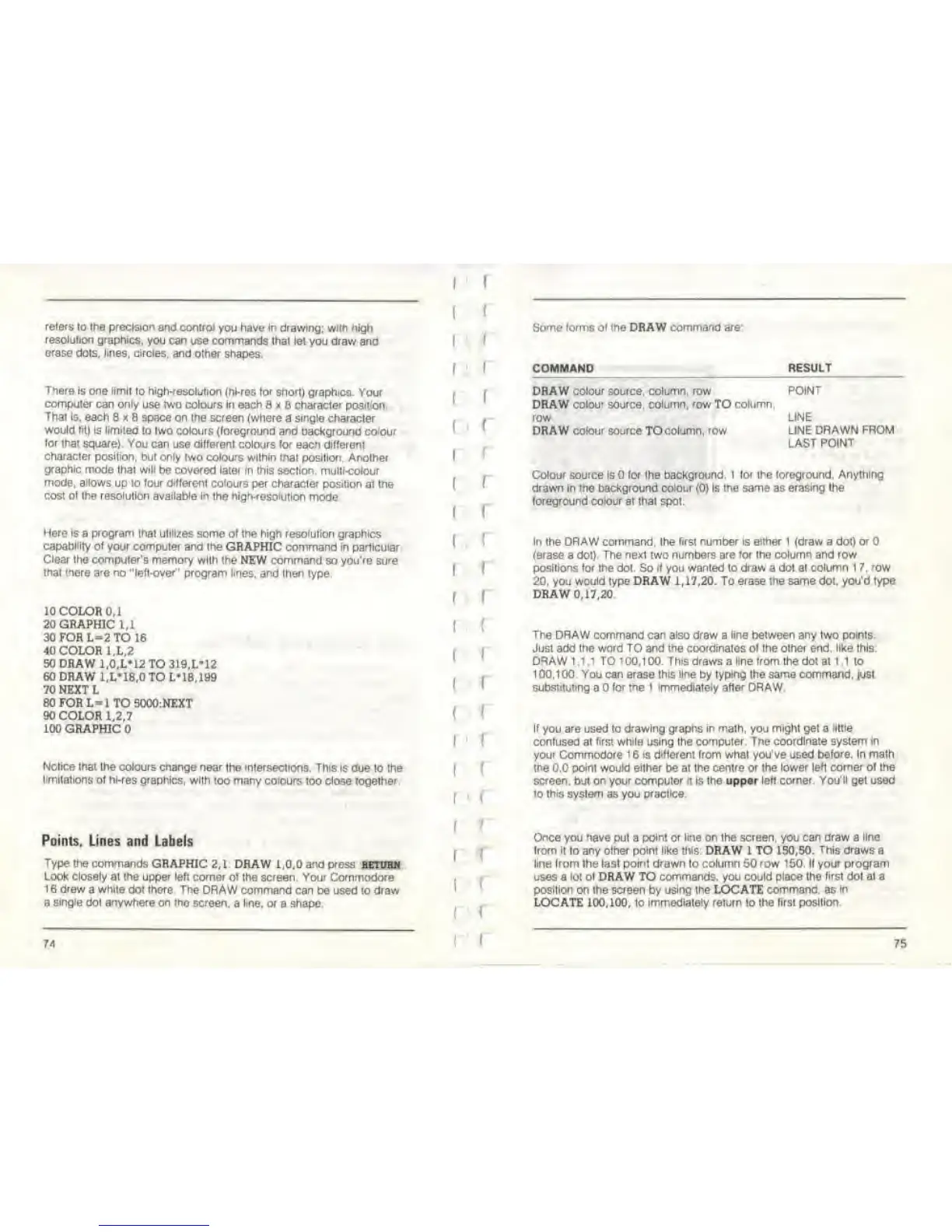
Here is
a
program that utilizes
some of the high resolution graphics
capability of your computet and the
GRAPHIC command in particular.
Clear the computer's memory
with
the
NEW command so you're sure
that there are
no "left-over" program tines, and
then type.
10 COLOR 0,1
20 GRAPHIC
1,1
30 FOR L=2 TO
16
40 COLOR 1.L.2
50 DRAW
1,0,L*12 TO 319.LM2
60 DRAW
l.L'18,0 TO L-18, 199
70 NEXT L
80FORL-lTOS000:NEXT
90 COLOR
1,2
J
100 GRAPHIC
Notice mat the colours
change near the intersections. This is
due lo the
limitations
of hi-res graphics, with
too many colours too close together.
Points, Lines and
Labels
Type
the commands GRAPHIC
2,1 DRAW 1,0,0
and press
betdrn
Look
closely
at the
upper
left corner of the screen. Your Commodore
1
6
drew
a white dot there The
DRAW command can be used to draw
a
single
dot
anywhere
on
tho
screen,
a
line, or
a shape.
74
I
!
I
I
I
I
i
I.
!
(
I
(
I
I
I
!
I
(
I
I
(
I
Some
forms of
the DRAW
command are
COMMAND
RESULT
DRAW colou'
source,
column, row
DRAW
colour source, column, row
TO
column,
row
DRAW
colour
source TOcolumn, row
POINT
LINE
LINE
DRAWN FROM
LAST POINT
Colour source
Is
for the background. I for the foreground. Anything
drawn in the background colour
(0)
Is the same as
erasing
the
foreground
colour
at that spot.
In
the
DRAW command, the first number is either I {draw a dot) or
{erase
a dot).
The next two numbers are for the
column
and row
positions
for the dot. So if you wanted to draw a dot at
column
1 7.
row
20, you would type DRAW 1,17,20. To erase
the
same
dot,
you'd
Type
DRAW
0,17,20
The DRAW command can also draw
a
line between any two
points.
Just add the word TO and the coordinates of the other end, like this.
DRAW 1 ,1
,1
TO
1
00,1 00.
This
draws a
line
Irom the dot at
1
.1 lo
100.100. You
can
erase
this line
by
typing
the
same command, just
substituting
a
for the 1 immediately after DRAW
If
you
are
used
lo drawing graphs in malh, you might get a
little
confused at first
while
using the computer. The
coordinate
system
in
your Commodore
1
6
is different
from what you've used
before. In math
the
0.0
point would either
be at Ihe
cenire or Ihe lower
left comer of
the
screen, but on your computer n Is the upper
left corner. You'll
get used
to this
system as you
practice.
Once
you
have
put a
point
or
line on
the
screen,
you
can draw
a
line
from it
to
any other point like this: DRAW 1 TO 150,50.
This
draws a
line from Ihe last poinl drawn lo column 50 row 150. If your program
uses a
loi
ol DRAW TO commands, you could
place Ihe first dot at a
position
on Ihe
screen
by
using the LOCATE command, as
in
LOCATE 100,100, to
Immediately return
lo
Ihe first position
75



 To Next Page