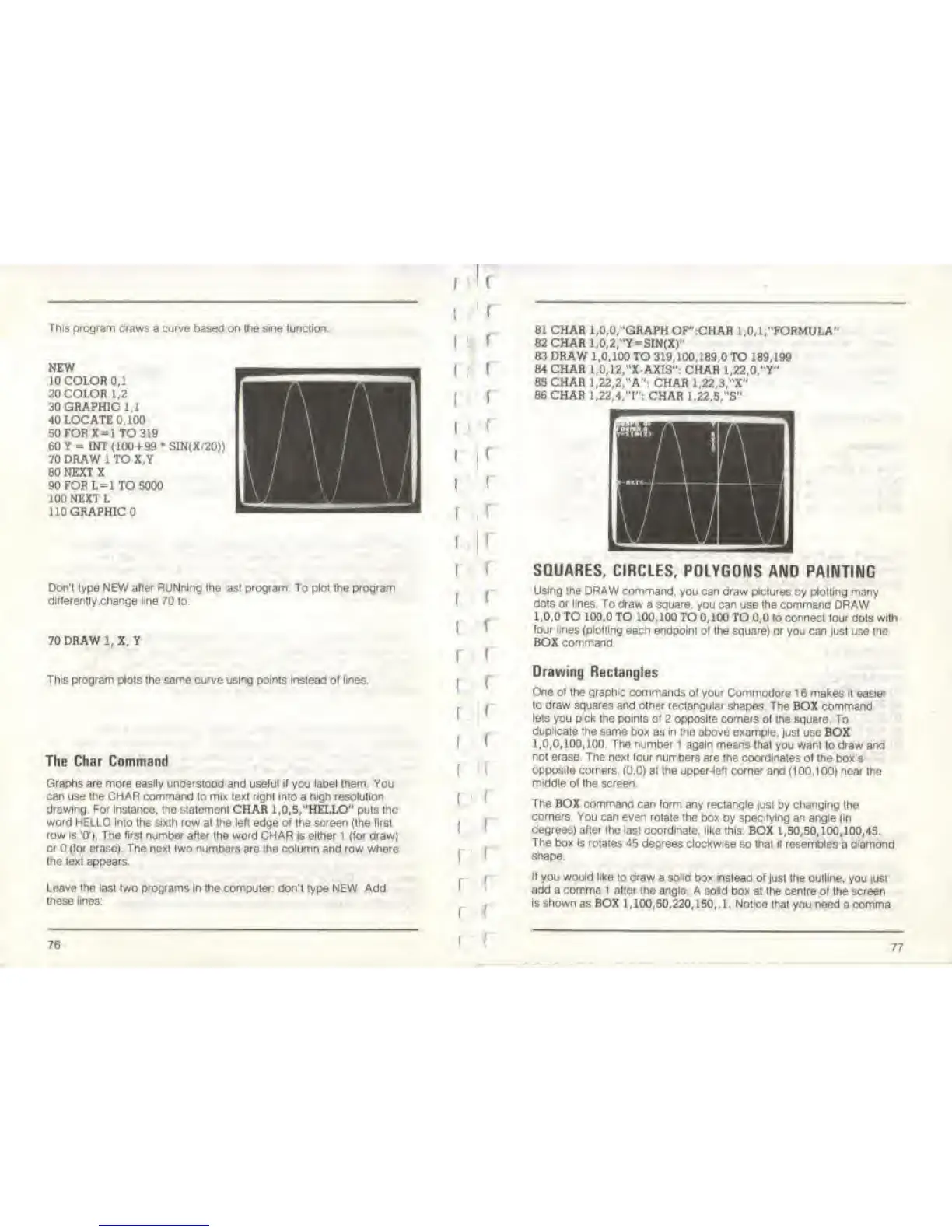
This program draws
a curve based on Ihe sine lunclioo
NEW
10
COLOR 0,1
20 COLOR 1.2
30 GRAPHIC 1.1
40 LOCATE 0,100
50FORX
=
1 TO
319
60 Y
-
INT (100+99 SIN(X.'20))
70 DRAW 1 TO X.Y
80 NEXT X
90 FOR
L=l TO 5000
100 NEXT L
110 GRAPHIC
Don'!
lype NEW after
RUNnlng
Ihe
lasl program To
plot
the program
dlfferently.change line 70
lo:
70 DRAW
l.X.Y
This program plots
the same
curve using points Instead
ol
lines.
The Char Command
Graphs are more easily understood and uselul it
you
label them. You
can use
the
CHAR command lo mix text right into
a
high resolution
drawing. For
instance, the statement CHAR 1,0,S,"HELLO" puts the
word HELLO into the sixth
row at
Ihe
left edge
ot
the screen (the lirst
row is 0'),
The
tirsl
number after ihe word CHAR is either
1
(lor draw)
o*
(lor erase). The
next two
numbers
are the column and row
where
Ihe texl appears.
Leave the last Iwo programs In ihe computer, don't
type
NEW
Add
these lines:
76
I
f
I
I
I
I
(
(
f
r
i
i
i
i
i
f
r
i
i
r
(
i
!
I
<
I
I
[
I
f
(
f I
f
l
81 CHAR 1,0,0,"GRAPH
OF':CHAR l.O.l/'FORMULA"
82CHAR1,0,2,"Y»SW(X)"
83 DRAW
1,0,100 TO 319,100,189,0 TO 189. 199
84 CHAR
1,0,12,"X-AXIS": CHAR 1,22,0, "Y"
85 CHAR
1,22,2,"A": CHAR 1,22,3,"X"
86 CHAR 1.22,4/T*: CHAR
1.22.VS"
SQUARES, CIRCLES,
POLYGONS AND PAINTING
Using the
DRAW command,
you
can draw pictures
by plotting many
dots or lines. To
draw a
square,
you
can
use
ihe command
DRAW
1,0,0 TO
100,0 TO 100,100 TO 0,100 TO
0,0
to connect lour
dots
with
(our lines
(plotting each endpoint
ol the square) or you can just use the
BOX command.
Drawing Rectangles
One ot the graphic commands ot your
Commodore 1 6 makes i( easier
to draw squares and other rectangular
shapes. The BOX command
lets
you pick the points ot
2
opposite comers
ol
the
square To
duplicate
the same box as in the above example,
just use BOX
1,0,0,100,100. The number!
again means that you want lo
draw and
noi erase. The
next
four
numbers are me coordinates
ol the box's
opposite corners,
(0.0) al
the upper-left
corner and
(100.100) near
Ihe
middle ol Ihe screen
The
BOX commana can lorni any rectangle
|ust by
changing
Ihe
corners. You
can even rotate the box by specifying an angle (m
degrees) after the lasl coordlnale, like
this: BOX
1,50,50,100,100,45.
The box is
rotates
-55
degrees clockwise
so lhat II resembles a diamond
shape.
II
you
would like
lo
draw
a solid box instead of
just Ihe
outline,
you just
add a comma 1 alter
the
angle.
A solid box
at the centre of the screen
is shown as BOX
1,100,50,220,150., 1. Notice thai you
need a comma
77



 To Next Page