NEW
10 COLOR
0,1
20 GRAPHIC 3,1
30 COLOR 3,1
40 TRAP 200
50 DRAW
3,10,10 TO 10,100: DRAW
3,10,5S TO 30,55
60 DRAW 3,30,10 TO 30,100:
DRAW 3,50,10 TO
80,10
70
DRAW 3,65,10 TO 65,100: DRAW
3,50,100 TO 80,100
80FORL=0TO7
90 COLOR
3,2,L
100 FOR M= 1 TO 100:
NEXT M
110 NEXT L
120
COLOR 3,1
130
FOR M-l TO 100: NEXT
M
140 GOTO
80
200 GRAPHIC 0: COLOR
1,2,7
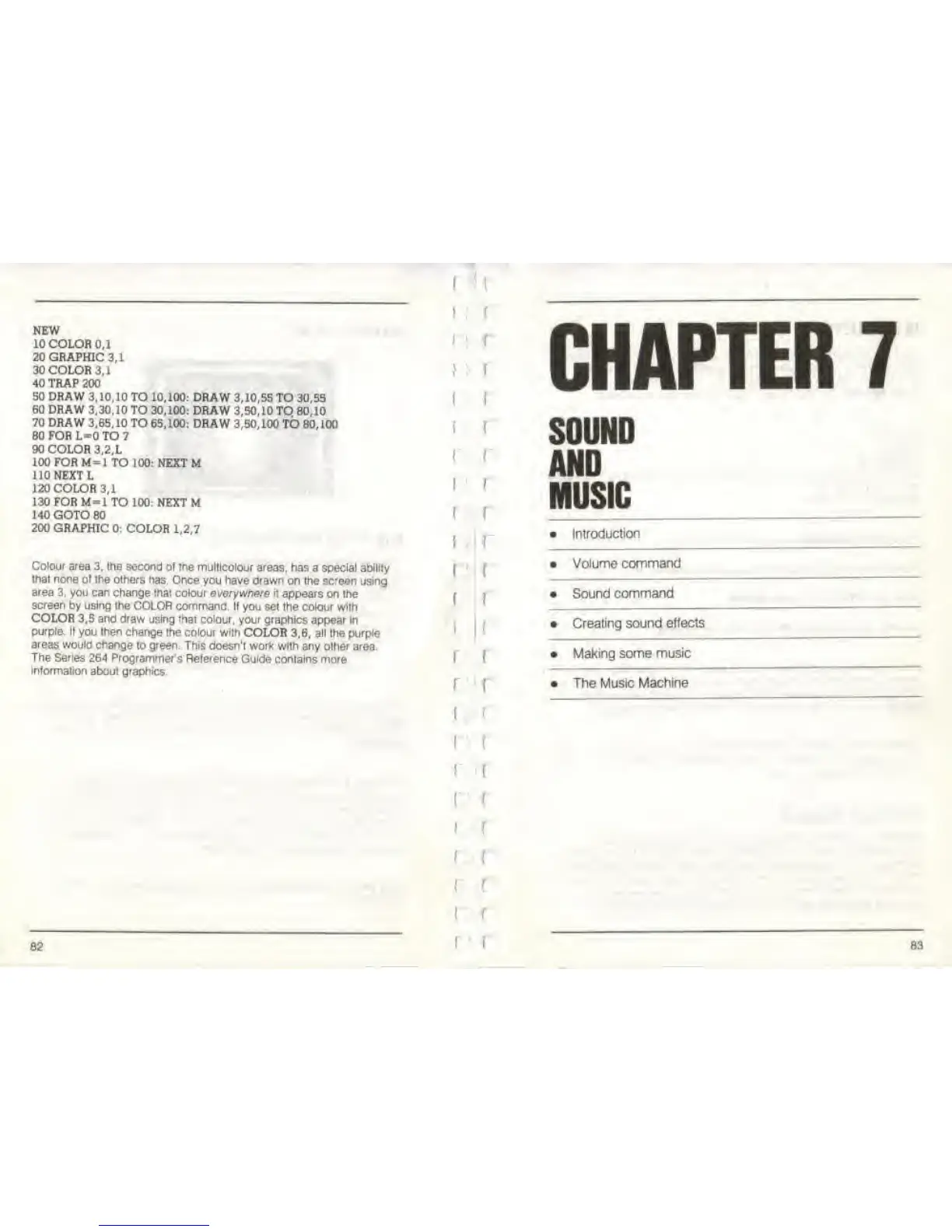
Colour area
3, the second of the
multicolour
areas,
has
a
special ability
that none ol the others
has Once
you
have drawn
on the screen using
area
3, you can change that colour
everywhere
it
appears
on the
screen
by
using
the COLOR command,
If you set the colour with
COLOR
3,5 and draw using that colour, your
graphics appear in
purple. II
you
then
change the colour
with
COLOR 3,6,
all
the
purple
areas would
change
to green.
This
doesn't work with any other area.
The Series
264 Programmer's Reference
Guide contains more
information
about
graphics
82
[
"I
; t
!
f
(
i
f
[
f
r
t
i
f
r
(
f
f
(
[
CHAPTER
7
SOUND
AND
MUSIC
Introduction
Volume command
Sound
command
• Creating sound effects
Making
some
music
The Mustc
Machine
83



 To Next Page