INTRODUCING YOUR MONITOR
Your new Commodore
1702
color monitor gives you a superior
color picture that enhances your computing experience. This
monitor is simple to hook up to your computer and is easy to
adjust.
Please
read
this brief manual carefully before you try to use your
monitor.
The
manual shows
you
how to install
and
use the
monitor correctly. It also explains how to use the picture control
knobs, which
are
like the control knobs
on
a color
TV.
Be
sure to heed any warnings
in
this manual, and do
NOT
remove
the back cover or otherwise attempt to service this monitor. If you
have
problems with your monitor that
are
not covered
in
this
manual,
see
your Commodore dealer or a qualified technician.
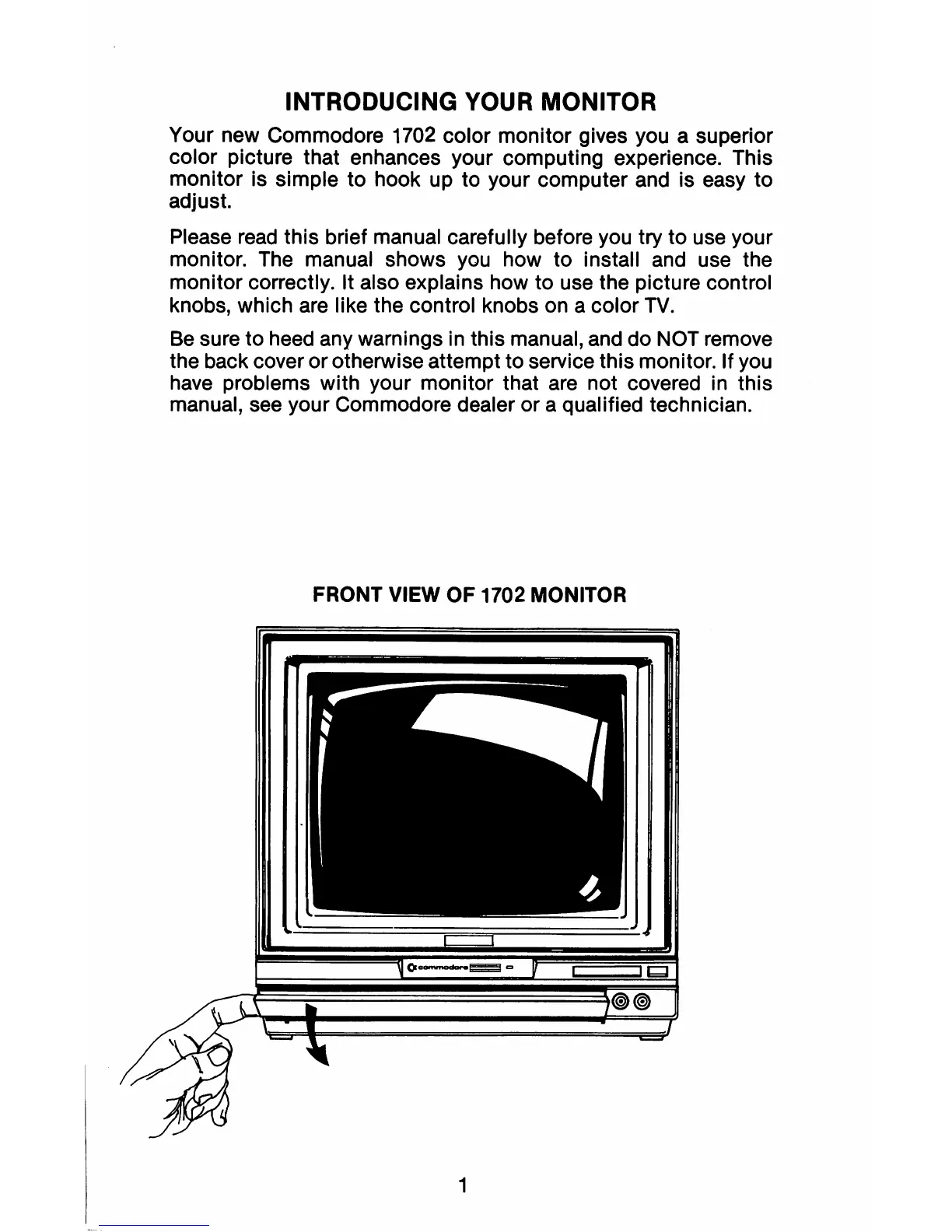
FRONT VIEW OF 1702 MONITOR
1



 To Next Page