TURNING ON YOUR MONITOR
When you finish connecting your monitor according to the
in-
structions, follow these simple steps:
1.
Turn
on
the monitor by pushing down the power switch. The
POWER
INDICATOR LIGHT
on
the front
of
the monitor shows
you when the power is on. Always turn
on
the monitor
BEFORE
you turn on the computer.
Later, when you're ready to turn the power off, just press the
power button again. The button will pop back up and the power
light will go out.
2.
Turn
on
your personal computer.
You
can
tell that both the
monitor and the computer
are
working correctly when the
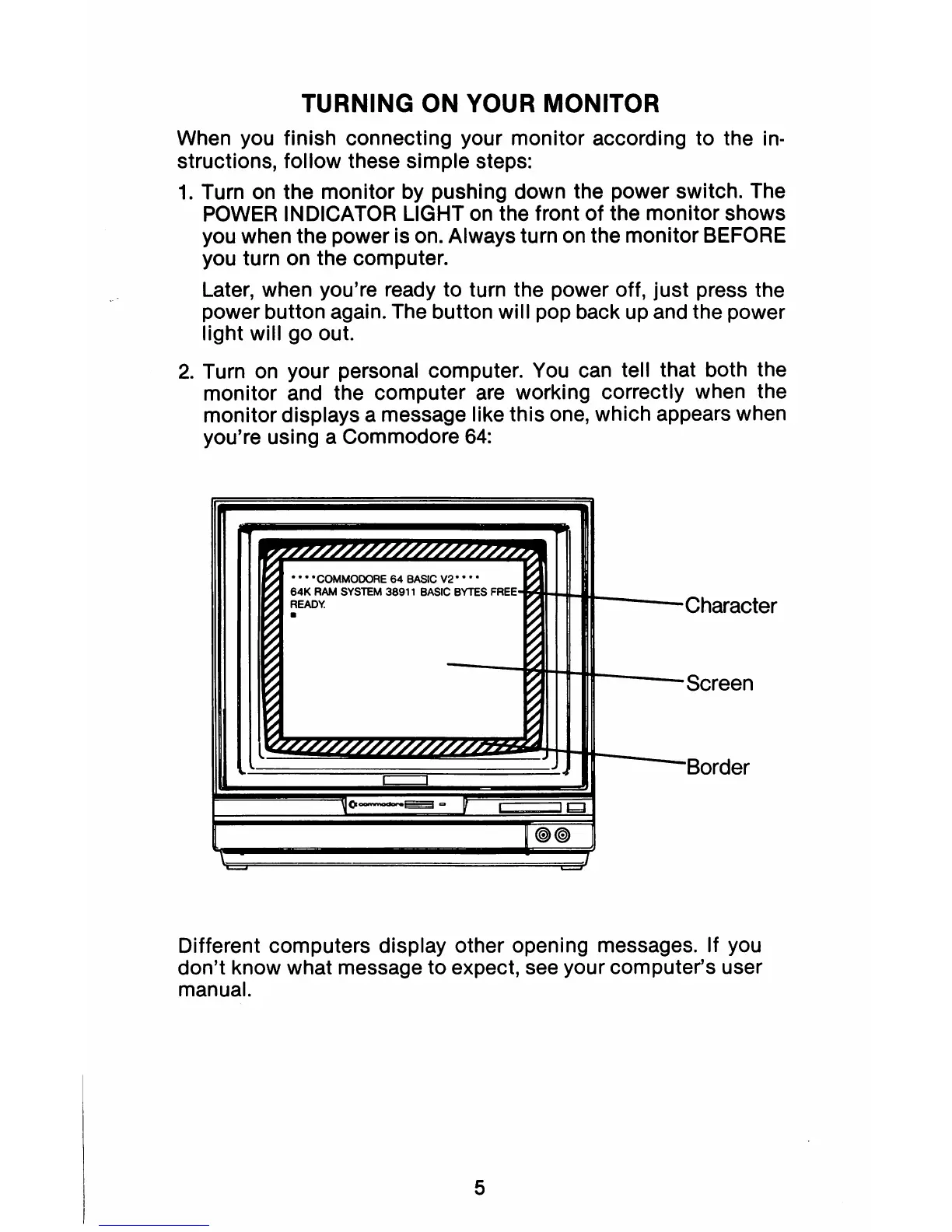
monitor displays a message like this one, which appears when
you're using a Commodore
64:
'"
7'////////////////////7.'7
~""_M_W""
~
64K
RAM
SVSTEM
36911
BASIC
BYTES
READY.
~
·U:IIQ\.il":'
.
~
~
~
Screen
~
~
'LL//////////////h
~
Duru..:r
Q V
@)@)
Different computers display other opening messages. If you
don't know what message to expect, see your computer's user
manual.
5



 To Next Page