EasyManua.ls Logo

Commodore CVR 300 - User Manual

Commodore CVR 300
160 pages
Go to English
Print Icon
To Next Page IconTo Next Page
Loading...
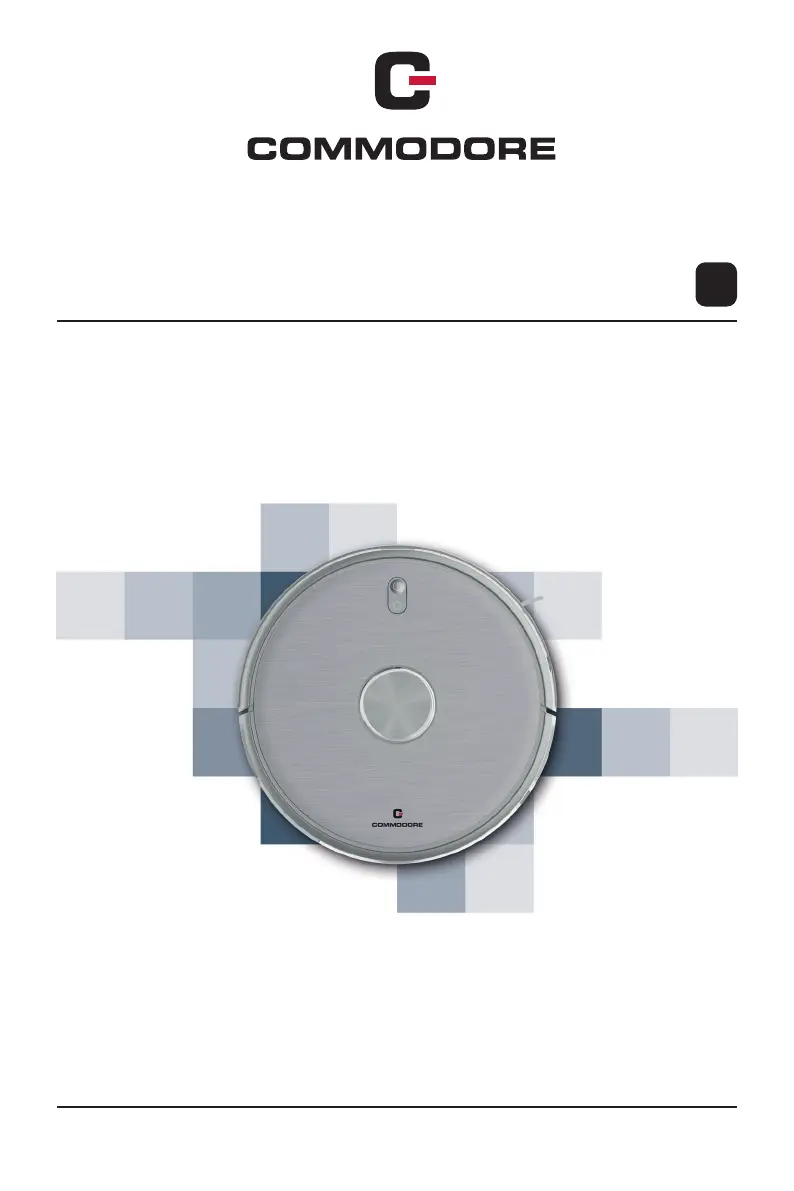
Saugroboter CVR 300
Bedienungsanleitung
Artikel / IT Nummer: 142505 Ausgabe: 05/2021 Revision: Version 01
DE
ORIGINAL BEDIENUNGSANLEITUNG

Questions and Answers

  • A
    Adrian StanleyAug 15, 2025
    Why won't my Commodore Vacuum Cleaner start at the scheduled time?
    • J
      Judy FigueroaAug 15, 2025
      There are several reasons why your Commodore Vacuum Cleaner might not start as scheduled: 1. The scheduled time may not have been saved or was deleted, for example, when the battery in the remote control was changed. To resolve this, select the scheduled time again and save it. 2. The robot vacuum cleaner may be switched off. Ensure it is switched on. 3. The battery may need to be charged. Ensure that the robot vacuum cleaner returns to the charging station after each use to keep the battery charged. 4. As a general solution, try placing the robot vacuum cleaner in a different location and restarting it.
  • T
    Tammy DennisAug 18, 2025
    What to do if the Commodore Vacuum Cleaner suction strength decreases?
    • H
      Holly LarsenAug 18, 2025
      If you notice a significant decrease in suction strength in your Commodore Vacuum Cleaner, the solution is to clean the filter or replace it with a new one.
  • K
    kevinclayAug 21, 2025
    How to fix charging error on Commodore Vacuum Cleaner?
    • S
      Samuel JohnsonAug 22, 2025
      If you are experiencing an error during charging your Commodore Vacuum Cleaner, check the connection between the power adapter and the charging station. Also, inspect the charging contacts of both the robot vacuum cleaner and the charging station, and clean them if necessary.
  • M
    mlopezAug 25, 2025
    Why is my Commodore Vacuum Cleaner dust collector losing dirt?
    • S
      Stephen HernandezAug 25, 2025
      If the dust collector of your Commodore Vacuum Cleaner is losing dirt, it is likely too full and needs to be emptied.
  • C
    Colton MartinezAug 28, 2025
    How to check the laser module on Commodore Vacuum Cleaner?
    • J
      jamie57Aug 28, 2025
      To check the laser module on your Commodore Vacuum Cleaner: * Clean the laser module with a lint-free, soft, dry cloth. * Remove any foreign objects that may be obstructing it. * Try placing the robot vacuum cleaner in a different location and restarting it.
  • M
    Melissa SheltonSep 1, 2025
    What to do if the distance sensor is not working on Commodore Vacuum Cleaner?
    • K
      Kevin SanchezSep 1, 2025
      If the distance sensor on your Commodore Vacuum Cleaner is not working, clean the distance sensor with a lint-free, soft, dry cloth, remove any foreign objects, and place the robot vacuum cleaner in a different location before restarting it.
  • W
    Wendy DanielSep 3, 2025
    How to fix Commodore Vacuum Cleaner anti-fall sensors?
    • J
      John LambSep 4, 2025
      To address non-functional anti-fall sensors on your Commodore Vacuum Cleaner, clean the anti-fall sensors and gently shake the bumper.
  • M
    Michelle WebbSep 7, 2025
    What to do if Commodore Vacuum Cleaner temperature is not normal?
    • J
      John KingSep 7, 2025
      If your Commodore Vacuum Cleaner's temperature is above or below the normal range, switch it off and wait until the temperature has normalized. Also, observe the safety instructions.
  • J
    James BarnesSep 12, 2025
    What to do if mentioned solutions do not work for Commodore Vacuum Cleaner?
    • R
      Rebecca WilliamsSep 12, 2025
      If the suggested solutions are not working for your Commodore Vacuum Cleaner, switch off the robot vacuum cleaner for about 5 minutes. This will reset the robot vacuum cleaner.

Commodore CVR 300 Specifications

General IconGeneral
BrandCommodore
ModelCVR 300
CategoryVacuum Cleaner
LanguageEnglish