62 ENGLISH
Cleaning modes
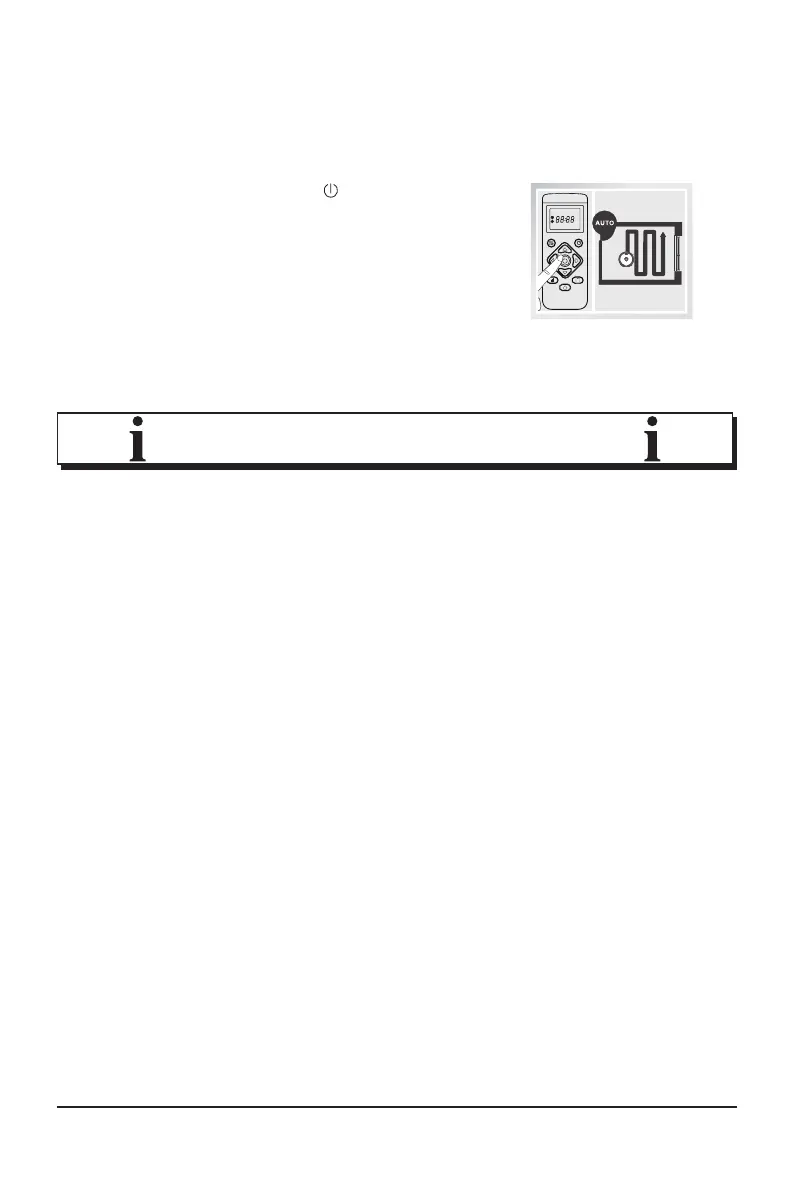
Automatic cleaning
Press the power button
on the robot
vacuum cleaner or the remote control to
activate the "automatic cleaning" mode.
In this mode, the robot vacu
-
um cleaner will plan its clea-
ning route independently and will remember which
areas have already been cleaned and which have not.
• If the robot is controlled manually with the direction buttons
in this mode, it will then re-plan the route. This means that
areas that have already been cleaned can be included
again. For ecient cleaning, the mode should therefore not
be interrupted by manual control commands.
• When the battery level is low, the robot vacuum cleaner will
automatically return to the charging station. As soon as the
battery is fully charged, it will move to the last position and
continues the suction process from there.
• The robot will stop occasionally during cleaning. It scans the
area and plans the further cleaning route. The frequency
and duration of these stops depend on the environmental
conditions.
• Always use the "Automatic cleaning" mode to clean carpets.
NOTE!



 To Next Page