63ENGLISH
• You can use the button to choose between the suction
power levels:
1. ECO (minimum suction power)
2. Normal (normal suction power)
3. Turbo (maximum suction power)
• If the robot vacuum cleaner is controlled via the app, additio
-
nal vacuum modes are available. You can nd information in
the instruction manual for the app on the "commodore-home.
com" homepage
NOTE!
Cleaning modes
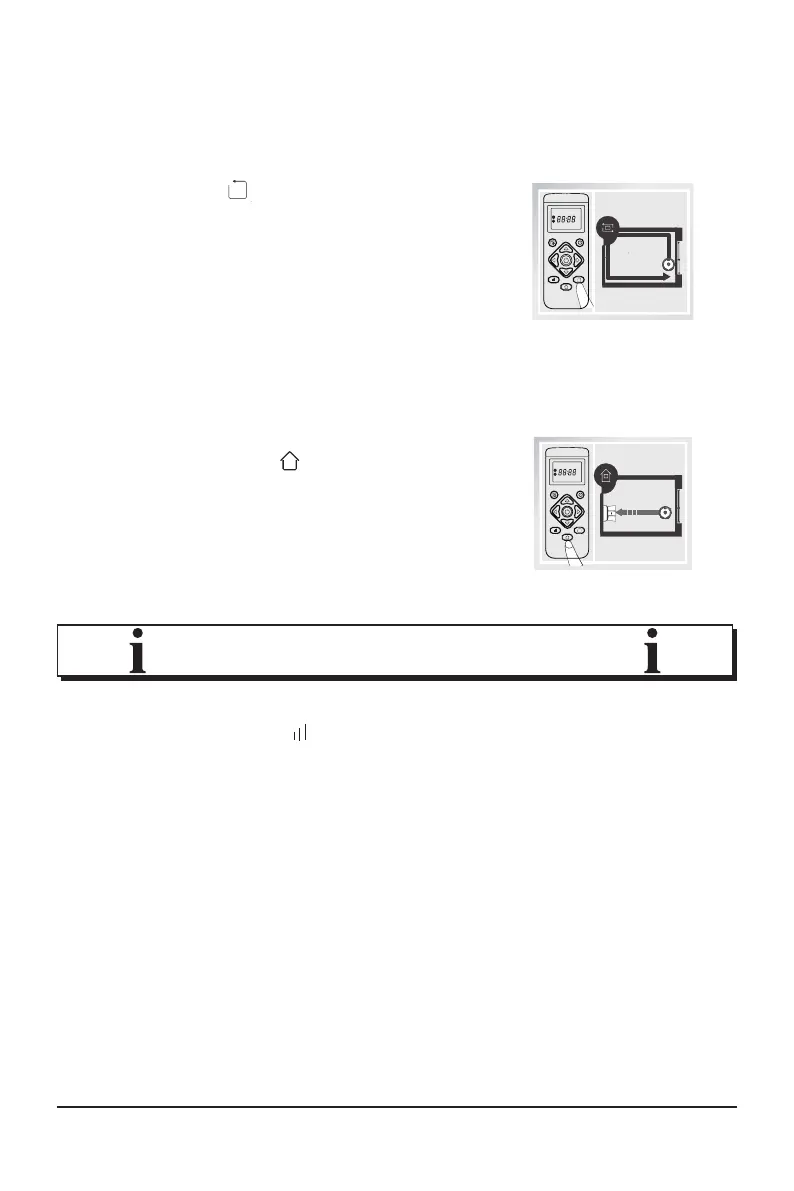
Edge mode
Press the
button on the
remote control to activate "Edge mode".
The robot vacuum cleaner will clean
along walls and around furniture or simi
-
lar obstacles.
Returning
If you press the
button on the
robot vacuum cleaner or the remote con-
trol, the robot vacuum cleaner will return
to the charging station by the shortest
possible route.



 To Next Page