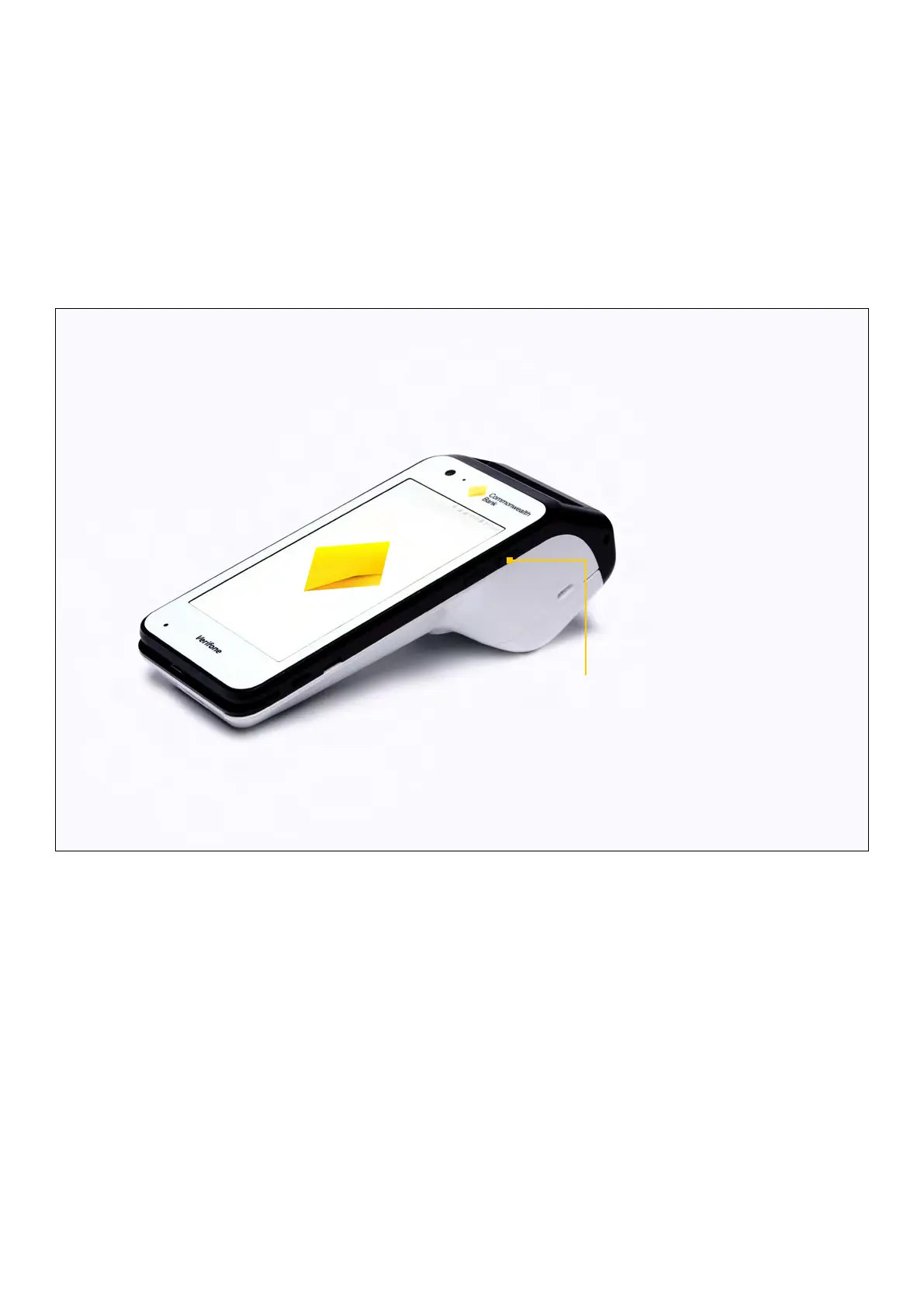
Key functions
Power on/o and Reboot
Your Smart terminal will come charged and ready to use. Press and hold the Power button on the
right side of the terminal to power it on. Your terminal will start up and load the Payment screen.
To power o or restart your terminal, press and hold the Power button for one second and then tap
‘Power O’ or ‘Restart’.
Lock Mode
The terminal will lock when powered on, after a restart or after six hours of inactivity. To unlock the
Smart terminal, press the Power button and swipe up on the screen.
Sleep Mode
Press the Power button to put your Smart terminal into Sleep Mode. To wake the Smart terminal,
press the Power button. To save power, your Smart terminal goes into Sleep Mode automatically
when you are not using it.
NOTE: To adjust the delay before your Smart terminal goes into Sleep Mode, navigate to Settings >
Display > Advanced > Sleep
Manual shutdown
Description
To shutdown or power o the terminal.
User action
Hold the Power button for
about one second until the
message is displayed on the
screen. Touch the ‘Power O’
selection to turn o.
6 Commonwealth Bank of Australia | Smart User Guide



 To Next Page