ComNav P4 Remotes Installation & Operation
Document PN 29010102 V1r1 - 16 -
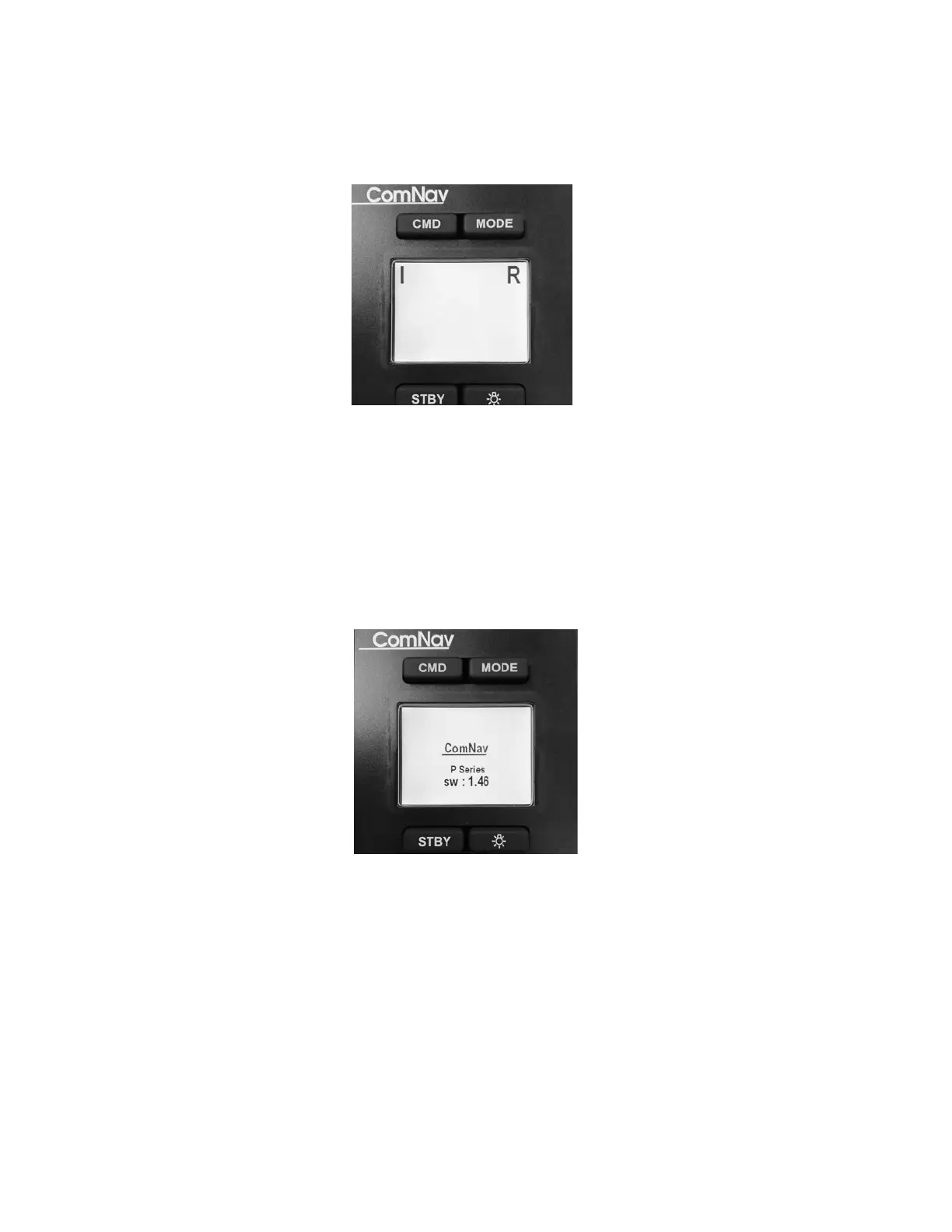
If the SPU is not in a normal operation mode, a P4 remote will wait in start up mode, and
show a screen like below:
Figure 3 – TS4 / NF4 LCD Screen
After the first power up in a P4 system (with a P4 SPU present), your P4 remote however is
fixed to that particular SPU, and will not automatically change.
If for any reason you have changed the network installation of your P4 SPU, or you have
replaced a new P4 SPU, you must adjust your P4 remote to make another link again. You
know your P4 Remote is waiting for an SPU when after power up, it stays in the start-up
screen (figure below):
Figure 2 – TS4 / NF4 LCD Screen
Refer to Operating Menu in page 25 for how to link the P4 Remote to an SPU again.



 To Next Page