ComNav P4 Remotes Installation & Operation Operation
Document PN 29010102 V1r1 - 24 -
Shortcut functions in NF4
If you have an NF4, aside from using buttons to change operation mode, you have a quick access to
many functions by using the joystick. Table below shows a summary of these operations.
Resulting mode and associated functions from Joystick movement
P.str NFU mode and move rudder
Move rudder in the direction
Set current
heading as
steering course
Operating Menu
P4 remotes are designed for easy connection and simple operation. However there are still
times you may need to make a few twists to your remote. This is done through the root menu.
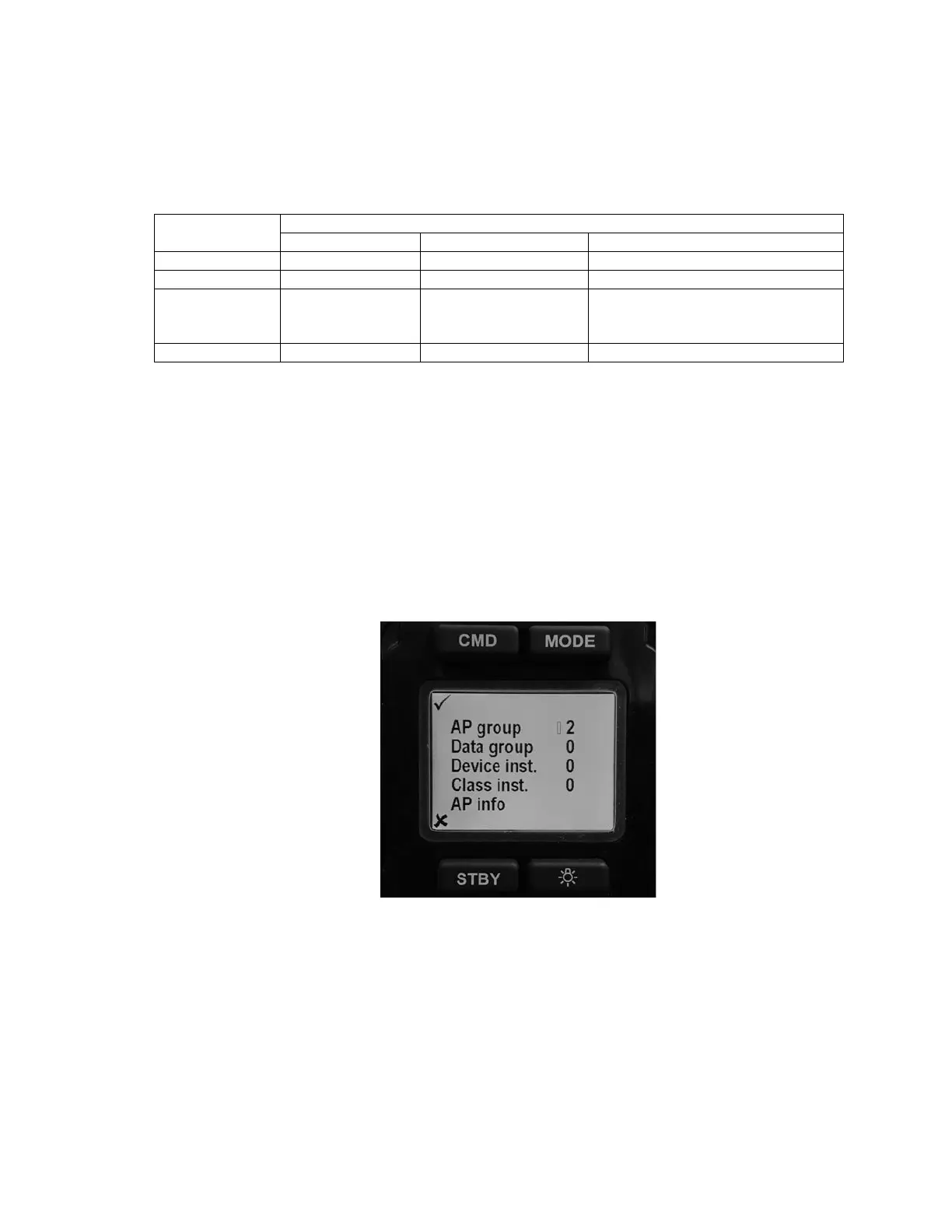
Double click on the CMD button will bring up the root menu as in Figure 3. Using Mode button
or Lite button to scroll up and down the list.
Press STBY will close the root menu if you have not selected an item. If you are editing an
item, press STBY will end the editing and ignore the change you have made and go back to
old values.
Press CMD selects the current item for editing. If you are editing an item, press CMD will
save the current value and end the editing.
Figure 3 – TS4 / NF4 LCD Screen
AP group
This value is used to identify different P4 systems in a network. If you have only one SPU, it
is recommended you don’t change the value
Data group
This value is future use



 To Next Page