INS_CNGE11FX3TX8MS[POE][HO] Rev. 11.6.17 PAGE 246
INSTRUCTION MANUAL CNGE11FX3TX8MS[POE][HO]
TECH SUPPORT: 1.888.678.9427
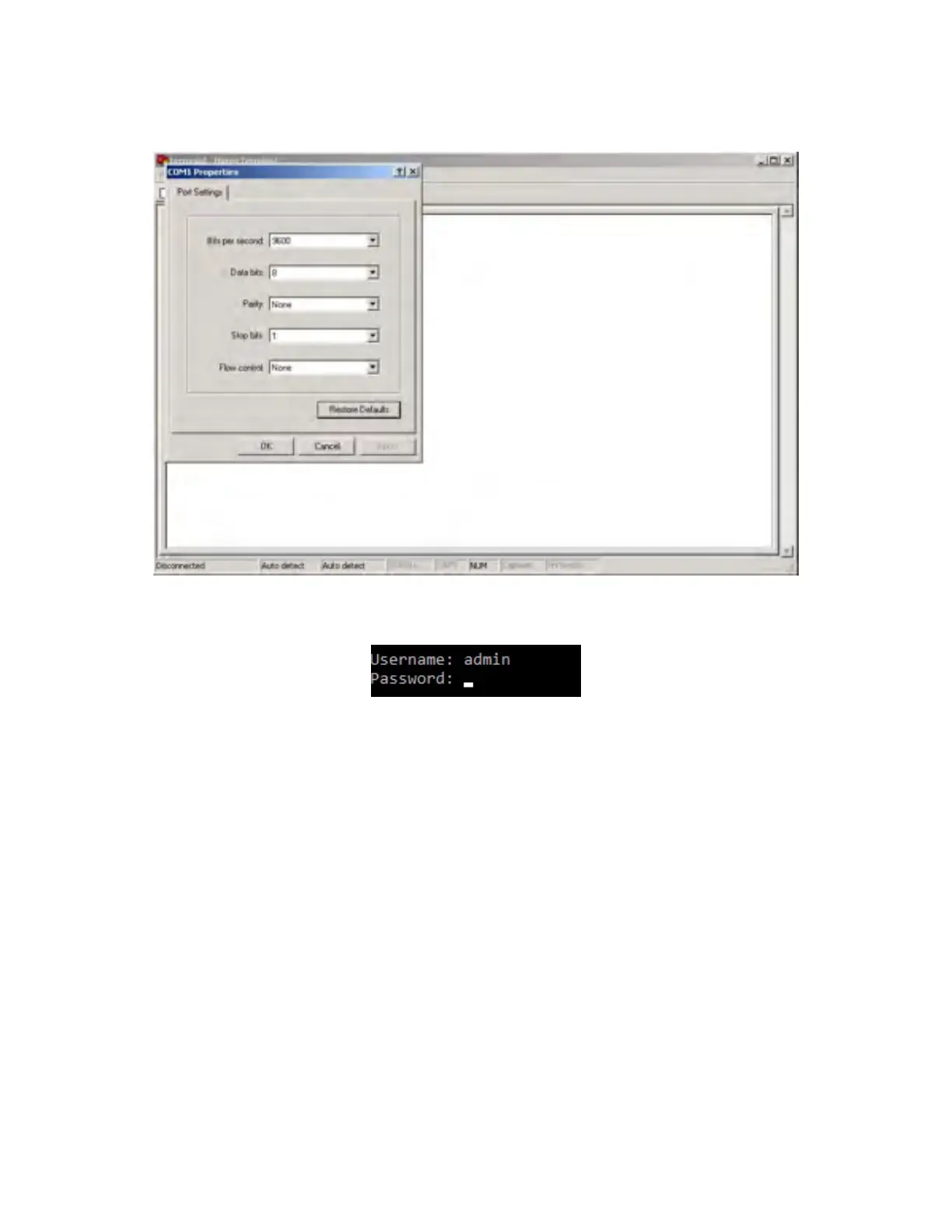
Step 4. The COM port properties setting, 115200 for Bits per second, 8 for Data bits, None for
Parity, 1 for Stop bits and none for Flow control.
Step 5. The Console login screen will appear. Use the keyboard to enter the Username and
Password (The same with the password for Web Browser), then press “Enter”.



 To Next Page