Quick Setup & User’s Guide 1-1
chapter 1
Working with the Compaq Easy Access
Keyboard
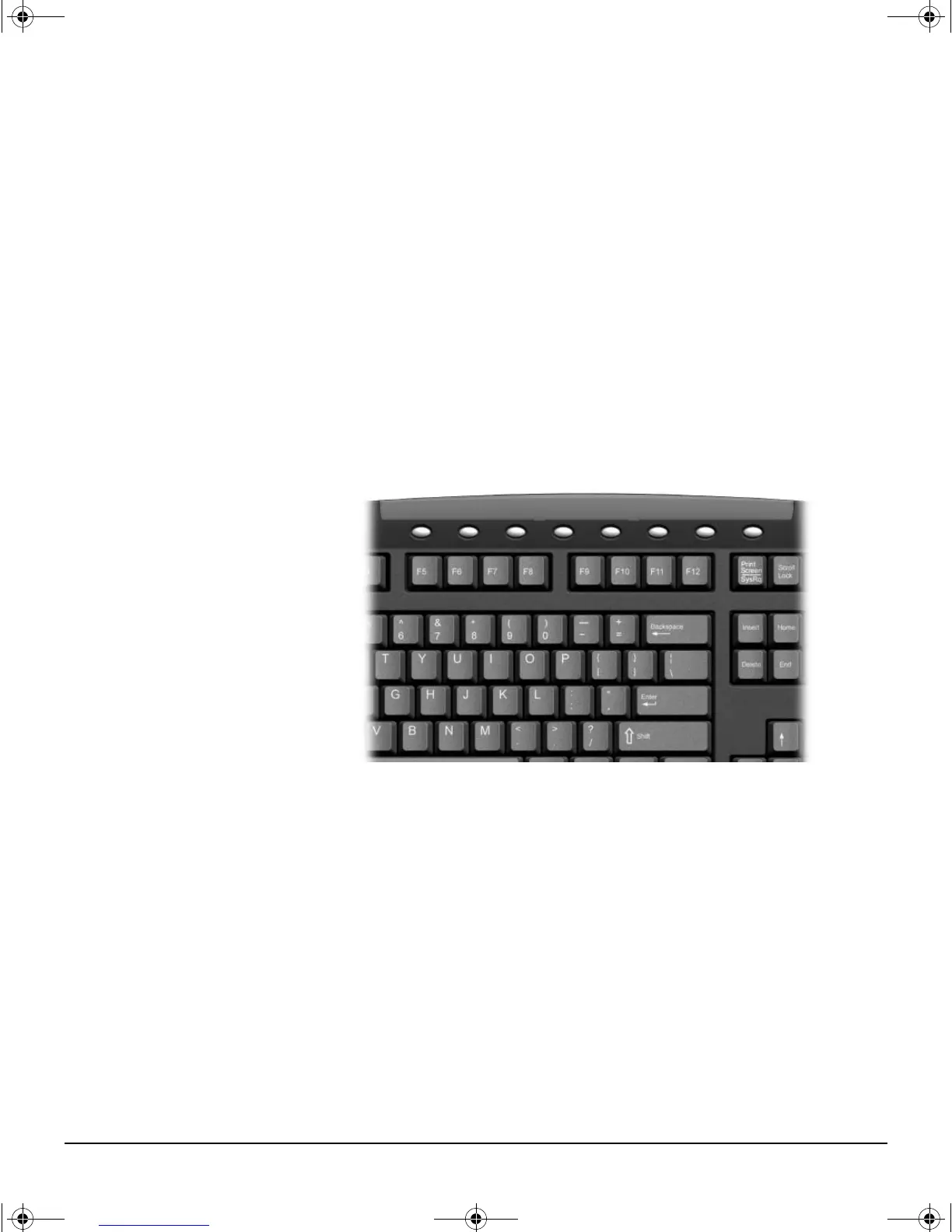
In addition to the standard keyboard keys, the Compaq Easy Access Keyboard
offers eight Easy Access Buttons that make accessing your favorite Web sites,
services, and applications easier and faster.
Easy Access Keyboard
Programming the Easy Access Buttons
All Easy Access Buttons can be reprogrammed to open any software
application or data file on your hard drive, or any Internet address.
An Internet address, also referred to as a Uniform Resource Locator (URL), is
simply a pointer to a Web page, file, image, newsgroup, or other resource
available on the Internet. It is very similar to the path and file name used to
point to a file on the Personal Computer’s hard drive. For example, the URL
that points to the Compaq Web site is http://www.compaq.com.
QuickSetup_UsersGuide.book Page 1 Wednesday, May 30, 2001 9:36 AM



 To Next Page