EasyManua.ls Logo

Compart VLINE-80 - DIP Switch Configuration

Default Icon
28 pages
Print Icon
To Next Page IconTo Next Page
To Previous Page IconTo Previous Page
Loading...
18
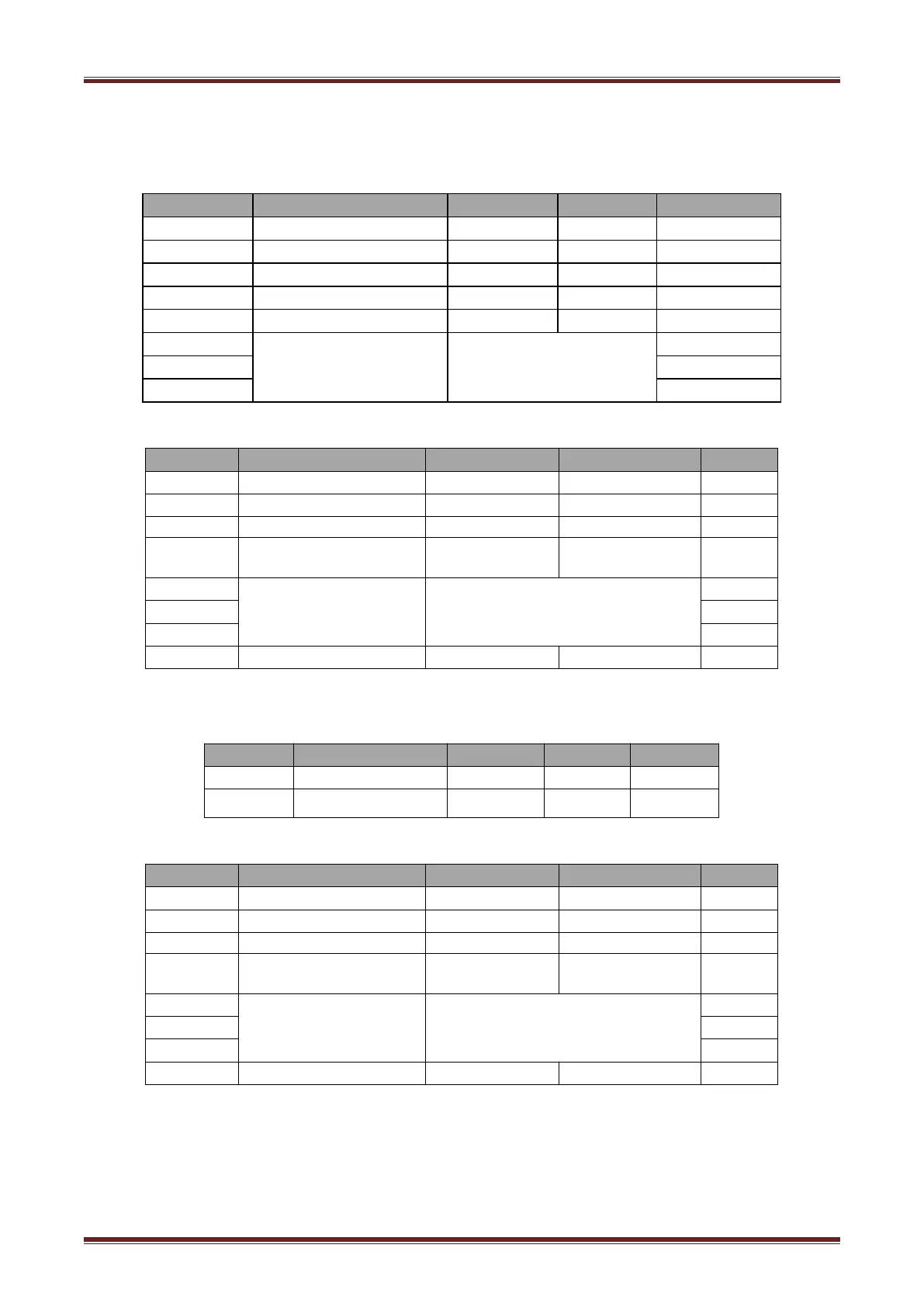
4.8 Setting DIP switch
4.8.1 Serial interface(RS-232C)
DIP Switch 1
Switches
Functions
ON
OFF
Default
1-1
Automatic line feed
Enable
Disable
OFF
1-2
Handshake
XON/XOFF
DTR/DSR
OFF
1-3
Bit length
7 bits
8 bits
OFF
1-4
Parity check
Yes
No
OFF
1-5
Parity selection
EVEN
ODD
OFF
1-6
Baud rate selection
bps
Reference form 1
OFF
1-7
ON
1-8
OFF
DIP Switch 2
Switches
Functions
ON
OFF
Default
2-1
Chinese/English mode
English
Chinese
ON
2-2
Internal beeper control
Disable
Enable
OFF
2-3
Auto cutter
Disable
Enable
OFF
2-4
Busy conditions
Receive buffer
full
Printer off-line
Receive buffer full
OFF
2-5
Printer density
Reference form 2
OFF
2-6
OFF
2-7
OFF
2-8
Printing dots quantity
512
576
OFF
4.8.2 Interfaces of parallel,USB,Bluetooth and Ethernet
DIP Switch 1
Switches
Function
ON
OFF
Default
1-1
Automatic line feed
Enable
Disable
OFF
1-21-8
Reserve
-
-
OFF
DIP Switch 2
Switches
Functions
ON
OFF
Default
2-1
Chinese/English mode
English
Chinese
ON
2-2
Internal beeper control
Disable
Enable
OFF
2-3
Auto cutter
Disable
Enable
OFF
2-4
Busy conditions
Receive buffer
full
Printer off-line
Receive buffer full
OFF
2-5
Printer density
Reference form 2
OFF
2-6
OFF
2-7
OFF
2-8
Printing dots quantity
512
576
OFF

Related product manuals