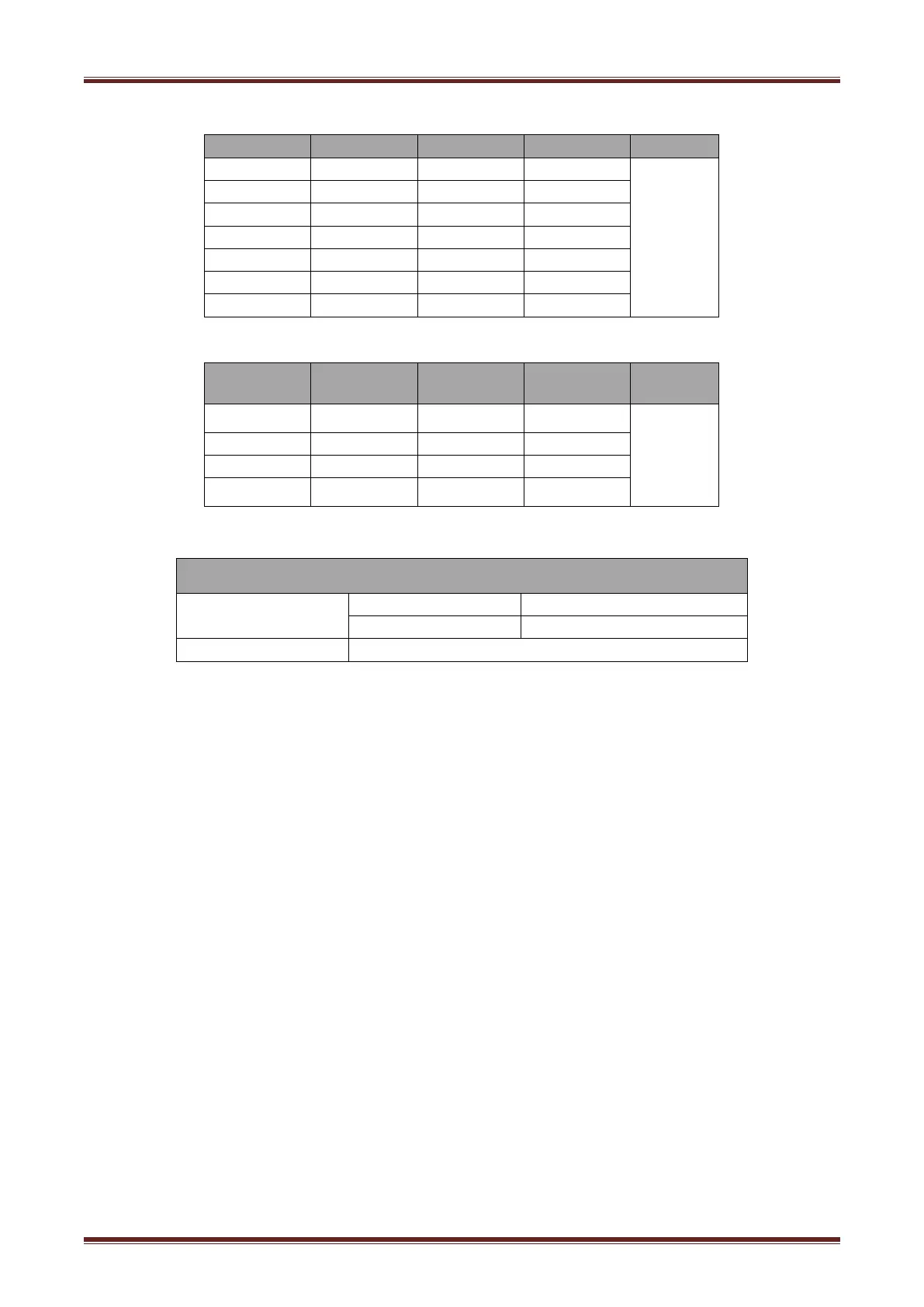
Form 1—Baud Rate Selection
Form 2—Print Density Selection
4.8.3 Auto Cutter Enable/Disable Selection
Ignore auto cutter error for continuous printing
4.9 Print Self Testing
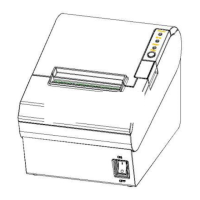
1) Make sure the printer has been installed roll paper and turn off the top cover.
2) Make sure the printer has linked power.
3) Make sure the printer power off.
4) Press and hold FEED button,then turn on power switch, the printer will print out self-test page.



 To Next Page