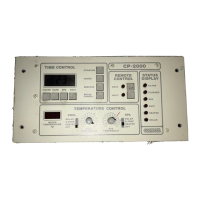
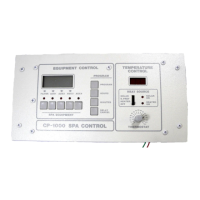
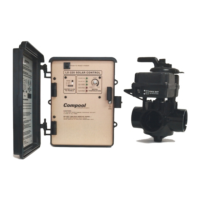
25
Compool Cp3810
Operating Instructions
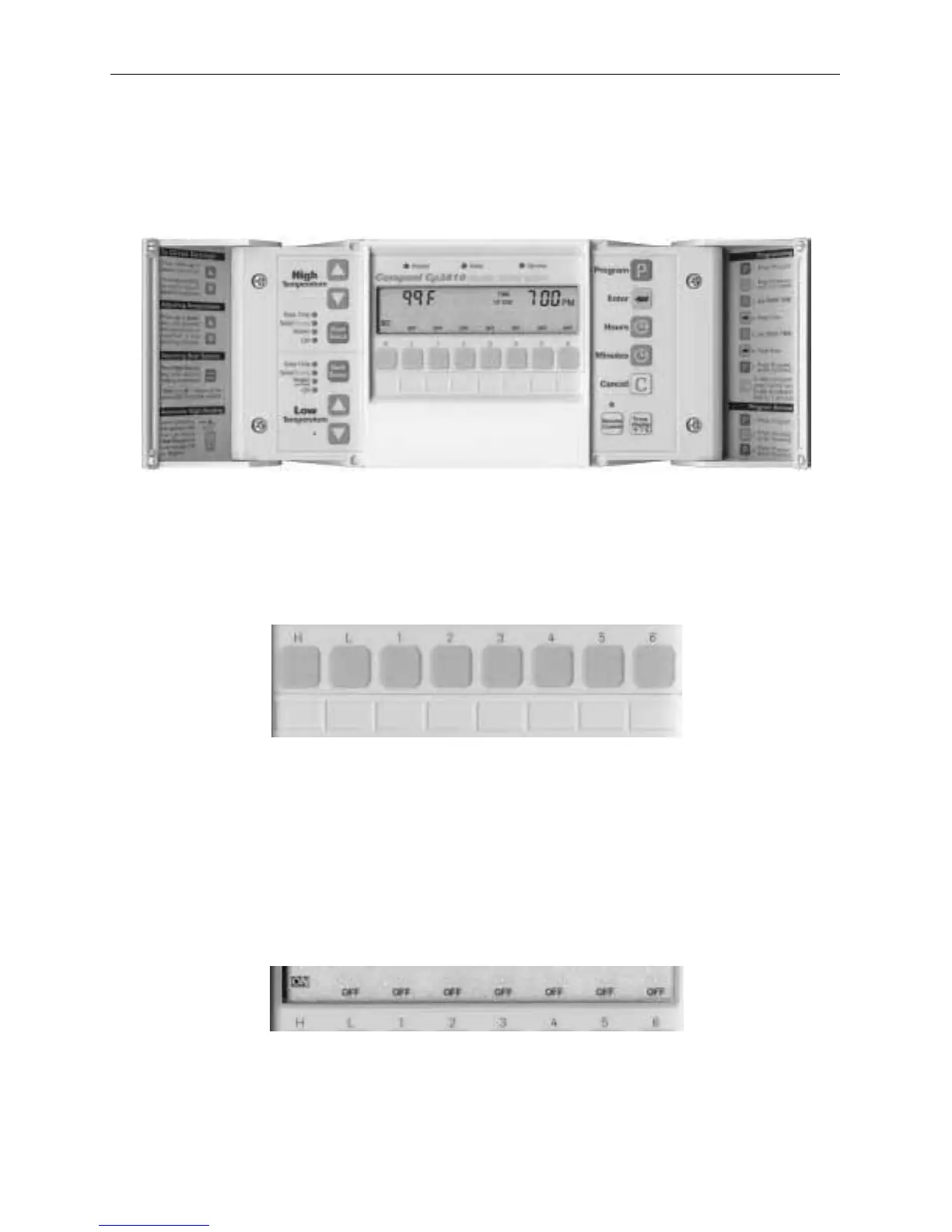
Control Panel
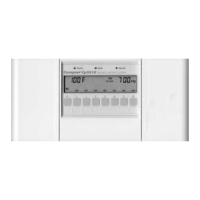
Installed at a convenient location inside the house, the Control Panel provides complete control
of all the equipment associated with your swimming pool and spa. The system comes with one
Control Panel, however additional Control Panels may be added as needed.
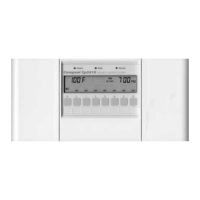
Equipment Keys
Equipment keys activate the spa or pool, and up to 6 additional items. Each key can be custom-
labeled for your specific application. To turn equipment on or off, press the appropriate
Equipment key once. An audible beep will indicate the key has been pressed.
Note
Turning off equipment that has been turned on by a program will cancel that program for
the day.
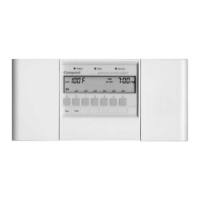
Equipment Status Icons
Equipment Status icons are located above each Equipment key.
A solid ON indicates the equipment is on.


 To Next Page