10
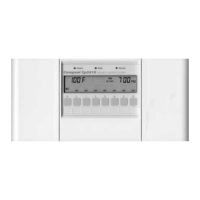
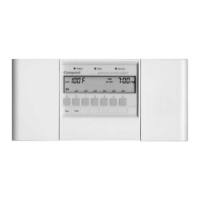
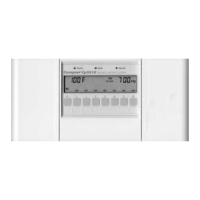
Compool Lx220
Water/Solar Sensor Service Required Lights
The Control incorporates electronic Sensors to monitor the water and solar temperatures. If a
Sensor should malfunction or the cable to the Sensor become damaged, the appropriate
SENSOR SERVICE REQUIRED Light will come on. This indicates that the Sensor and its
wiring connections should be inspected by your Pool Serviceperson.
Replace defective Sensor with 10K Thermistor Sensor (Compool model TS-5T).
Push To Reset Power Button
An internal circuit breaker protects the Solar Valve and control circuitry from electrical
overload situations. A tripped breaker is indicated by a white tab. Check for short circuit
conditions before resetting. Push to reset.
Caution:
Do not attempt to pry out tab.
Winterizing Instructions
Each year, at the onset of winter, it is advisable to remove all water from the solar system, and
prevent any new water from entering the solar panels during the winter months.
To disable the Solar Control during the winter months, place the WATER FLOW TO PANELS
Switch in the OFF position.
Note:
Freeze damage is not covered under System Warranty.


 To Next Page