10
Installation
Install C4Home App and Add Camera
Make sure your smartphone is able to go to internet via your wireless router. Then
download the C4Home app from Apple store or Google Play and install to your smart-
phone. Start C4Home app and register your personal C4Home account.
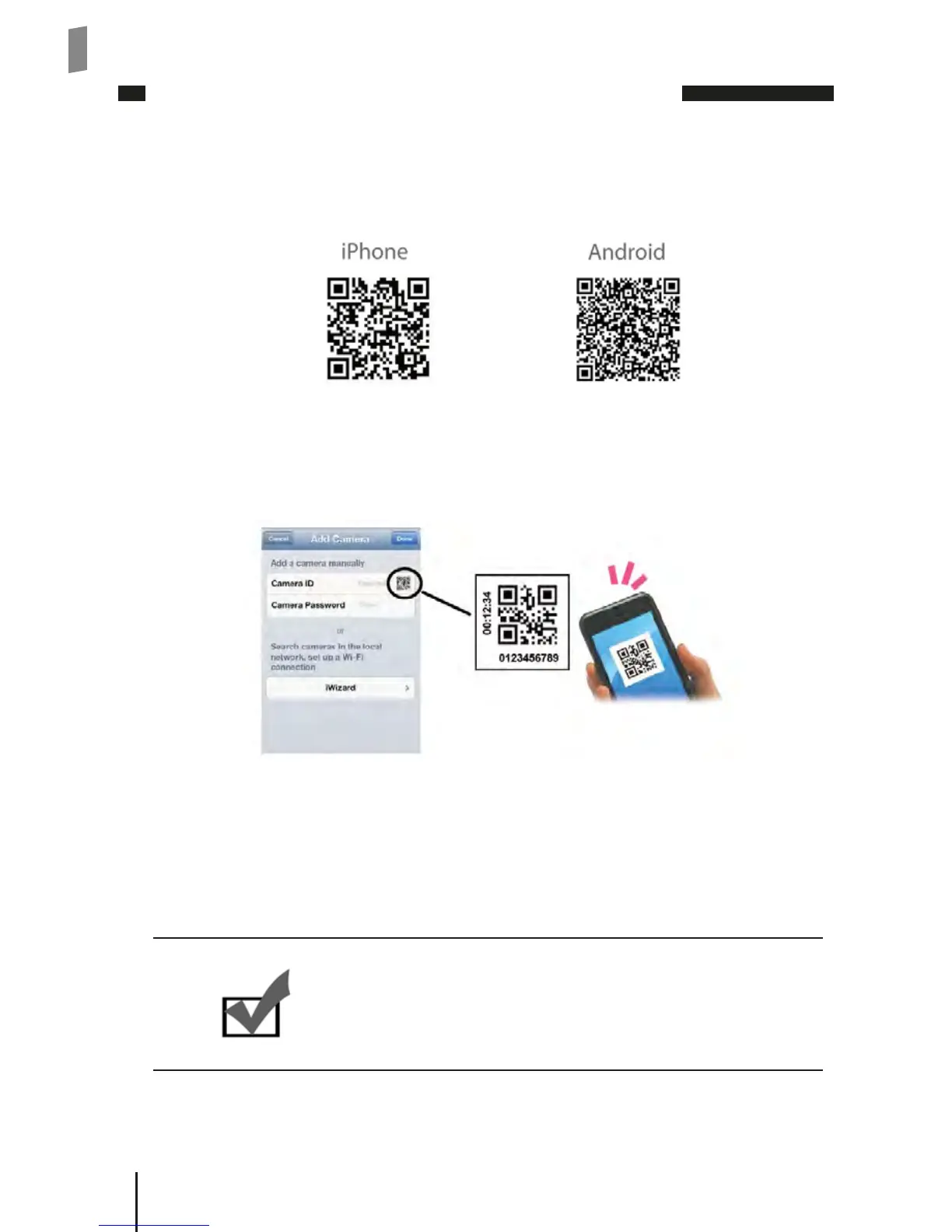
(You can scan the QR-code below on your smartphone to add C4home app.)
Login to the C4Home account and click “+” to add new camera, we provide 3 ways to
add your camera:
• Scan the QR code on the camera (or the rst page of this installation guide), it will
automatically add your camera to the list.
• Direct input the camera ID (10 digitals under the QR code) and password (default:
admin) to add your camera.
• Click “iWizard” button on add camera page to search the available network camera
from your local network and setup.
Now you can watch live video of your network camera from your smartphone or tablet.
Note:
If you don’t have wireless connection in your local net-
work, please refer to the user’s manual on the installa-
tion CD to install the network camera via PC.



 To Next Page