


 To Next Page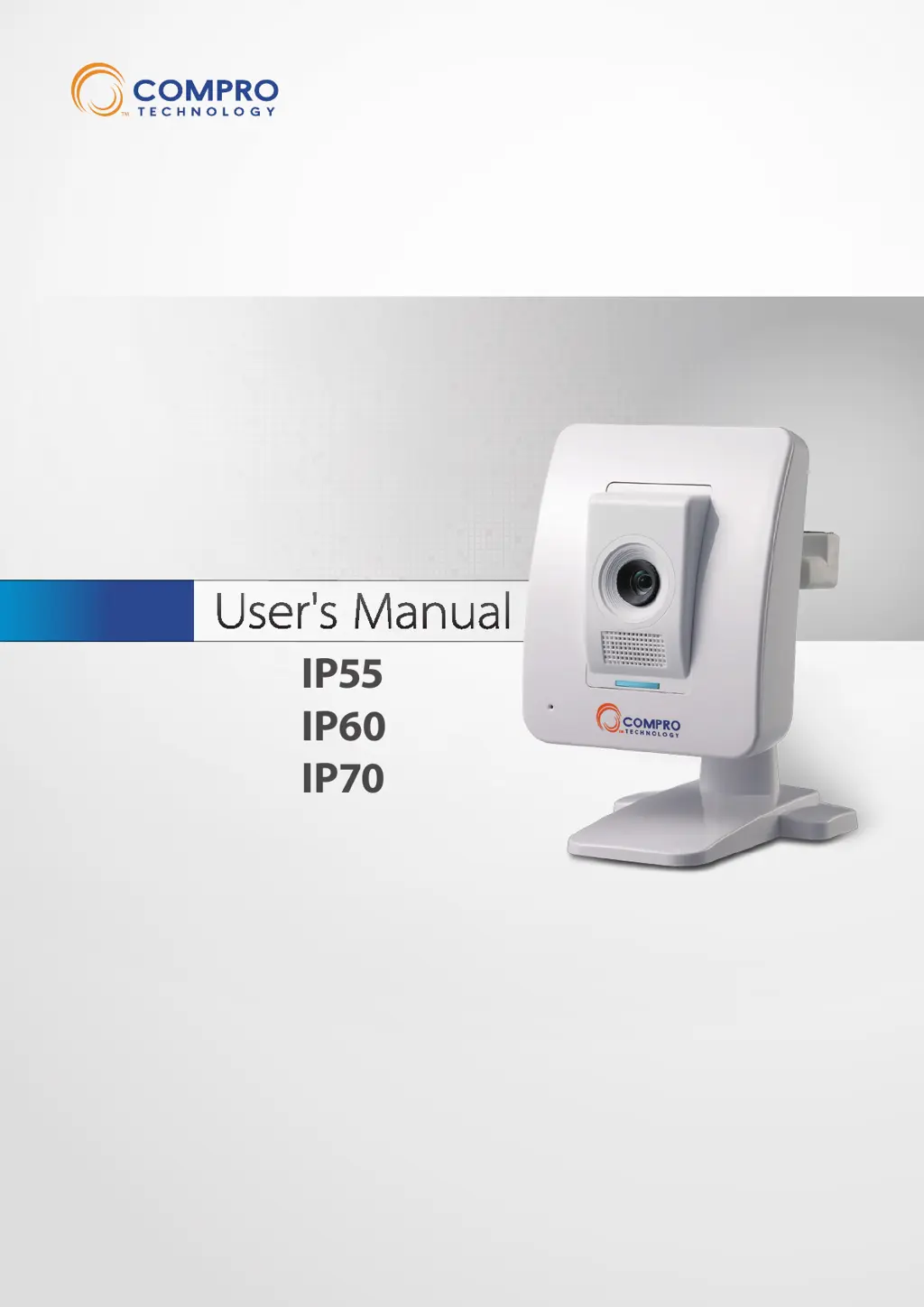

D
David AndersonAug 17, 2025
What to do if my COMPRO IP70 Security Camera is unable to connect to the network?
- Ddamon24Aug 17, 2025
If your COMPRO Security Camera can't connect to the network, ensure the camera has been powered on for over 1 minute and is connected to either a wired or wireless network. Verify that the IP camera is connected to the correct wireless access point. Double-check that you’ve correctly set the encryption type and key for the connection. If you didn’t use a router on your network, the default IP address for the camera will be 192.168.0.128.
 General
