EasyManua.ls Logo

COMPRO IP70 - User Manual

COMPRO IP70
78 pages
Print Icon
To Next Page IconTo Next Page
Loading...
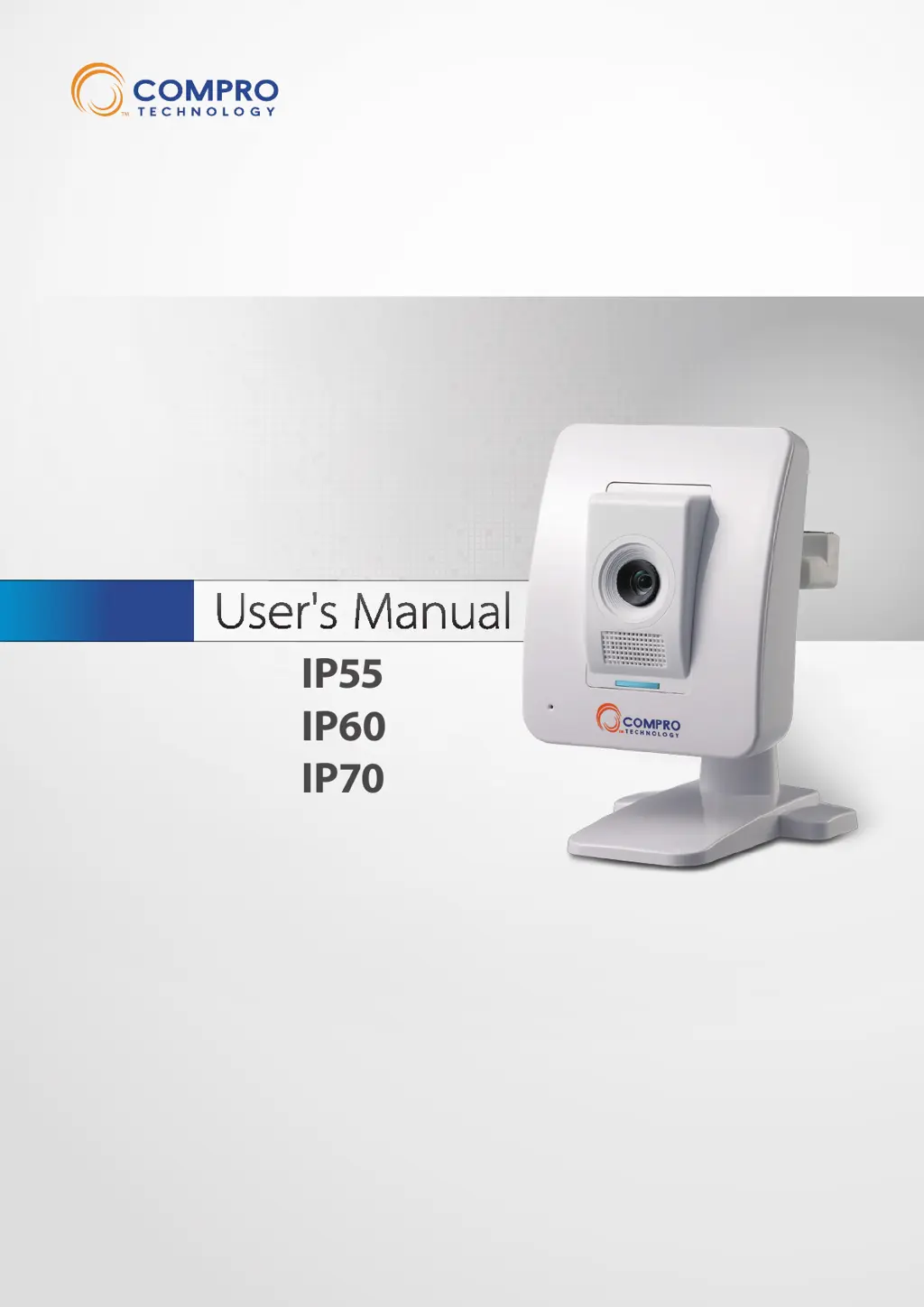
Network Camera
IP55
IP60
IP70
Model No.
V2-110328

Table of Contents

Other manuals for COMPRO IP70

Questions and Answers

Summary

Chapter 1: Important Notices

Regulatory Notice

Compliance with FCC Rules and interference statement.

Operation Safety

Guidelines for safe handling and operation of the IP camera.

Chapter 2: Product Overview

Chapter 3: Installation

Connection and Setup

Guides for cable connection and wireless setup.

Camera Mounting and Software Installation

Procedures for camera mounting and software installation.

Chapter 4: Accessing Camera

Remote Access Methods

Accessing camera via PC, mobile, and Seedonk client.

Chapter 5: Live View

Chapter 6: Configuration

Chapter 8: Maintenance

Chapter 9: Troubleshooting

Device Configuration and Reset Issues

Resolving issues with reconfiguring the device and factory reset.

General Troubleshooting and Symptoms

Common issues, causes, and solutions for network and image problems.

COMPRO IP70 Specifications

General IconGeneral
Frame RateUp to 30fps
StorageMicroSD card slot (up to 32GB)
Night VisionYes
Resolution1280x720
Lens3.6mm fixed
AudioBuilt-in microphone
ConnectivityEthernet
ProtocolsTCP/IP, UDP, HTTP, HTTPS, DHCP, DNS, DDNS, RTP, RTSP, SMTP, NTP, UPnP
Day/NightYes (IR cut filter)
Video CompressionH.264
Network Interface10/100Mbps Ethernet
Operating Humidity20%

Related product manuals