5-2
Compro IP55 / 60 / 70 Network Camera
Icons on Live View Page
Top Panel
Icons seen on the top control panel:
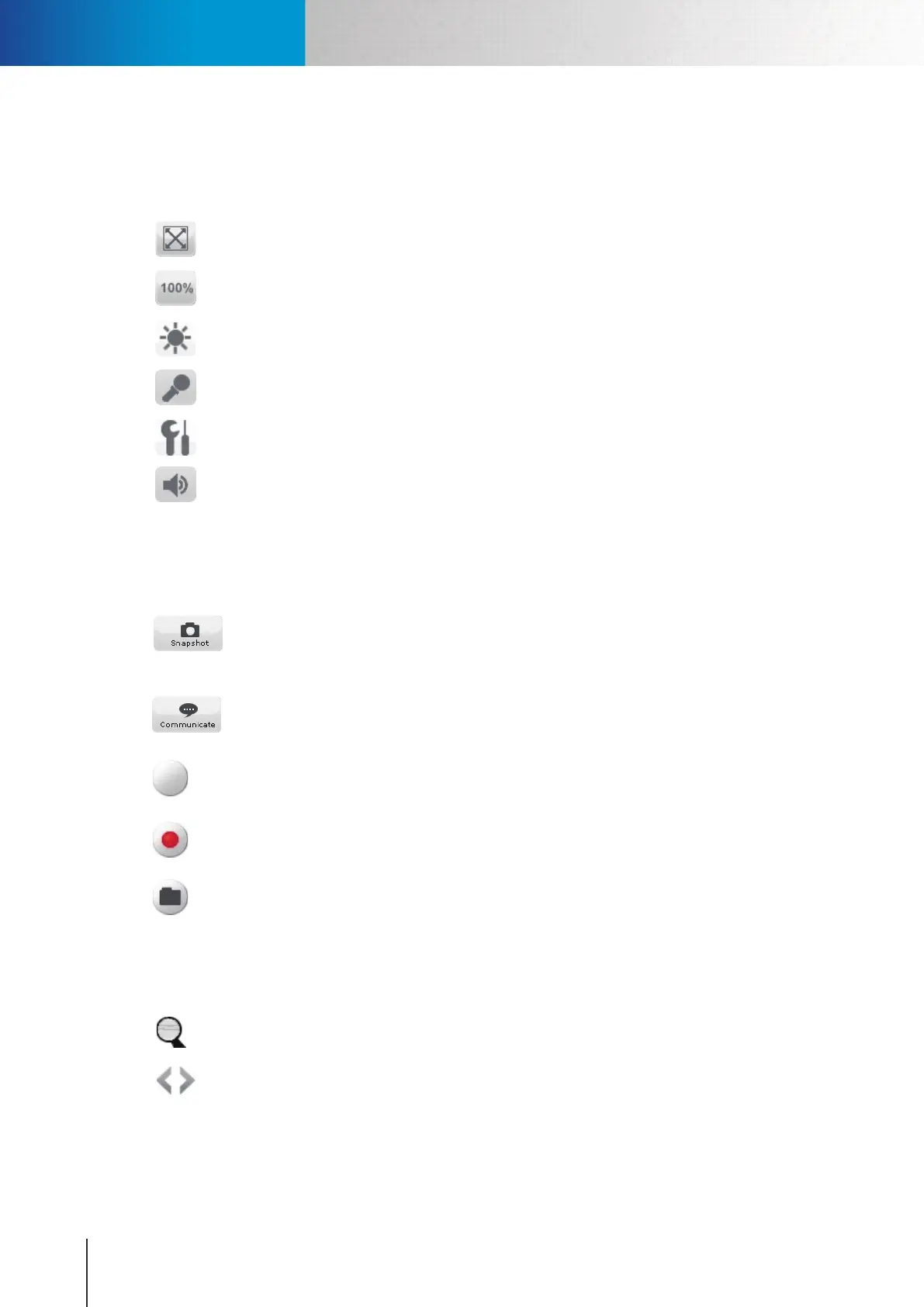
Oneoftheviewsizebuttons;TheFit Browser button resize the live video window to fit
browser size.
Oneoftheviewsizebuttons;TheActual Size button resize the live video window to original
size.
Adjusts the Brightness of camera image as you wish. Anonymous users will need to provide
user name and password of a administrator to adjust brightness setting.
Use its slider to adjust the Microphone Volume. Click on this icon to mute the built-in micro- Click on this icon to mute the built-in micro-
phone.
Click on the [Setup] button to access the main setup page of your camera.
Use its slider to adjust the Speaker Volume. Click on this icon to mute the built-in speaker.
Left Panel
Icons seen on the left control panel:
Click the Snapshot button to take a snapshot of live view. A preview window will pop up
once you hit this button (the size of the preview image is forced as 320 by 240 pixels). Right-
click on the preview image and choose 'Save Image As' to save the snapshot on your PC (the
resolution of the saved snapshot depends on the video resolution you congured in 'Setup').
This Communicate button allows you to speak into your PC microphone and broadcast
throughthecamera'sspeaker.See“VoiceCommunication”sectionfordetails
Press this button to trigger the alarm and siren connected to the Digital Out port of your
camera. Anonymous users will need to provide user name and password of a administrator to
control digital outs.
Records live video by pressing [Record] button. (If your computer can not play .mkv file
format, please download and install VLC media player or KMPlayer from the internet.)
Open a le browser to search and play back video les captured by the camera. (File format is
.mkv)
Others
Other icons seen on this page:
Digital Zoom button. Available zoom factor: 1~10x.
Click on the left/right arrow to Switch Channel.
Icons on Live View Page



 To Next Page