6-6 Audio Settings & User Settings
Compro IP55 / 60 / 70 Network Camera
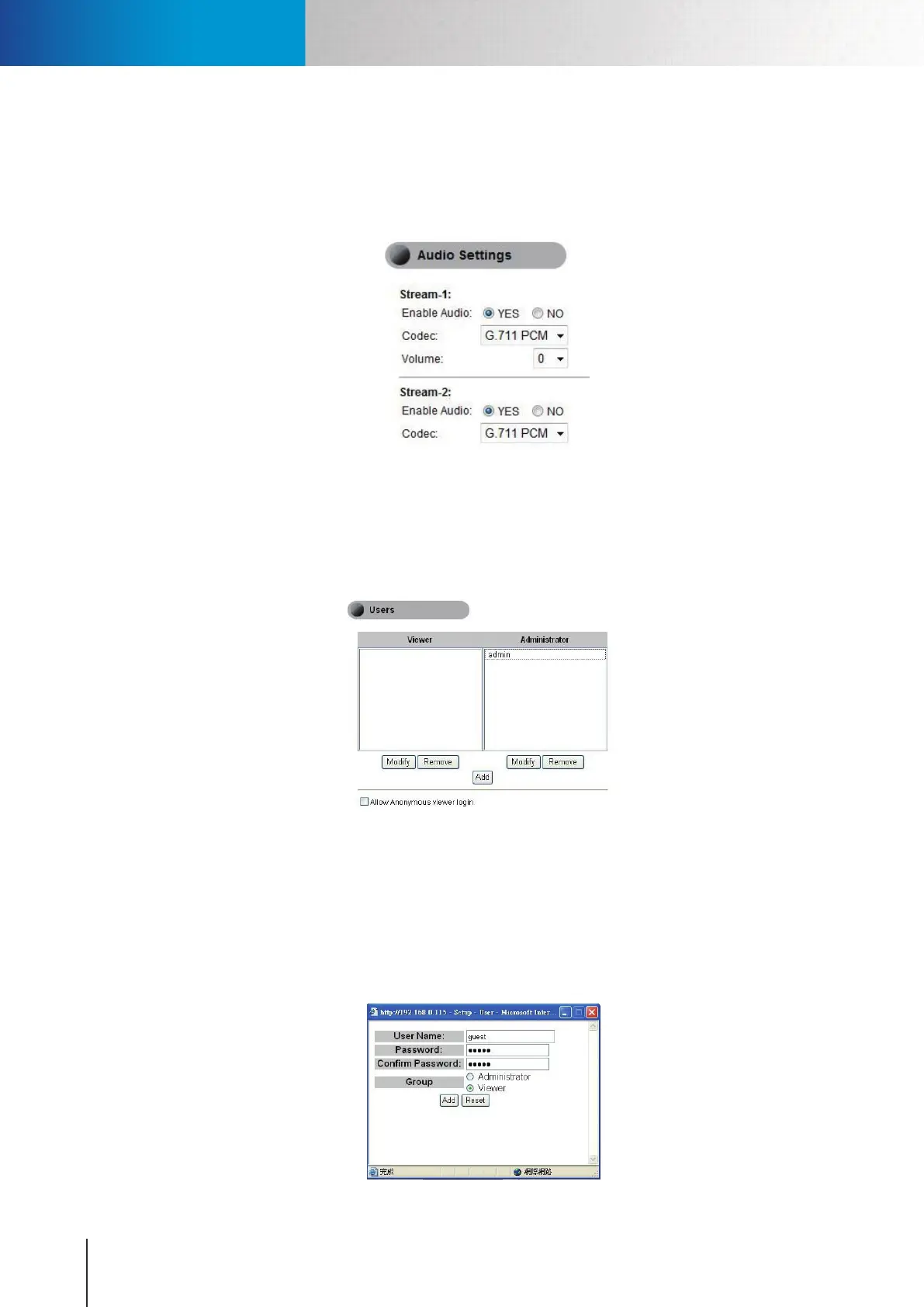
Audio Settings
Here you can choose to enable or disable the audio and also adjust the volume. The Stream-2 audio is only
available for adjustment when you turn on the 2nd Stream and check its 3GPP mode option under video
settings.
Figure 6-6. Audio settings page
User Settings
Here you can add, modify or remove viewers/administrators. The viewers are only allowed to view live video
andcan’tchangeanyofthecamerasettings.Ontheipside,theadministratorshavetherightstomakeany
changes.
Figure 6-7. Users Setting
• Modify/Remove - Click here to Modify or Remove an existing viewer.
• Add - Click here to add new viewer or administrator
• Allow anonymous viewer login - Click here to allow anonymous viewer login without requiring user
name and password, but only to allow them to view the live video.
When you add new users, you need to provide the information on user name, password and group type.
Figure 6-8. Adding/Modifying user



 To Next Page