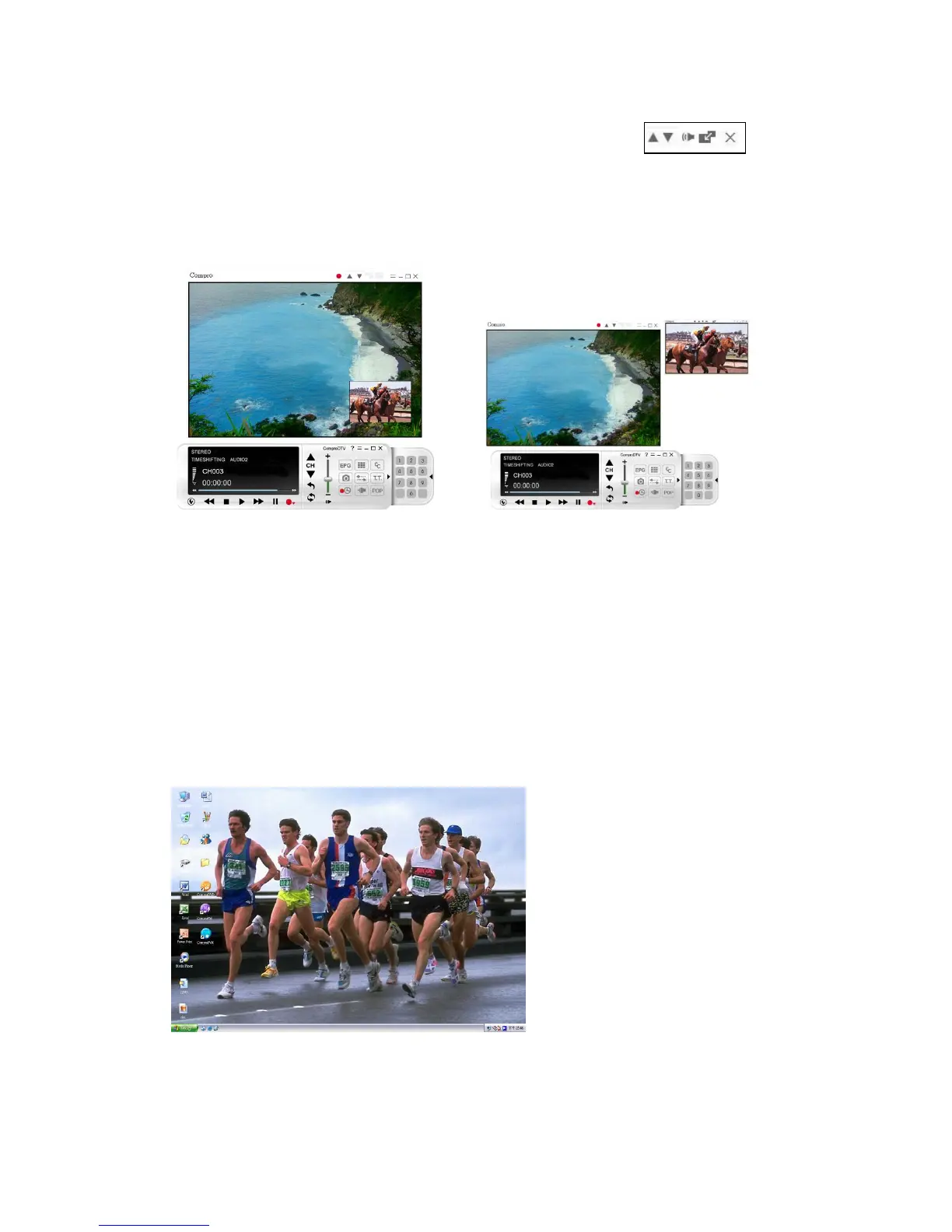
main window which is convenient for you to watch TV/Video on full screen
mode. The buttons on the upper-left corner slave window are
Channel Up, Channel Down, Mute, Windows Alignment, and Close
respectively. Slave window can be resized by mouse dragging lower-left corner
to any ratio.
Video Desktop
While watching TV, you may right-click on the TV screen and select video on
desktop or press the hotkey (F7) to activate Video Desktop mode. This mode
makes the video source as your desktop screen. It is similar with full screen but
the desktop icons and taskbar will remain on top. The following picture shows
the TV on the desktop.
For the Video Desktop feature, you need to enable the “Use Overlay
Surface” feature. OptionsVideo/AudioSelect “Use Overlay Surface”



 To Next Page