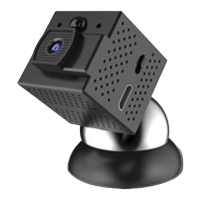
How to Use Your Conbrov T16 Camera
1. Turning the Camera On/Off
Note: If the camera switches off automatically, there are two reasons:
2. How to Record A Video or Take A Photo
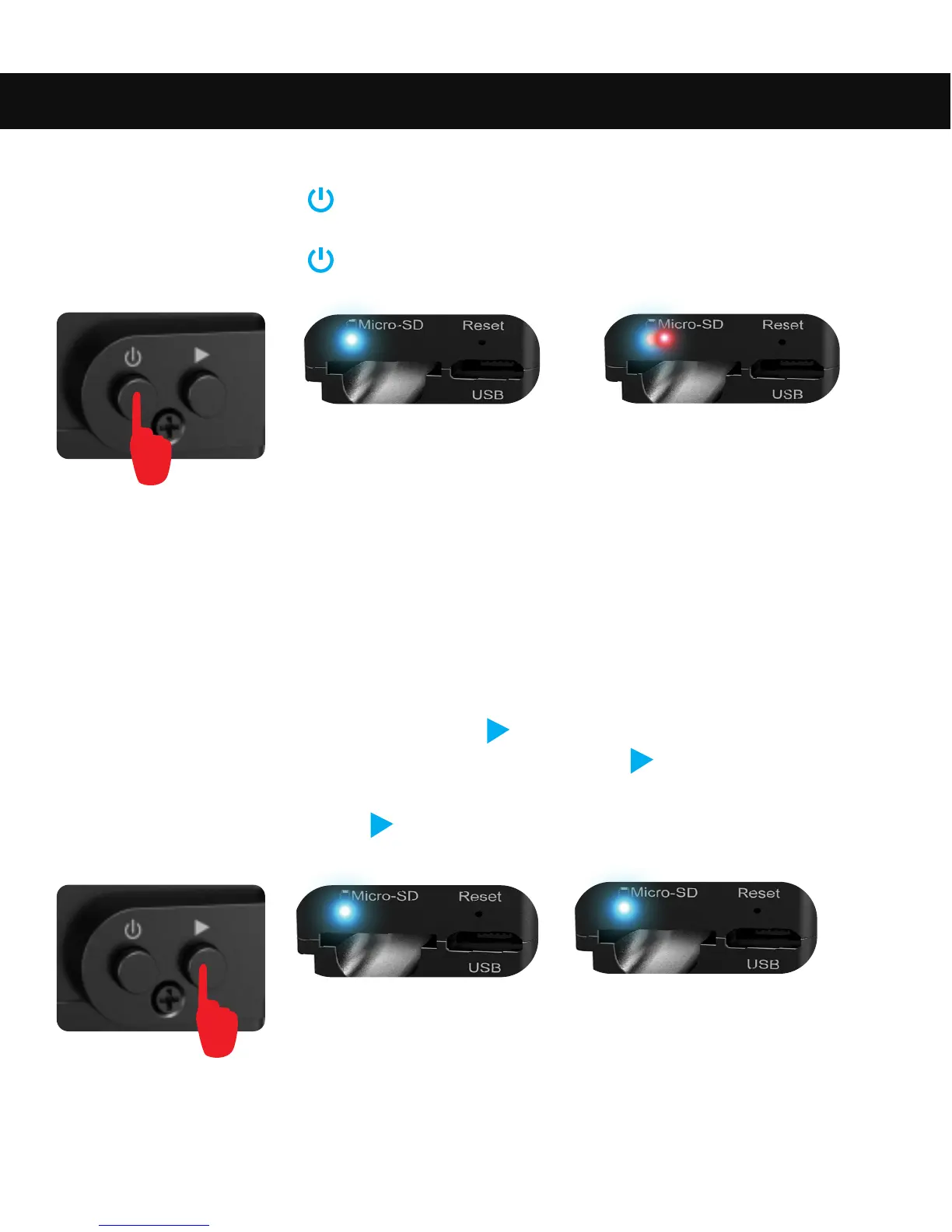
On
lights up blue and the camera
Off
flashes alternating red and blue
and then turns off
Record a Video
flash 3 times blue
Take a Photo
LED flashes once for 3 seconds blue
is in standby mode
11
Note: If no microSD is inserted, the LED will flash blue for 10 seconds.
(1) Press and hold the to switch the camera on. The LED will light up
blue, which indicates that it is in standby mode.
(1) Press and hold the to switch the camera off. The LED will flash
alternating red and blue and then turn off.
1. The battery power is too low and the camera must be charged.
2. The camera has been in standby mode without any operation for
longer than 1 minute. In this case, the camera switches off to save
battery power.
(1) In standby mode, press and hold The LED will flash blue 3 times.
A 5-minute video clip will be recorded. Press again to stop
recording, and the LED will stay blue.
(2) In standby mode, press to take a photo. The LED will flash blue
one time for 3 seconds.


 To Next Page