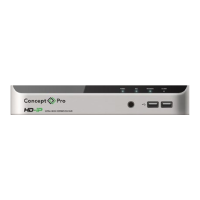
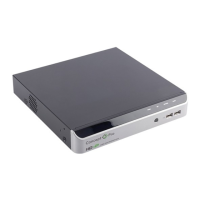
Network Video Recorder(NVR)
4 Operation Instruction
4.1 Front panel
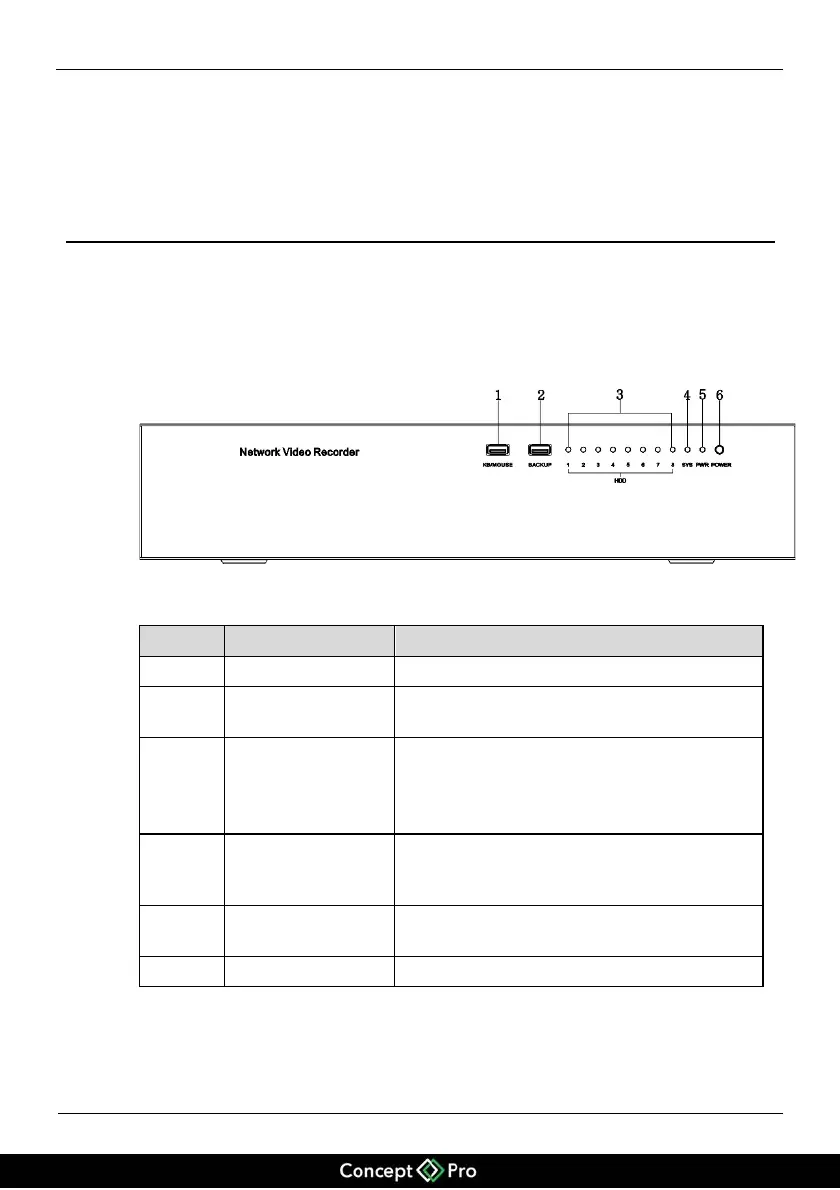
Figure 4-1 shows the front panel of the NVR and Table 4-1 describes the interfaces.
Figure 4-1 Front panel
Table 4-1 Description of the front panel
Input for USB mouse or USB keyboard
Connection interface for backup based on USB
drives or USB portable hard disks
LED indicators (blue) for hard drives installed
When a hard drive is installed, the LED
indicator is on. When a hard disk is reading or
writing data, the LED will flash.
Operation indicator (red). When the VHDIPL is
working properly, the LED indicator will be
steady.
Power indicator (red). After the NVR is
powered up, the LED indicator will be steady.
ON/OFF key of the VHDIPL.


 To Next Page