3.0
CONNECTING THE SMART WHEELS TO A CLICGEAR BUGGY
MOST CLICGEAR MODELS
PUSH MODELS ONLY
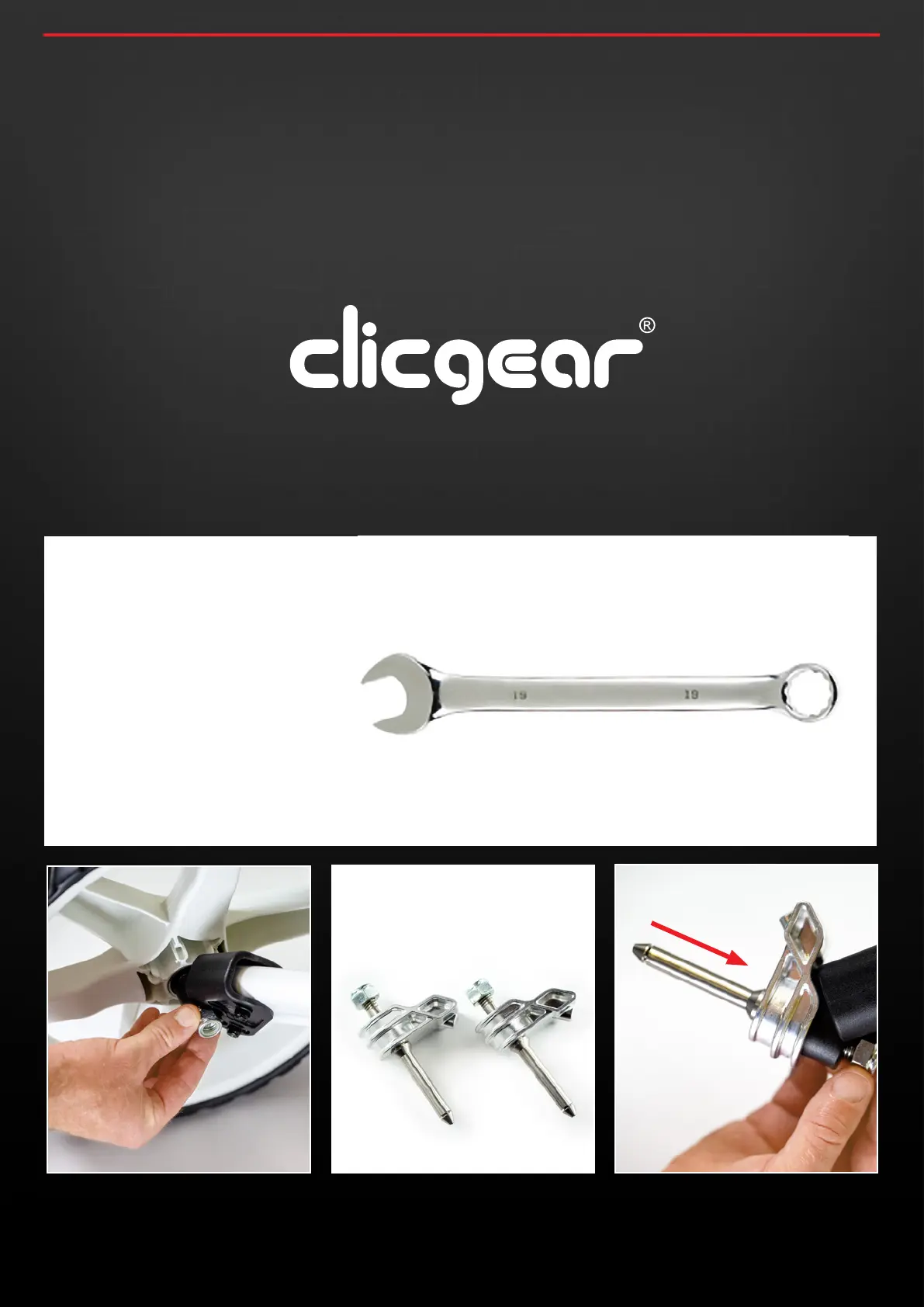
19MM RING
SPANNER REQUIRED
3.1 Position your buggy in a safe manner then remove the
original Clicgear buggy wheels by unscrewing the lock-
nut. Please ensure you use a 19mm Ring spanner to avoid
damaging the nut.
3.2 Locate the 2 metal Smart Wheel axles – Left and Right are
the same and fit on either side. You will notice for Clicgear
buggies the axles are attached using a lock nut.
3.3 Connect both Smart Wheel axles to your existing push
buggy where you removed the original buggy wheels
from as indicated below.
concoursegolf.com
8
User Instruction Manual | Version 7.0


 To Next Page